

Most "how to use a proxy" tutorials spend 800 words on theory before they show you a single line of code. This one won't. If you have a terminal and five minutes, you'll have a working scraper routing through real residential IPs by the end of this page.
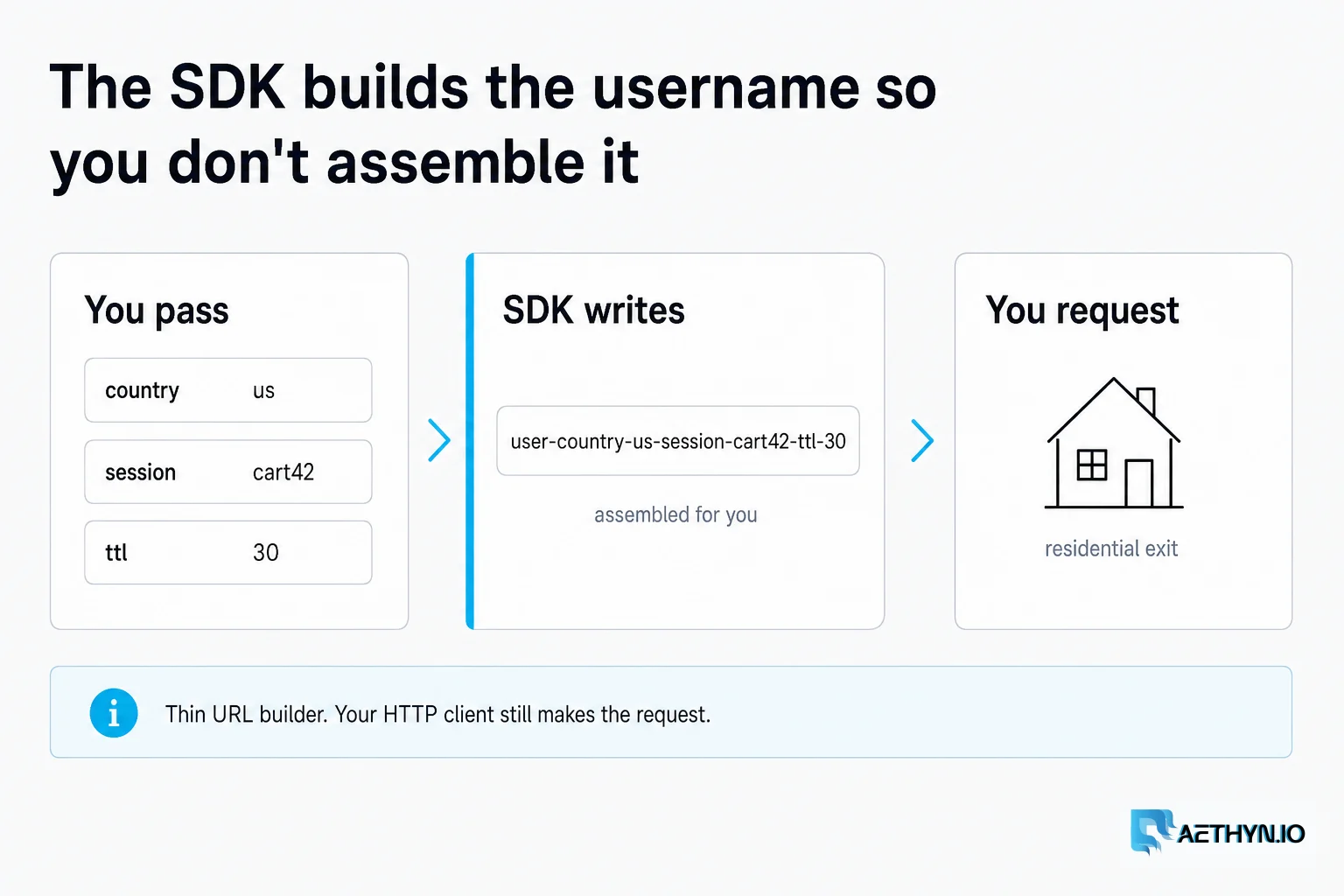
We'll use the official Aethyn SDK (proxy-builder-sdk), which is a thin wrapper around the proxy.aethyn.io gateway. It builds the right proxy URL for you — country, city, sticky sessions, protocol — so you don't have to hand-assemble username strings.
1. Install
# Node.js
npm install proxy-builder-sdk

# Python
pip install proxy-builder-sdk
2. Authenticate
Grab your username (aethyn-XXXXX) and password from the dashboard. You can pass them directly, or set AETHYN_USERNAME / AETHYN_PASSWORD in your environment and let the client pick them up.
# Python
from proxy_builder_sdk import AethynClient

client = AethynClient(username="aethyn-XXXXX", password="PASSWORD")
# or just AethynClient() if the env vars are set

// Node.js
import { AethynClient } from "proxy-builder-sdk";

const client = new AethynClient({ username: "aethyn-XXXXX", password: "PASSWORD" });
// or new AethynClient() if AETHYN_USERNAME / AETHYN_PASSWORD are set
3. Your first proxied request
Let's prove the IP is real by hitting ipify through the proxy. If the returned IP isn't yours, it's working.
# Python
import requests

p = client.proxy(country="us")
r = requests.get("https://api.ipify.org?format=json", proxies=p.proxies)
print(r.json())   # -> some residential US IP, not your server's

// Node.js — bring any HTTP client; here's undici (npm i undici). axios/got work too.
import { ProxyAgent, request } from "undici";

const p = client.proxy({ country: "us" });
const res = await request("https://api.ipify.org?format=json", {
  dispatcher: new ProxyAgent(p.url),
});
console.log(await res.body.json());
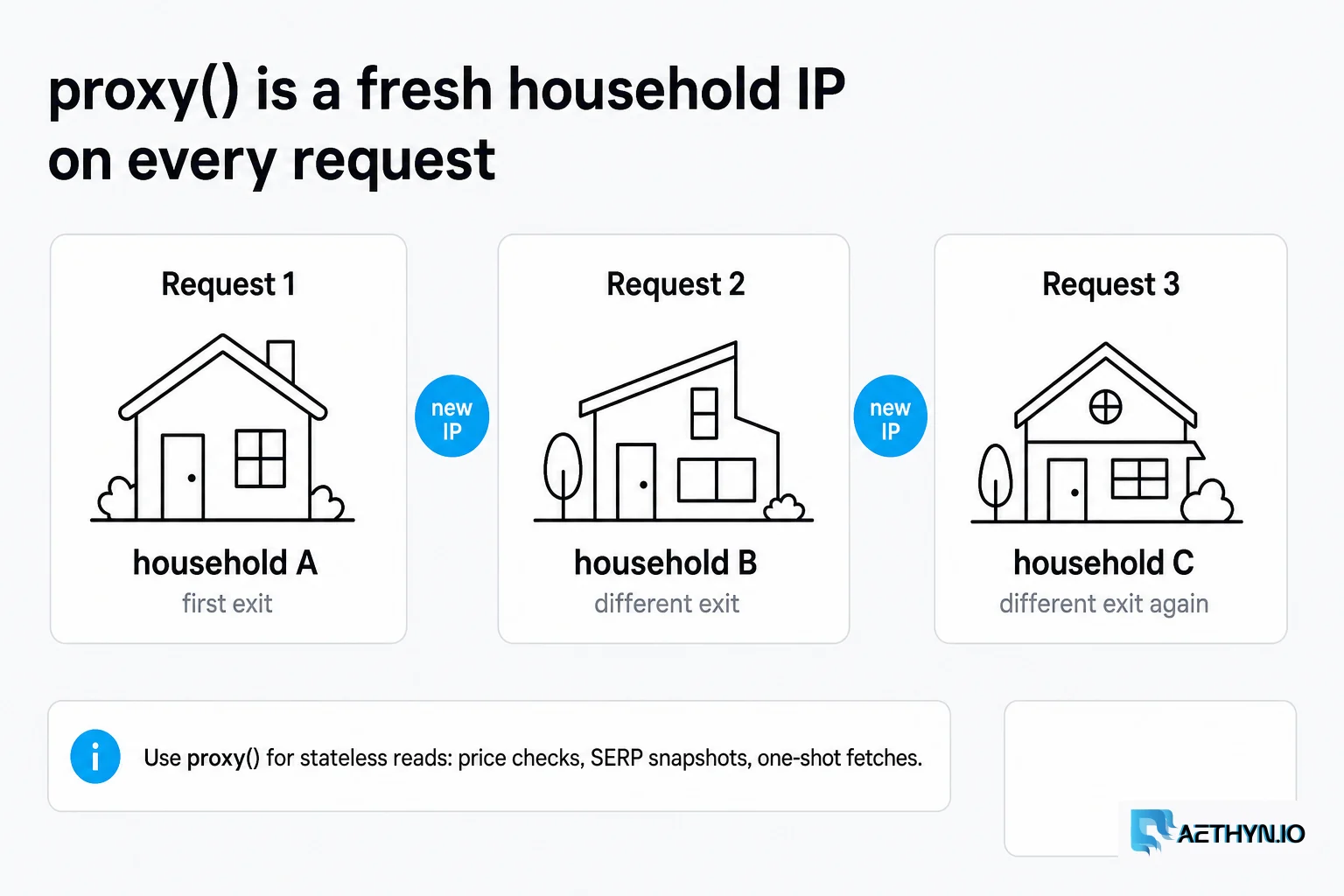
That's the whole game. client.proxy() gives you a rotating IP — a fresh residential address on every request — which is what you want for high-volume, stateless scraping like price checks or SERP snapshots. If you would rather configure Requests by hand, the Python Requests proxy guide has the raw proxies dict, SOCKS5, and 407 handling.
4. When you need the same IP: sticky sessions
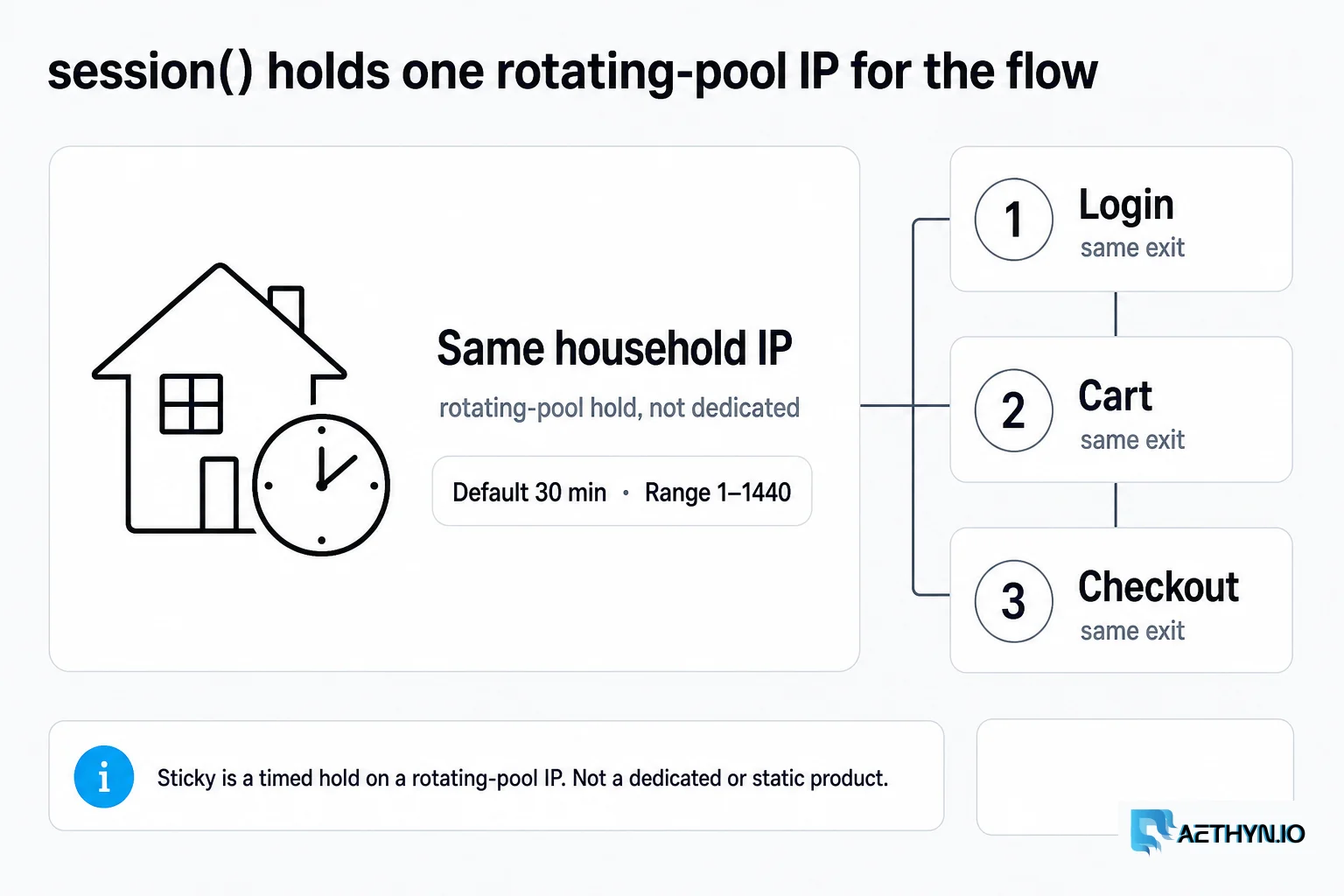
Some jobs break if your IP changes mid-task — logging in, walking through a cart, paginating behind a session cookie. For those, pin one IP for a set number of minutes with session():
# Python — same German IP for 10 minutes
p = client.session(country="de", session="cart42", ttl=10)

// Node.js — same German IP for 10 minutes
const p = client.session({ country: "de", session: "cart42", ttl: 10 });
The session label is yours to name; reuse the same label to land on the same exit IP again. When ttl expires (or you switch labels), you get a fresh one.
5. Precise targeting (Elite)
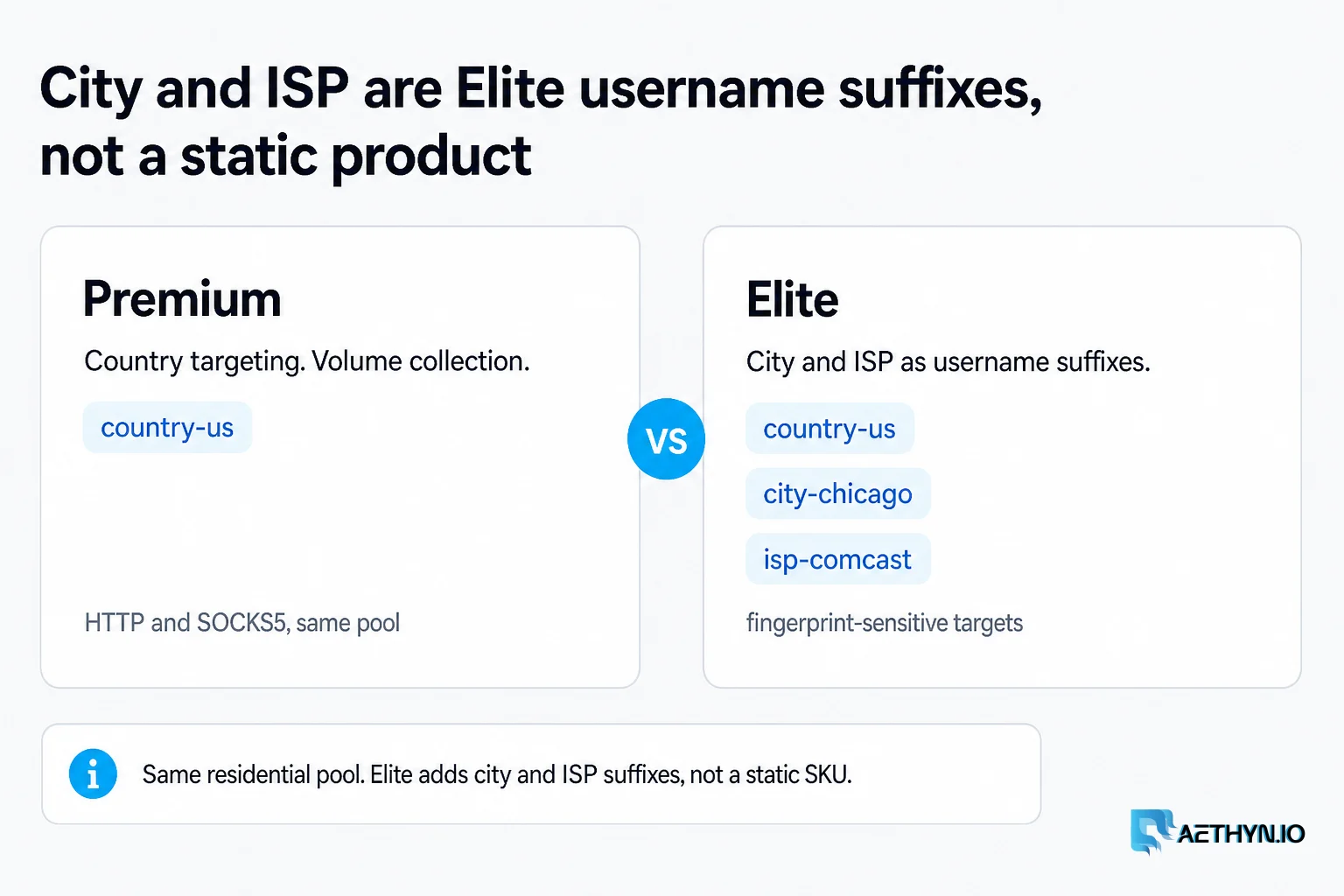
Need a specific city or ISP for fingerprint-sensitive targets? That's the Elite tier:
# Python
p = client.session(
    country="us", city="chicago", isp="comcast",
    session="run1", ttl=30, tier="elite",
)

// Node.js
const p = client.session({
  country: "us", city: "chicago", isp: "comcast",
  session: "run1", ttl: 30, tier: "elite",
});
6. JavaScript-heavy sites: drive Playwright
If the data only appears after the page's JS runs (most React/Next.js sites), point a real browser through the proxy. The SDK hands Playwright the proxy config directly:
# Python
from playwright.sync_api import sync_playwright

p = client.session(country="fr", session="s1", ttl=15, tier="elite")
with sync_playwright() as pw:
    browser = pw.chromium.launch(proxy=p.for_playwright())
    page = browser.new_page()
    page.goto("https://example.com")
    print(page.title())
    browser.close()

// Node.js
import { chromium } from "playwright";

const p = client.session({ country: "fr", session: "s1", ttl: 15, tier: "elite" });
const browser = await chromium.launch({ proxy: p.forPlaywright() });
const page = await browser.newPage();
await page.goto("https://example.com");
console.log(await page.title());
await browser.close();
For an agent-driven version of this — where the AI picks the country and holds one sticky identity per task — see the Aethyn Browser MCP, which wraps the same gateway behind Model Context Protocol tools.
7. Prefer SOCKS5?
One flag:
p = client.proxy(country="jp", protocol="socks5")   # -> socks5://...@proxy.aethyn.io:1099

const p = client.proxy({ country: "jp", protocol: "socks5" });
A real mini-example: one product, three countries
Prices and availability change by region. Here's the whole thing — check a page from the US, Germany, and Japan, each through a local residential IP:
import requests
from proxy_builder_sdk import AethynClient

client = AethynClient()  # env vars set
url = "https://api.ipify.org?format=json"  # swap for your target

for cc in ["us", "de", "jp"]:
    p = client.proxy(country=cc)
    r = requests.get(url, proxies=p.proxies, timeout=30)
    print(cc, "->", r.json())
A few things that will save you time
Rotating vs sticky is the decision that trips people up most: use proxy() (rotating) for stateless, high-volume reads; use session() (sticky) the moment a cookie, login, or multi-step flow is involved. When you hit a 403 or 429, don't hammer — rotate. With a rotating proxy that's automatic on the next request; with a sticky one, change the session label to jump to a fresh IP. And always verify your exit IP landed where you asked before you trust the page, especially for geo-specific data.
One responsible-use note, because it matters: scrape public data only, and respect each site's robots.txt, rate limits, and terms. Clean, well-behaved scraping is also more reliable scraping — you get blocked far less when you're not acting like a firehose.
Try it
New accounts get a bandwidth allowance to test both the Premium and Elite tiers — no credit card required. Grab your aethyn-XXXXX credentials, drop them into one of the snippets above, and you'll see a real residential IP come back on the first run.
→ SDK docs and reference · Start the free trial
Aethyn runs an 87M+ IP residential pool across 195 countries and 2,400+ cities, with a 99.8% success rate over the last 7 days. Premium is €2.00/GB, Elite €4.50/GB, pay-as-you-go or monthly.
Common questions about this article
Do I actually need residential proxies to scrape?
Rotating or sticky — which should I use?
Does the SDK work with my HTTP client?
What is the difference between the Premium and Elite tiers?
Is web scraping legal?
Guides, integrations & docs
Continue reading
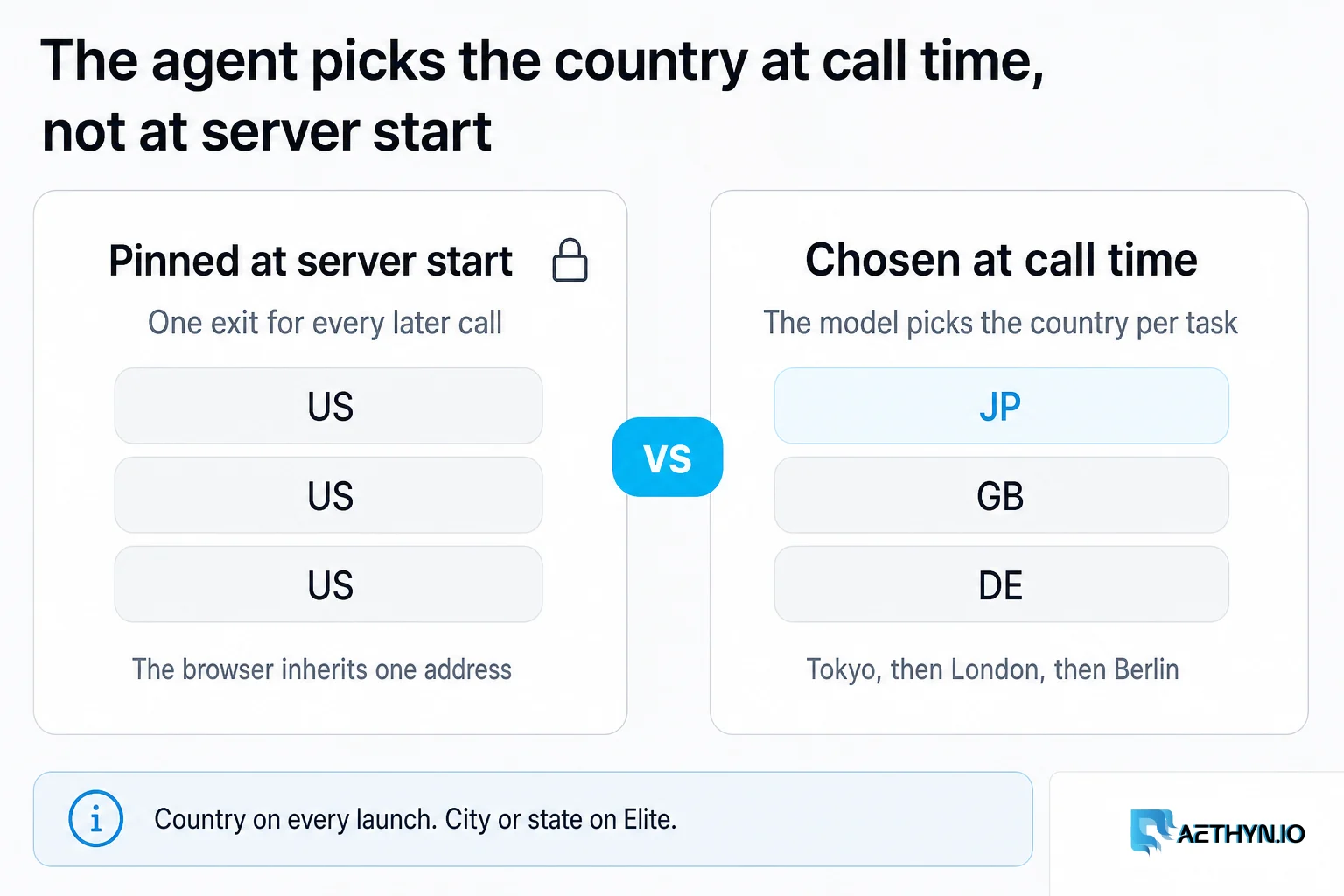
The Browser MCP Where the Agent Picks the Country
Most browser MCPs pin one exit at server startup or hide geo behind hosted infrastructure. Aethyn Browser MCP lets the AI agent choose the exit country and hold one sticky identity per task, at call time, then verify the exit actually landed before it trusts the page.
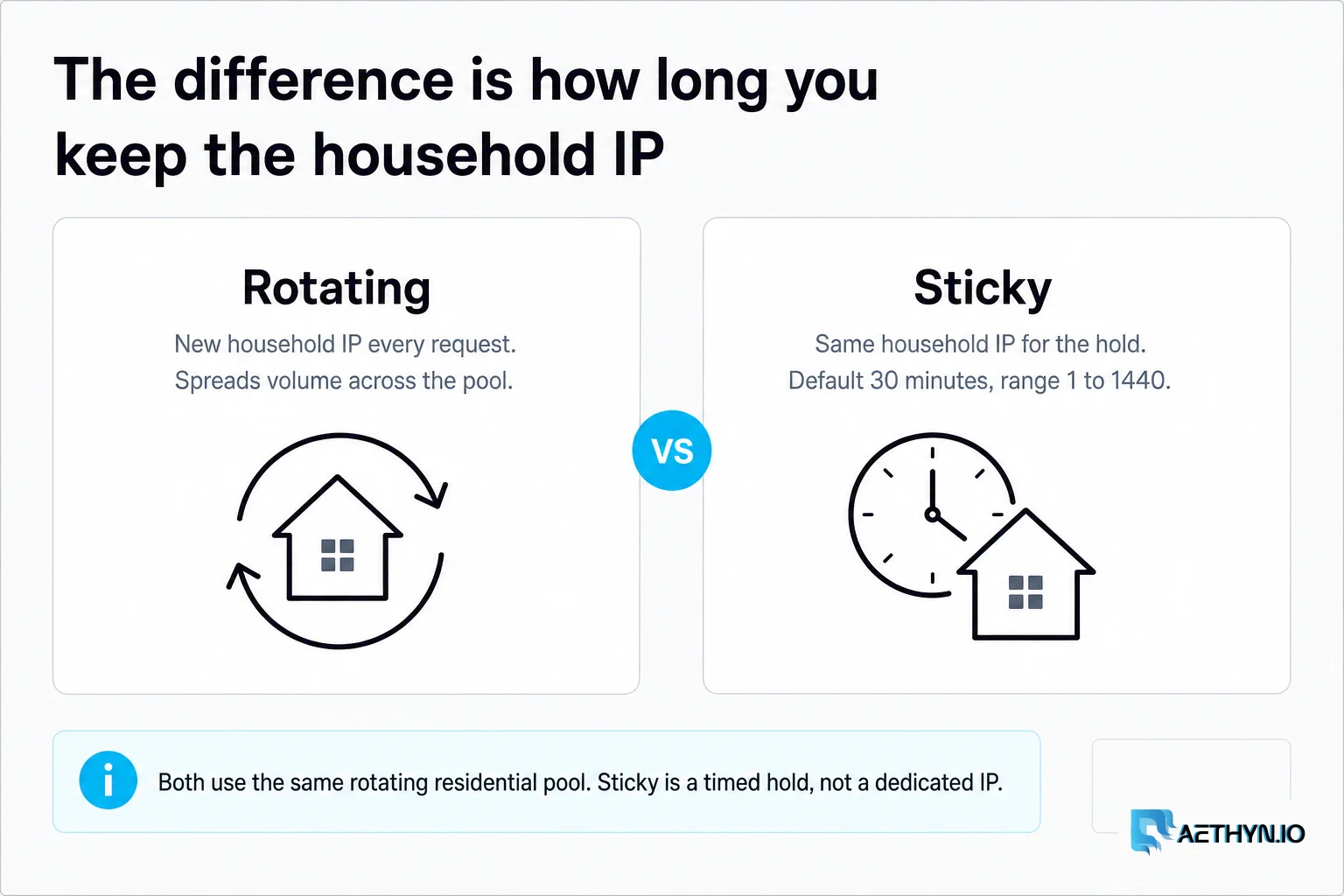
Rotating vs Static Residential Proxies: How to Choose
Rotating residential proxies give you a new household IP per request. Sticky holds that IP for 1–1440 minutes (default 30) on the same rotating pool — not a static ISP product.
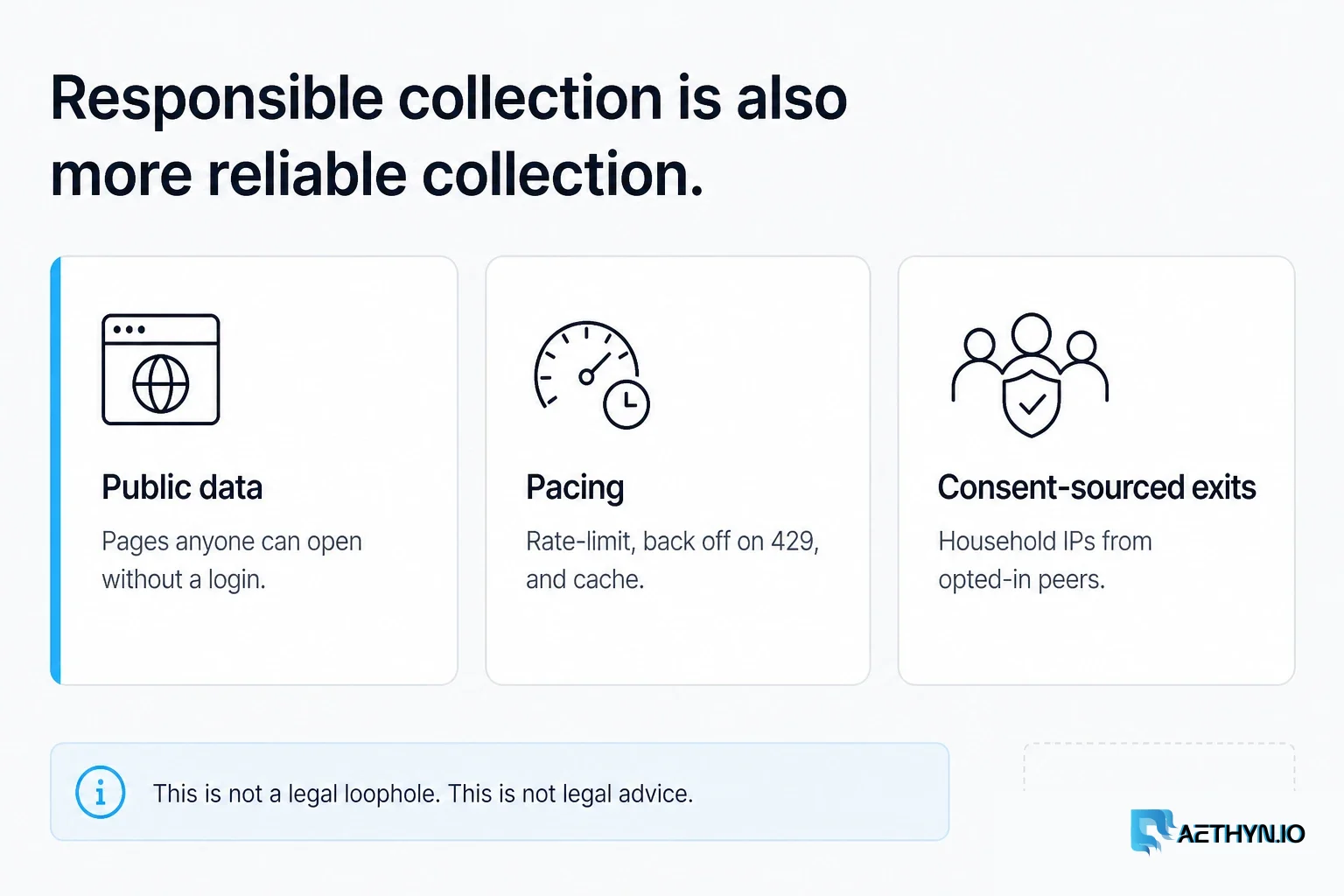
Web Scraping Legal & Ethical Best Practices (2026)
A practical guide to scraping responsibly: robots.txt, rate limiting, public vs private data, personal data, and terms of service. Not legal advice.
Scrape with real residential IPs
Install proxy-builder-sdk, drop in your credentials, and route Node or Python through country-targeted residential proxies in minutes. New accounts get a free bandwidth allowance — no card.