

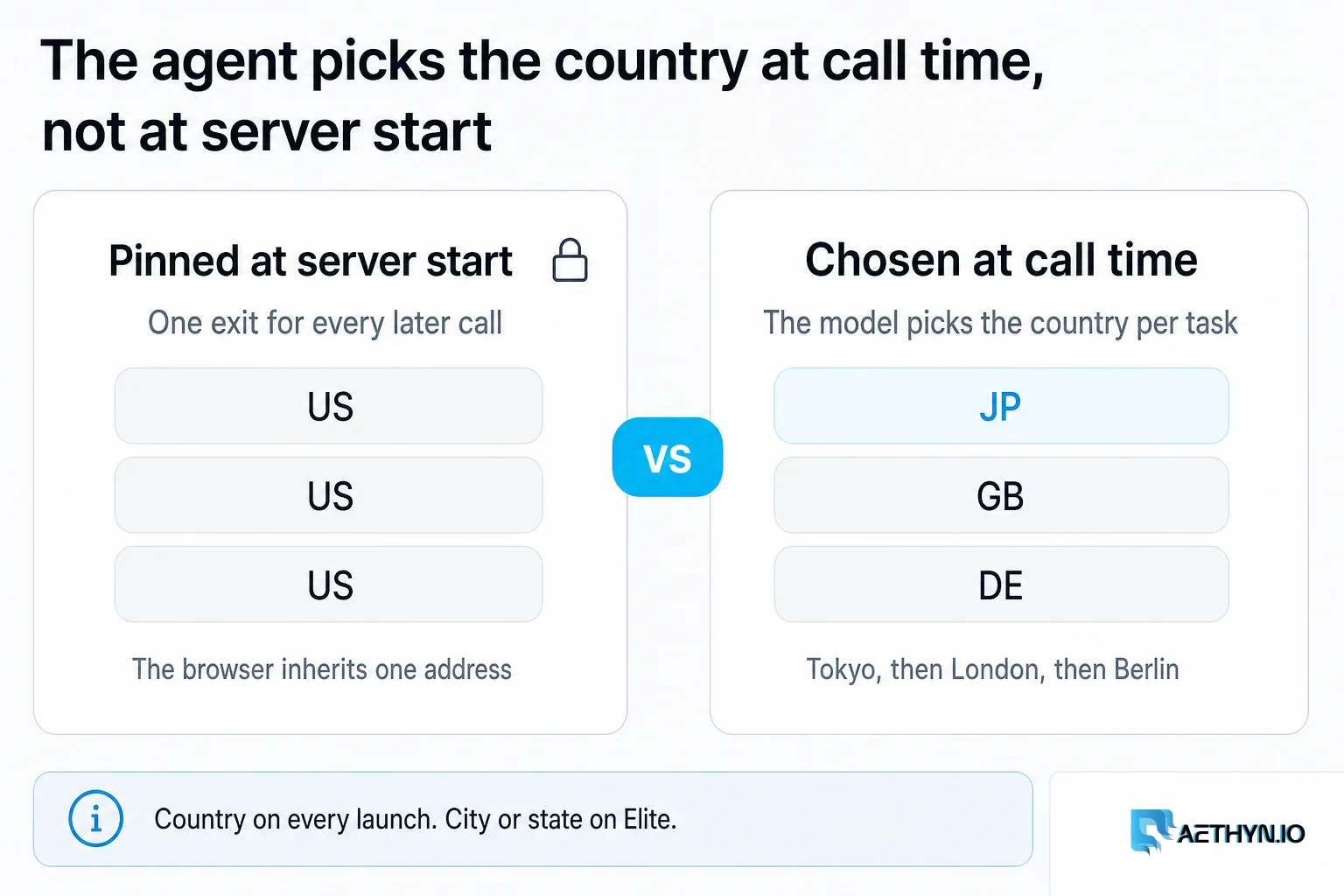
Give an AI agent a browser and it can read the web. Ask it to read the web as a shopper in Tokyo, then as one in São Paulo, then compare and most setups fall over. The browser has one address, and that address is wherever your agent happens to run. Country-gated prices, localized availability, region-specific search results — all of it comes back through a single vantage point the agent never chose and can't move.
There are browser MCP servers today, but they solve a different problem. Microsoft's Playwright MCP is excellent at driving a browser, but its proxy is a launch flag: fixed when the server starts, the same for every call the agent makes for the rest of the session. Hosted scraping MCPs go the other way and route everything through their own infrastructure, so the geography is real but opaque — you don't pick the exit and you can't verify where a given request actually landed.
Aethyn Browser MCP closes that gap. It's the browser MCP where the agent picks the exit country and holds one sticky identity per task, decided at call time, and can confirm the exit landed where it asked before it trusts a single number on the page.
What it actually is
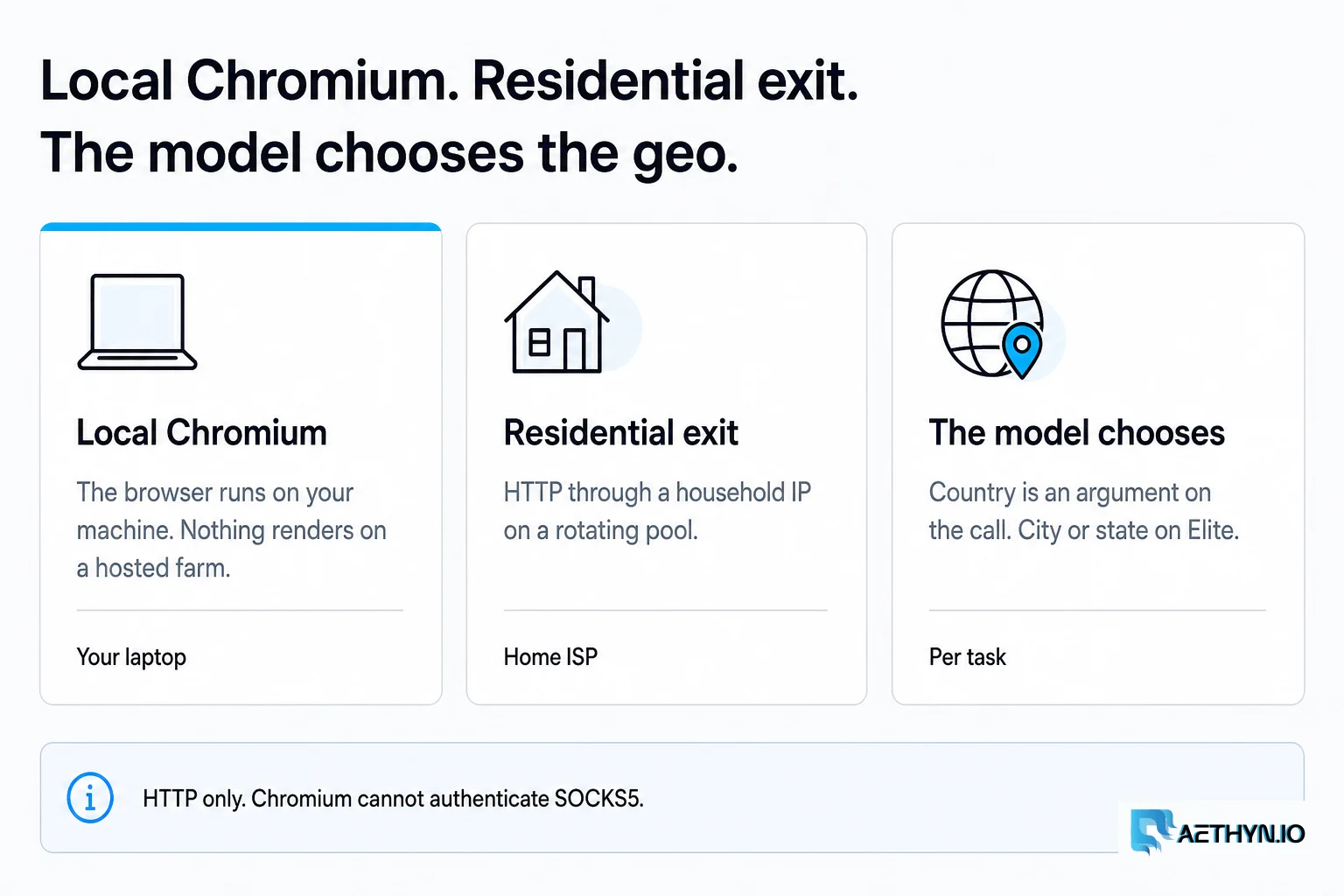
It's an MCP server (npm: aethyn-browser-mcp) that drives a local Playwright Chromium through residential proxies. Three things make it different from a generic browser tool:
- The agent steers the geography. Country — and city or state on the Elite tier — is an argument on the tool call, not a server config. The model decides, per task, where to exit.
- One sticky identity per task. Each task gets a session that pins a single exit IP for its whole lifetime, so a multi-step flow doesn't get shuffled onto a new address mid-task.
- Bring your own proxy. It defaults to Aethyn, but any HTTP proxy works through a username template. If you already have a provider, point it there and keep the agent-steerable ergonomics.
The browser runs on your machine, under your control — nothing is rendered on someone else's servers. The proxy carries only the exit traffic. It's HTTP-only by design; there's no SOCKS5 path, because Chromium can't authenticate SOCKS5 anyway.
Install in two minutes
The server ships on npm and runs through npx, so there's nothing to clone or build. Add it to your MCP client — Claude Desktop's claude_desktop_config.json or Cursor's ~/.cursor/mcp.json:
{
  "mcpServers": {
    "aethyn-browser": {
      "command": "npx",
      "args": ["-y", "aethyn-browser-mcp"],
      "env": {
        "AETHYN_USERNAME": "aethyn-XXXXX",
        "AETHYN_PASSWORD": "your-proxy-password",
        "AETHYN_DEFAULT_TIER": "premium"
      }
    }
  }
}
Restart the client and the ten aethyn_* tools appear. On first run the server downloads a Playwright Chromium build (about 170 MB, once). Your credentials come from the Aethyn dashboard and stay on your machine — they're never sent anywhere but the proxy, and the password is redacted from every error the server returns. The quickstart and authentication docs cover where to find them.
The mental model: decide the geo, prove the geo, then trust the page
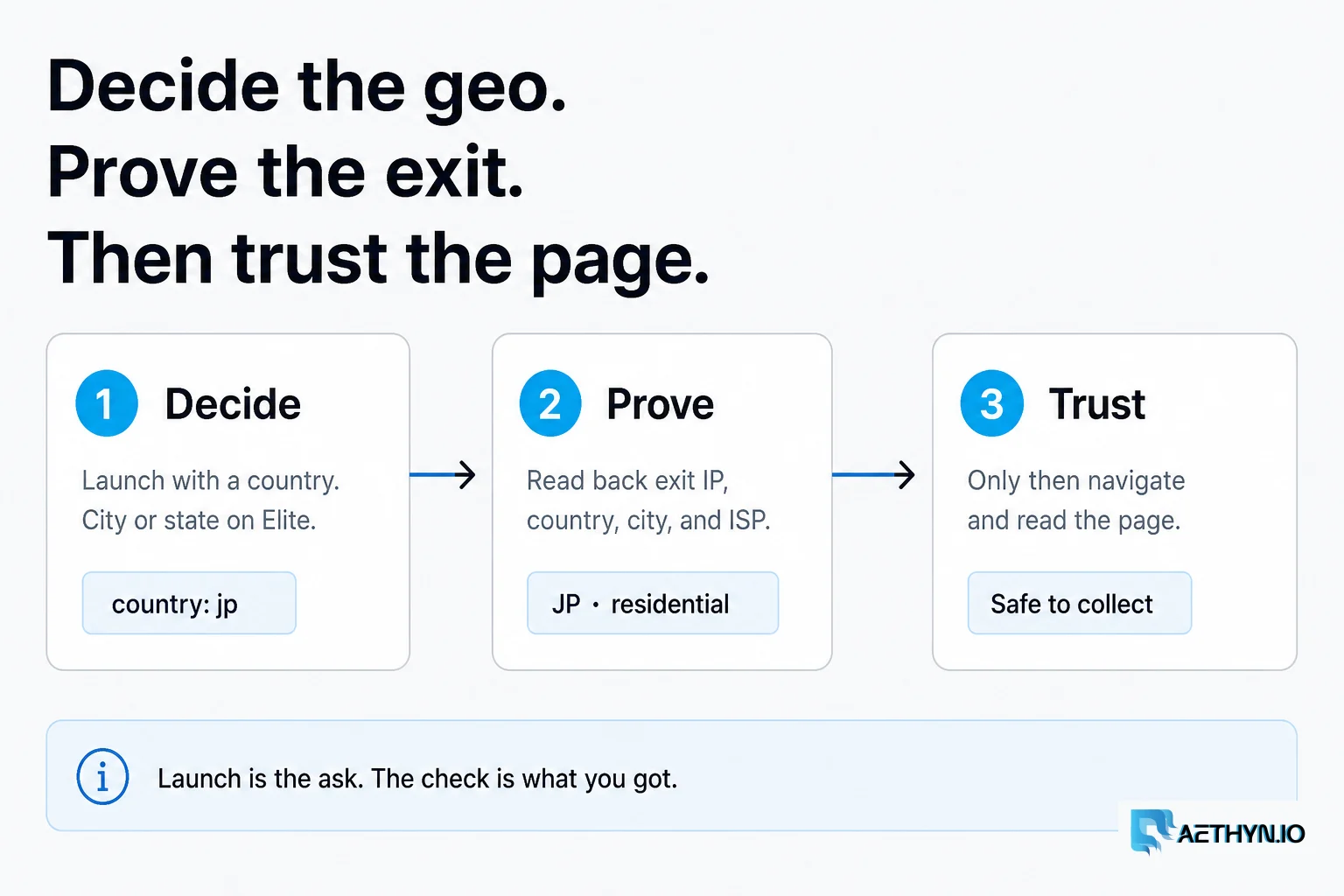
Everything the tool does hangs off one discipline. The agent decides where to exit, proves the exit actually landed there, and only then reads the page. Four tools carry the core loop, and the second one is the whole point:
- aethyn_launch_browser — open a session with a country (and city/state on Elite), a tier, and a session id. Reusing the session id pins the same exit IP; a fresh one gets a fresh identity.
- aethyn_check_exit_ip — fetch IP info through the session's own proxy and get back the exit ip, country, city, org/ASN, and a best-effort is_residential flag. This is the step the fixed-proxy and hidden-geo tools can't offer.
- aethyn_navigate — go to a URL, wait for load, and return the HTTP status, final URL, and title, so the agent notices a redirect to a region gate before it reads anything.
- aethyn_get_content — return the page cleaned for reading (markdown by default). For interactive pages, aethyn_snapshot returns an accessibility tree with stable ref handles that aethyn_click and aethyn_type act on — so the agent works from structure, not screenshots.
Two more round it out: aethyn_new_identity rotates to a fresh exit IP in the same country and clears cookies, and aethyn_list_countries lets the agent discover exit options at runtime instead of hardcoding a list. aethyn_close frees the browser context when a task is done.
The examples below are the loop in practice. Every tool call is real; the IPs are RFC 5737 documentation ranges, and the sites are placeholders — swap in your own public targets.
Example 1 — A price, read from three countries
The classic case: a storefront localizes by the visitor's IP, and you want the price it shows shoppers in different markets. One sticky session per country, each exit verified before its price is trusted.
The ask an agent receives:
Compare the public listing price of https://shop.example.com/p/aurora-headphones as shown to shoppers in the US, the UK, and Germany. Verify each exit landed in the right country, then give me a table of price and currency by country.
The agent runs the same five-call block per country:
aethyn_launch_browser  { "country": "us", "session": "price_us", "tier": "premium", "lifetime_min": 10 }
aethyn_check_exit_ip   { "session_id": "price_us" }
    -> { "ip": "198.51.100.24", "country": "US", "is_residential": true }   // assert country === "US"
aethyn_navigate        { "session_id": "price_us", "url": "https://shop.example.com/p/aurora-headphones" }
    -> { "status": 200, "final_url": ".../p/aurora-headphones", "title": "Aurora ANC Headphones" }
aethyn_get_content     { "session_id": "price_us", "format": "text" }   // pull price + currency
aethyn_close           { "session_id": "price_us" }
Then it repeats with country: "gb" / session: "price_gb" and country: "de" / session: "price_de", and aggregates the rows itself — that roll-up is agent-side synthesis, no MCP call. The result:
| Country | Verified exit | Price | Currency |
|---|---|---|---|
| US | US · residential | 149.00 | USD |
| GB | GB · residential | 129.00 | GBP |
| DE | DE · residential | 139,00 | EUR |
The value isn't just that the agent visited three geographies — it's that every row was confirmed to have exited in the right country before its price was recorded. A comparison table is only as trustworthy as the vantage point behind each number, and the verify step is what makes it trustworthy. (Two things that trip people up: EU locales use decimal-comma pricing, so normalize before you compare; and if a site localizes by a URL path or currency query-param instead of by IP, vary the navigate URL per country rather than relying on the exit alone.)
Example 2 — Prove the exit before you trust the page
aethyn_check_exit_ip earns its own example, because it's the difference between a geo-accurate result and a plausible-looking wrong one. Launch tells you what you asked for; the check tells you what you got.
Before you read anything, confirm my session is really exiting in Japan — the right country and a residential ISP, not a datacenter. If it didn't land JP-residential, rotate and re-verify. Then load the page.
aethyn_launch_browser  { "country": "jp", "session": "jp_qa", "lifetime_min": 15 }
    -> { "session_id": "jp_qa", "country": "jp", "tier": "premium", "sticky": true, "lifetime_min": 15 }

aethyn_check_exit_ip   { "session_id": "jp_qa" }          // THE GATE — call this first
    -> { "ip": "203.0.113.77", "country": "JP", "city": "Osaka", "org": "AS2516 KDDI", "is_residential": true }

// country === "JP" and is_residential looks right -> safe to proceed.
// If it had returned, say, "country": "SG" or a hosting ASN:
aethyn_new_identity    { "session_id": "jp_qa" }          // fresh JP exit, cookies cleared
aethyn_check_exit_ip   { "session_id": "jp_qa" }          // re-verify, then navigate
is_residential is an honest best-effort heuristic read from the ASN and org — treat it as a signal, not a contract. The point is that the agent can catch a wrong-country or datacenter exit and correct it, instead of silently logging a poisoned data point. No fixed-proxy or hosted-geo tool gives the agent that check.
Example 3 — One sticky identity across a multi-step flow
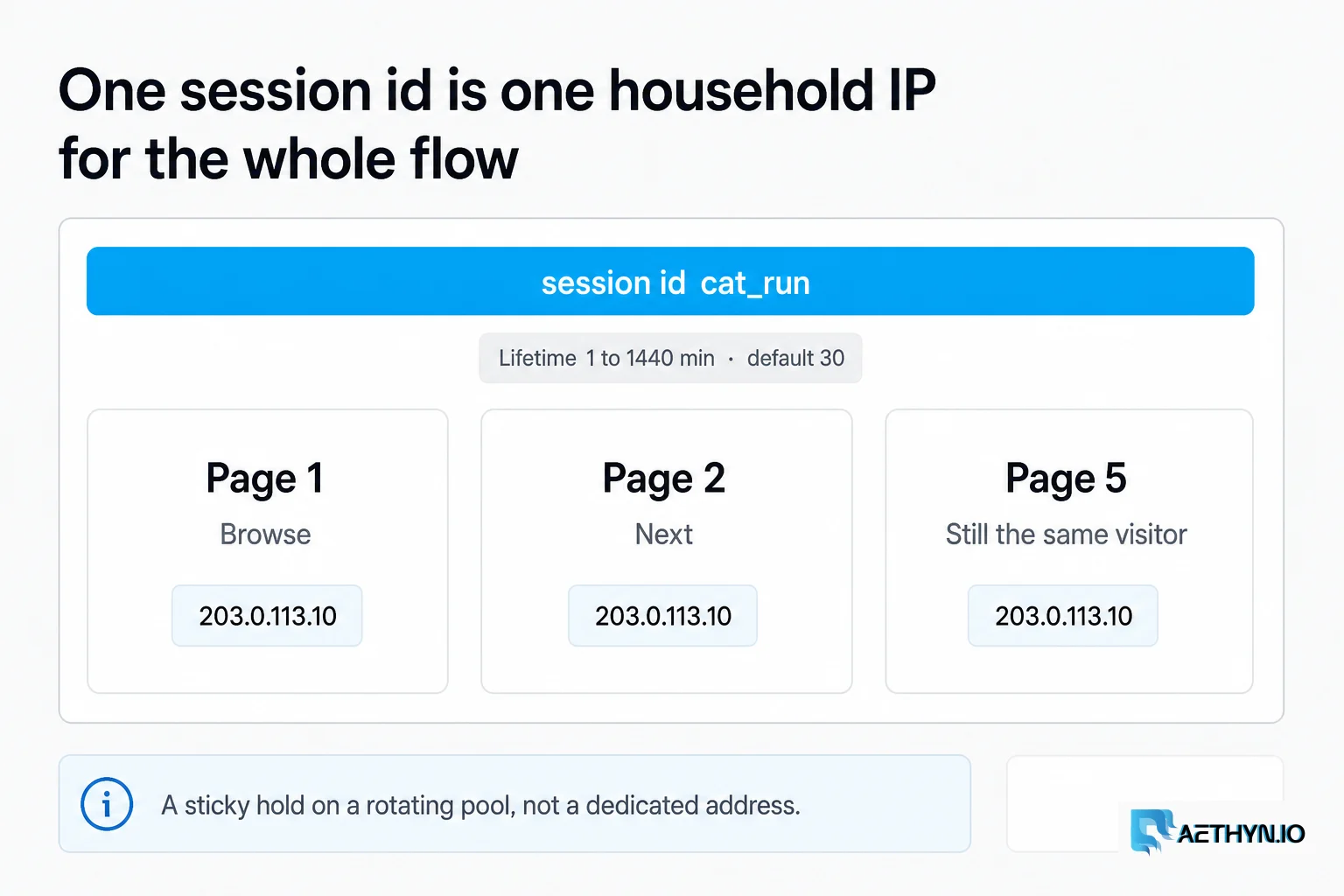
Rotating IPs are great for spreading reads; they're wrong for a flow that has to look like one continuous visitor. Paging through a public catalog, stepping through a wizard, or reading results that depend on earlier state all want a single pinned exit. That's what the session id buys you: reuse it and every call rides the same IP for the lifetime window.
Walk pages 1 through 5 of the public catalog at https://catalog.example.com/browse from one German visitor, and collect the item titles on each page.
aethyn_launch_browser  { "country": "de", "session": "cat_run", "lifetime_min": 20 }
aethyn_check_exit_ip   { "session_id": "cat_run" }        // confirm DE before starting
aethyn_navigate        { "session_id": "cat_run", "url": "https://catalog.example.com/browse" }
aethyn_get_content     { "session_id": "cat_run", "format": "markdown" }   // page 1 titles

aethyn_snapshot        { "session_id": "cat_run" }        // find the "Next" control -> [ref=e42]
aethyn_click           { "session_id": "cat_run", "ref": "e42" }
aethyn_get_content     { "session_id": "cat_run", "format": "markdown" }   // page 2 titles
// ...repeat snapshot -> click "Next" -> get_content for pages 3-5, same session, same IP...
aethyn_close           { "session_id": "cat_run" }
Because every call reuses cat_run, the site sees one visitor paging naturally — not five strangers hitting deep pages out of nowhere. The lifetime_min is the sticky window in minutes (1 to 1440); the token is called lifetime, never ttl. Keep it public and paced — this is catalog browsing, not login automation.
Example 4 — Rotate on a soft block
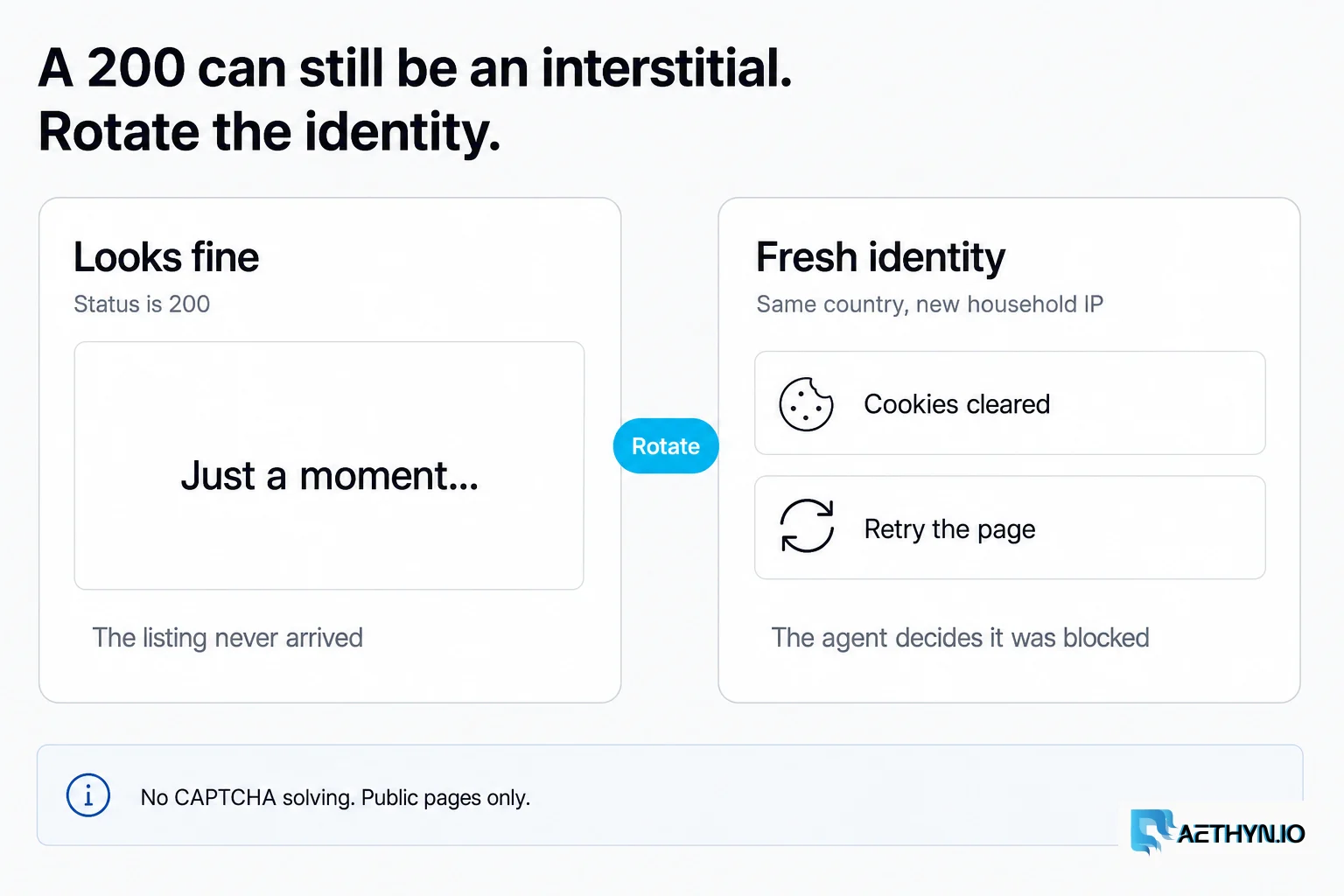
Sometimes a page comes back 200 but nearly empty, or with an interstitial. The server deliberately does not pre-judge that for you — it hands back the status and content and lets the agent decide, so it never cries wolf on a legitimately thin page. When the agent reads the content and concludes it's blocked, a fresh identity is one call away.
aethyn_navigate     { "session_id": "task1", "url": "https://www.example.com/listing" }
    -> { "status": 200, "final_url": ".../listing", "title": "Just a moment..." }
aethyn_get_content  { "session_id": "task1", "format": "text" }
    -> content is an interstitial, not the listing  ->  agent decides: blocked

aethyn_new_identity { "session_id": "task1" }     // new exit IP, same country, cookies cleared
aethyn_navigate     { "session_id": "task1", "url": "https://www.example.com/listing" }   // retry
And to be explicit: there is no CAPTCHA-solving tool here. If a real challenge fires, the right move is to read it and stop, not to bypass it. Rotating a residential identity is for shaking a soft rate-limit on public data — not for defeating a wall the site put up on purpose.
The pattern that scales it: discover, then loop
Chain those pieces and you get a repeatable pipeline. Instead of hardcoding which countries to hit, the agent asks the tool at runtime, then loops:
aethyn_list_countries  { "with_cities": false }
    -> { "count": 195, "countries": [ { "code": "us", "name": "United States" }, ... ] }

// for each country the task cares about:
//   launch (own session id)  ->  check_exit_ip (assert country)  ->  navigate  ->  get_content  ->  close
// then aggregate the verified per-country datapoints into one table or chart.
The full end-to-end version — exact arguments, the verify gate, and the aggregation step — lives in the Browser MCP docs alongside seven other worked examples: geo-diffed search results, localized QA (does a .co.jp storefront actually render yen and Japanese?), city-level Elite targeting, and more. The shape covers a lot: availability and shipping that flip by region, ad and content variants that only render to in-country visitors, or SERP snapshots taken from the country they'd appear in.
Tiers: Premium, Elite, and the one gotcha
Aethyn exposes two residential tiers, each on its own HTTP port. Premium (2099) routes by country. Elite (5499) adds city and state targeting for tasks that need a specific metro. The agent can pick per call with tier: "elite", or you set a default:
The one thing that trips people up: set AETHYN_DEFAULT_TIER to match your plan. It defaults to premium, so if your account is Elite and you leave it, traffic hits the Premium port and the proxy rejects auth with a 407 — even though the browser launched fine. City and state targeting are Elite-only; asking for a city on Premium is refused. The targeting guide covers where each tier fits.
Bring your own proxy
Aethyn is the default, not a lock-in. Point PROXY_HOST at any HTTP proxy and describe its username format with a template — the placeholders are filled from the agent's call, and any [ ... ] segment drops out when its value is empty (so city and state only appear when supplied):
{
  "mcpServers": {
    "browser": {
      "command": "npx",
      "args": ["-y", "aethyn-browser-mcp"],
      "env": {
        "PROXY_HOST": "gate.your-provider.com",
        "PROXY_PORT": "7000",
        "PROXY_USERNAME": "your-user",
        "PROXY_PASSWORD": "your-pass",
        "PROXY_USERNAME_TEMPLATE": "{username}-country-{country}[-city-{city}]-session-{session}-lifetime-{lifetime}"
      }
    }
  }
}
The agent-steerable interface stays identical; only the exit network changes underneath. For a plain fixed proxy with no geo in the username, set the template to {username}.
The guardrails, stated plainly
This is a tool for reading public data, and it's built to stay there. It expects you to respect robots.txt, rate limits, and each site's terms — being able to reach a page doesn't mean you should scrape it, and a residential IP firing dozens of requests a second is still obviously a bot. There is no CAPTCHA-solving tool — not hidden, not on request; it simply isn't part of the surface. It doesn't automate logins or credential walls.
And we won't dress up the network with numbers. What we'll stand behind is the tool: per-task geo the agent controls, one sticky identity per task, an exit you can verify before you trust it, and the option to bring your own proxy. Those are properties you can test in five minutes, which is the only kind of claim worth making.
Where to get it
Install it from npm, read the source on GitHub, or find it in the Glama and mcp.so registries. Drop the config block into your MCP client, add your Aethyn credentials, and your agent can pick a country on its next tool call. Start with the full Browser MCP docs for every tool and eight worked examples, the quickstart, and a free account — the trial needs no card.
For the bigger picture of why steerable, verifiable exits matter as agents take over more of the browsing, read Proxies and AI in 2026: Where They Actually Intersect.
Common questions about this article
How is this different from Microsoft's Playwright MCP?
Does the agent really pick the country at call time?
Can I use my own proxy provider instead of Aethyn?
Does it solve CAPTCHAs or log into sites?
What is the difference between the Premium and Elite tiers?
Is the browser local or hosted somewhere?
Guides, integrations & docs
Continue reading

Proxies and AI in 2026: Where They Actually Intersect
AI runs on web data, the web now defends itself with machine learning, and AI agents are becoming real traffic. A concrete, hype-free look at where residential proxies fit in the AI stack — and where they don't.

Rotating vs Static Residential Proxies: How to Choose
Rotating residential proxies give you a new household IP per request. Sticky holds that IP for 1–1440 minutes (default 30) on the same rotating pool — not a static ISP product.

Web Scraping Legal & Ethical Best Practices (2026)
A practical guide to scraping responsibly: robots.txt, rate limiting, public vs private data, personal data, and terms of service. Not legal advice.
Let your agent pick the country
Install aethyn-browser-mcp, add your credentials, and your agent can choose an exit country and hold a sticky identity on its next tool call. Create a free account and read the full runnable examples in the docs.