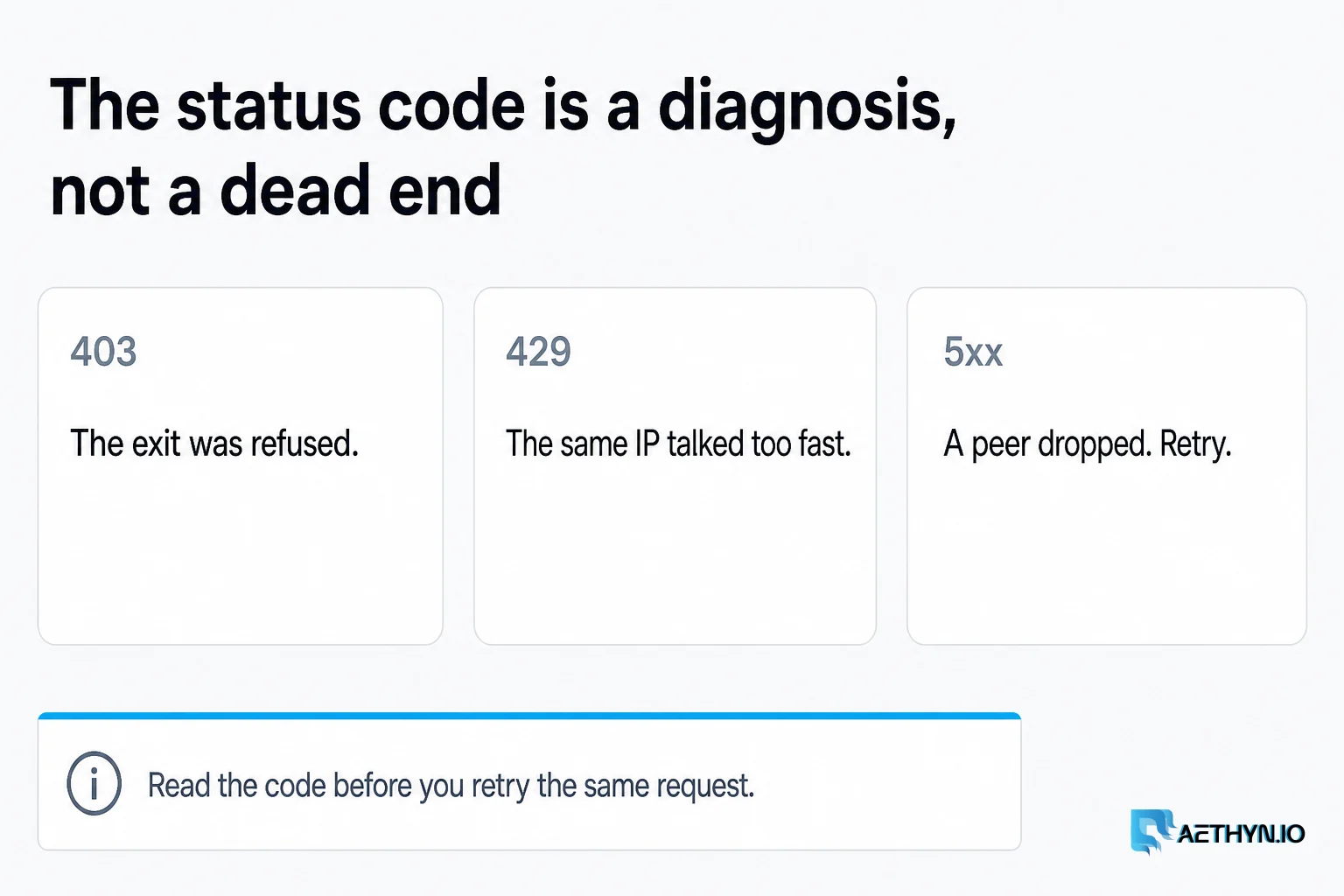
Debugging a scraping pipeline is hard enough without cryptic HTTP status codes. If you're seeing errors instead of data, it's time to decode what the server is trying to tell you.
Here are the most common proxy errors and exactly how to resolve them.
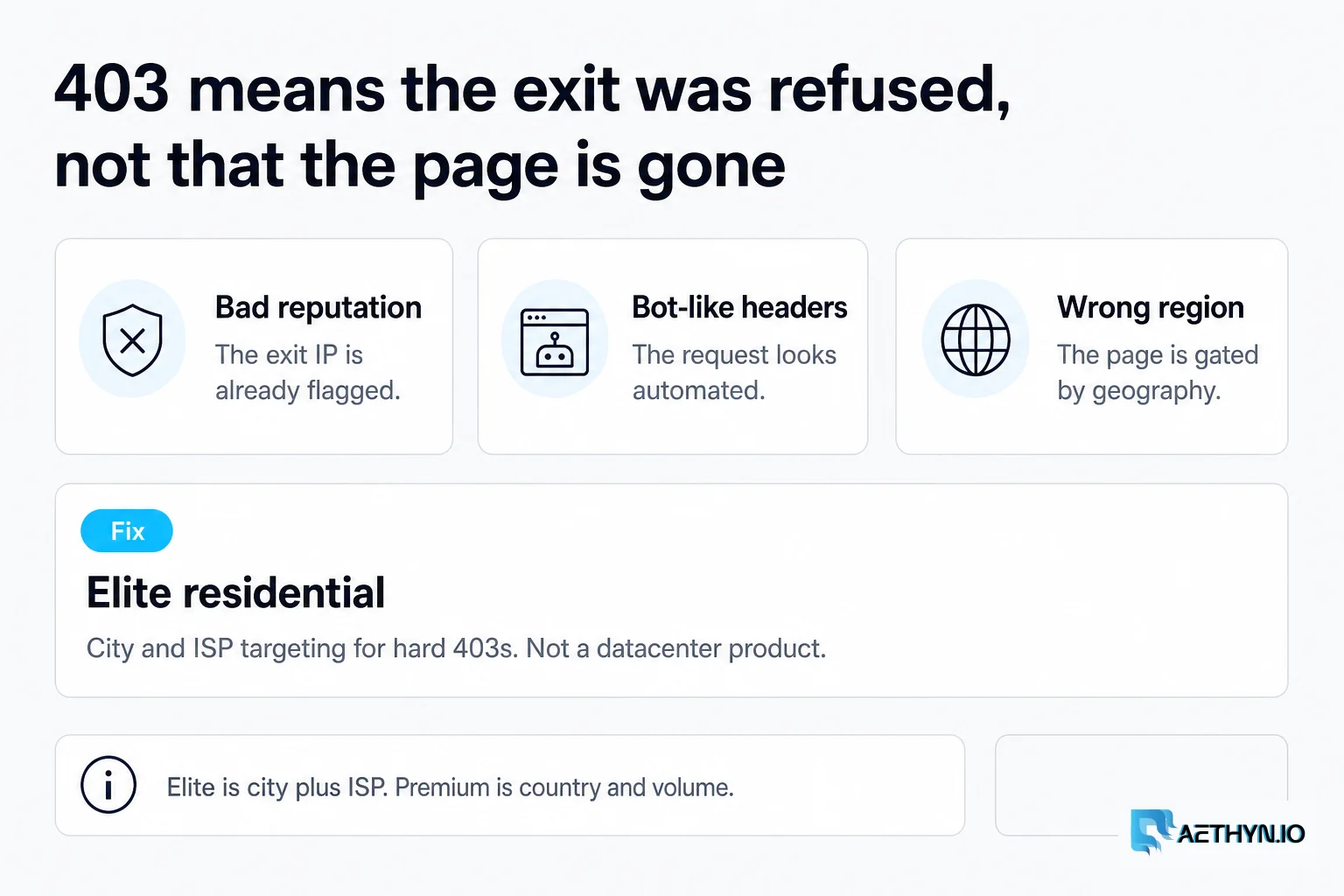
1. HTTP 403 Forbidden
The server understands your request but refuses to authorize it.
- The Cause: Your IP has a bad reputation, your headers look like a bot, or you're trying to access a restricted region.
- The Fix: Switch to Elite residential (city + ISP) for hard 403s. A datacenter exit is a common cause — stay on residential.
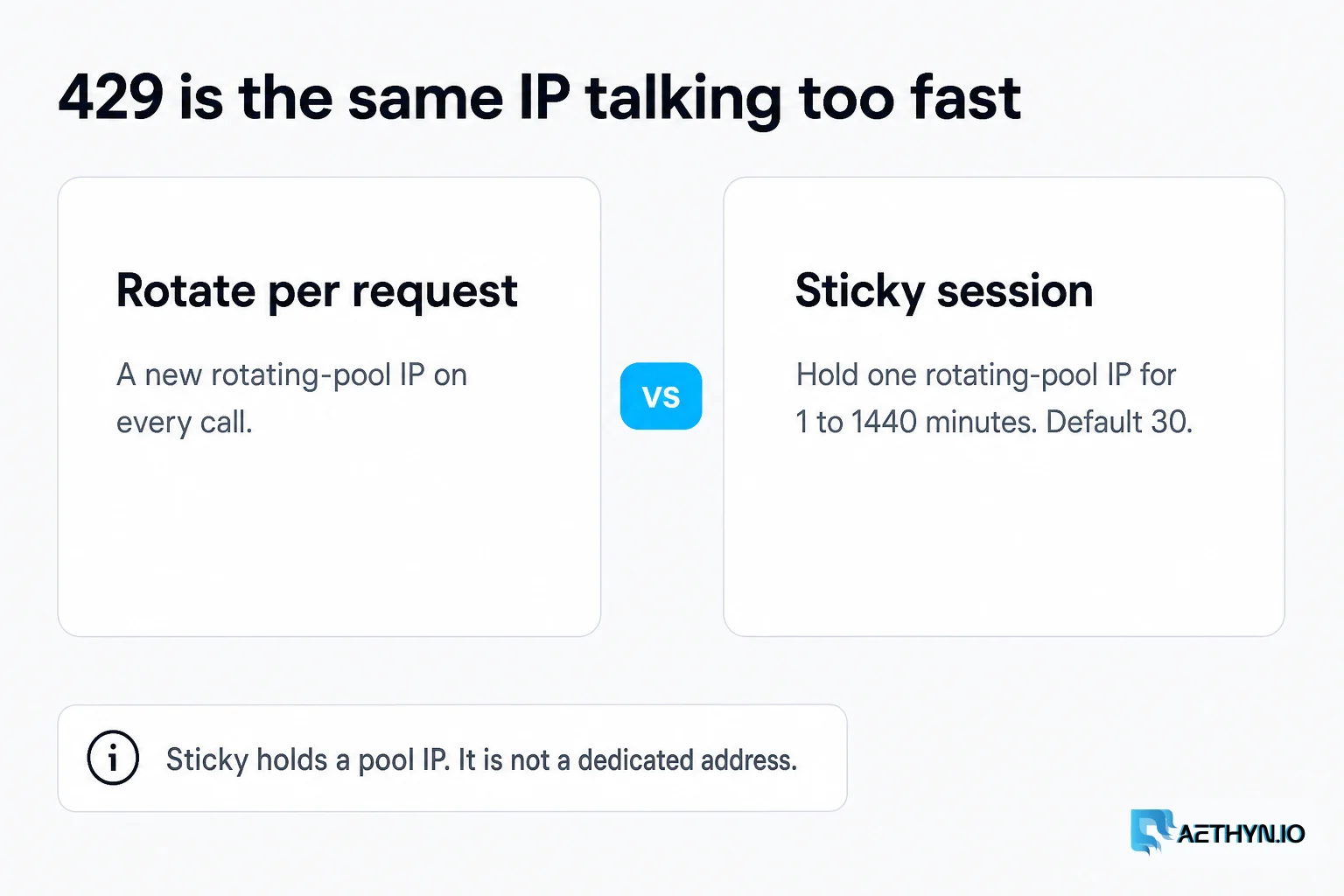
2. HTTP 429 Too Many Requests
You've hit a rate limit.
- The Cause: You're sending too many requests from the same IP in a short window.
- The Fix: Rotate the IP on every request. If the job needs one identity, a sticky session holds a rotating-pool IP for 1–1440 minutes (default 30).
3. HTTP 407 Proxy Authentication Required
The gateway refused the login. Read the body. Proxy-Authorization required means the header is missing or not Basic. Authentication failed means the username or password did not match. A disabled account uses that same body. There is no IP allowlist on this path. The full breakdown is HTTP 407 from the gateway.
- The Fix: Send Basic credentials. Keep targeting keys on the username. Pass the password raw in a field, and percent-encode it only inside a
user:pass@hostURL.
A spent bandwidth quota is not a 407. After a successful login the gateway returns 403 with the body Bandwidth quota exceeded.
407 is a missing or rejected login. The body says which. A quota failure is 403.
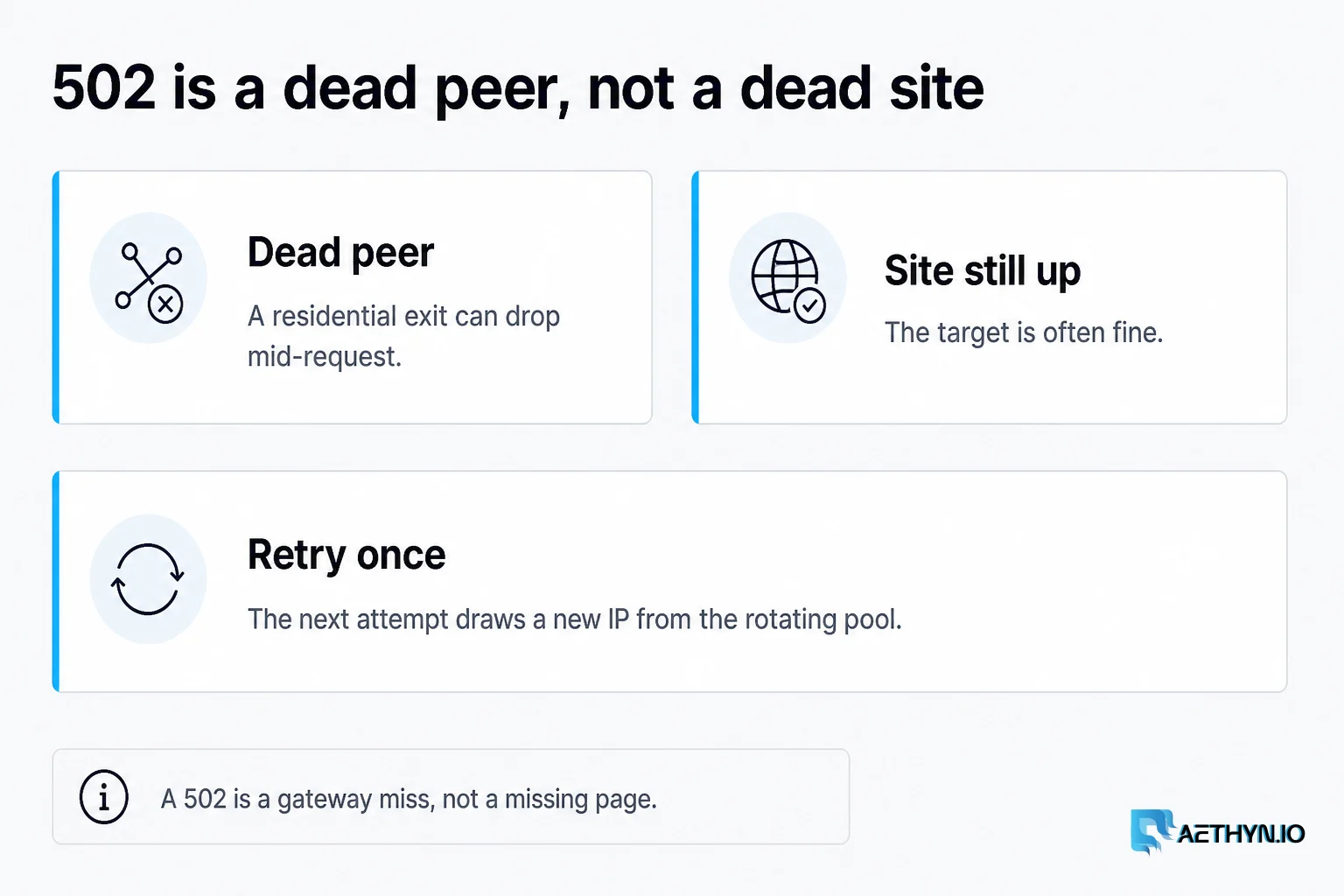
4. HTTP 502 / 504 Gateway Error
The proxy server is having trouble connecting to the target website.
- The Cause: The target site is down, or the residential peer has disconnected.
- The Fix: Implement retry logic. Residential exits can drop; a retry usually draws a new IP from the rotating pool.
[!IMPORTANT] Debug Tip: Always log the "Server" and "X-Cache" headers. They often contain clues about whether the block is coming from the proxy provider or the target website's CDN (like Cloudflare).
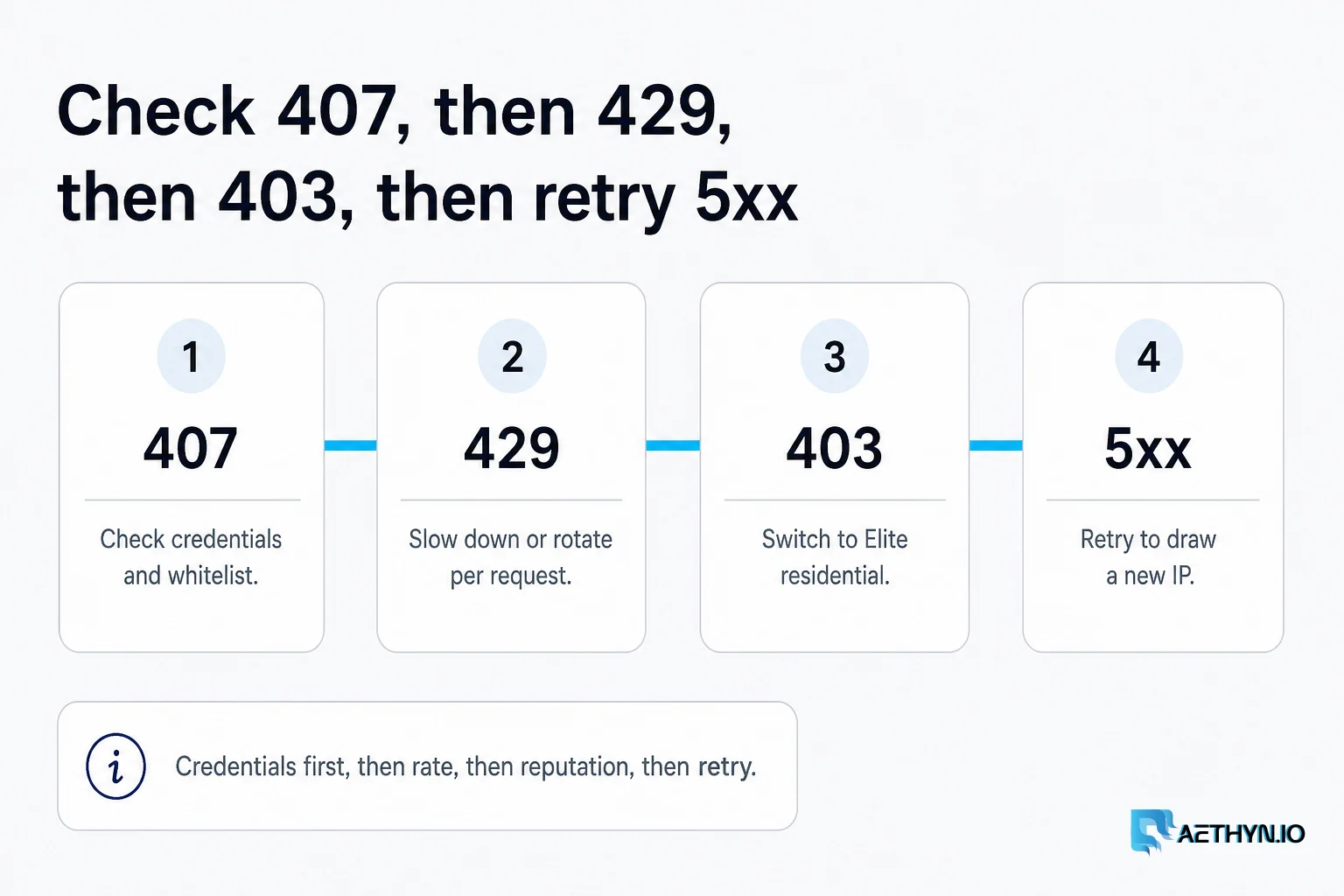
Troubleshooting Flowchart
- Is it 407? Check credentials.
- Is it 429? Slow down or increase rotation.
- Is it 403? Switch to Elite residential.
- Is it 5xx? Retry the request.
Stop Guessing, Start Scraping
Aethyn's dashboard provides detailed error analytics so you can spot and fix issues before they impact your data delivery.
Guides, integrations & docs
Continue reading
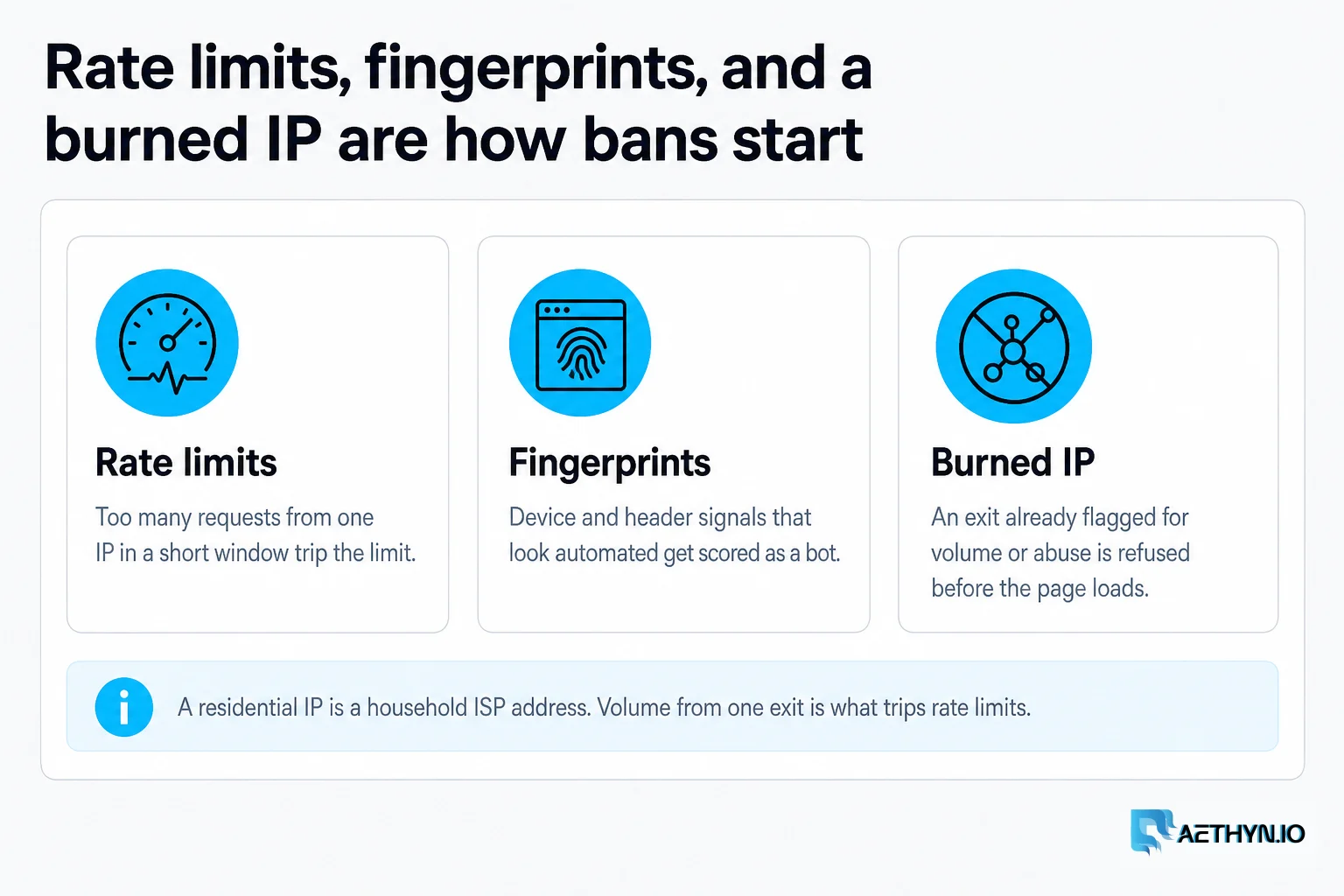
How to Avoid IP Bans Using Rotating Residential Proxies
IP bans are the enemy of automation. Learn the science of rotation and how to mimic human behavior to stay invisible on any website.
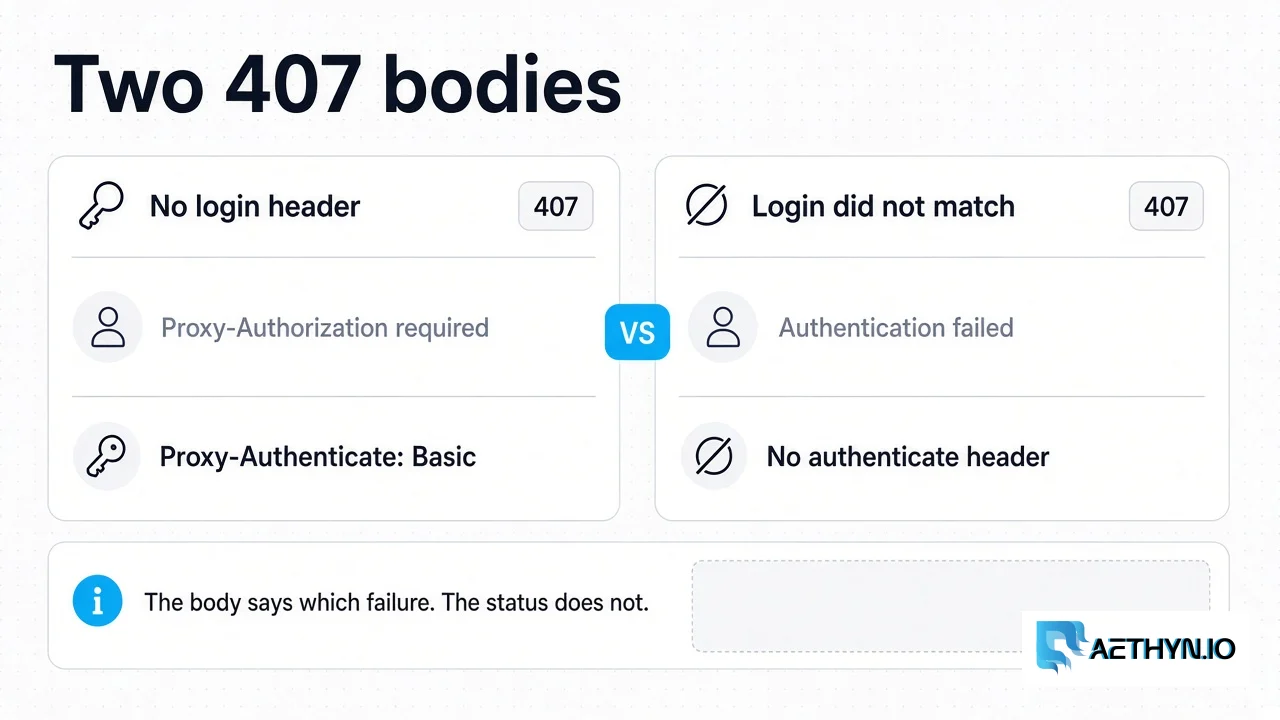
HTTP 407 Proxy Authentication Required: What the Gateway Returns
Aethyn returns 407 for a missing login or a failed login. A spent bandwidth quota is 403, and the gateway does not check an IP allowlist.
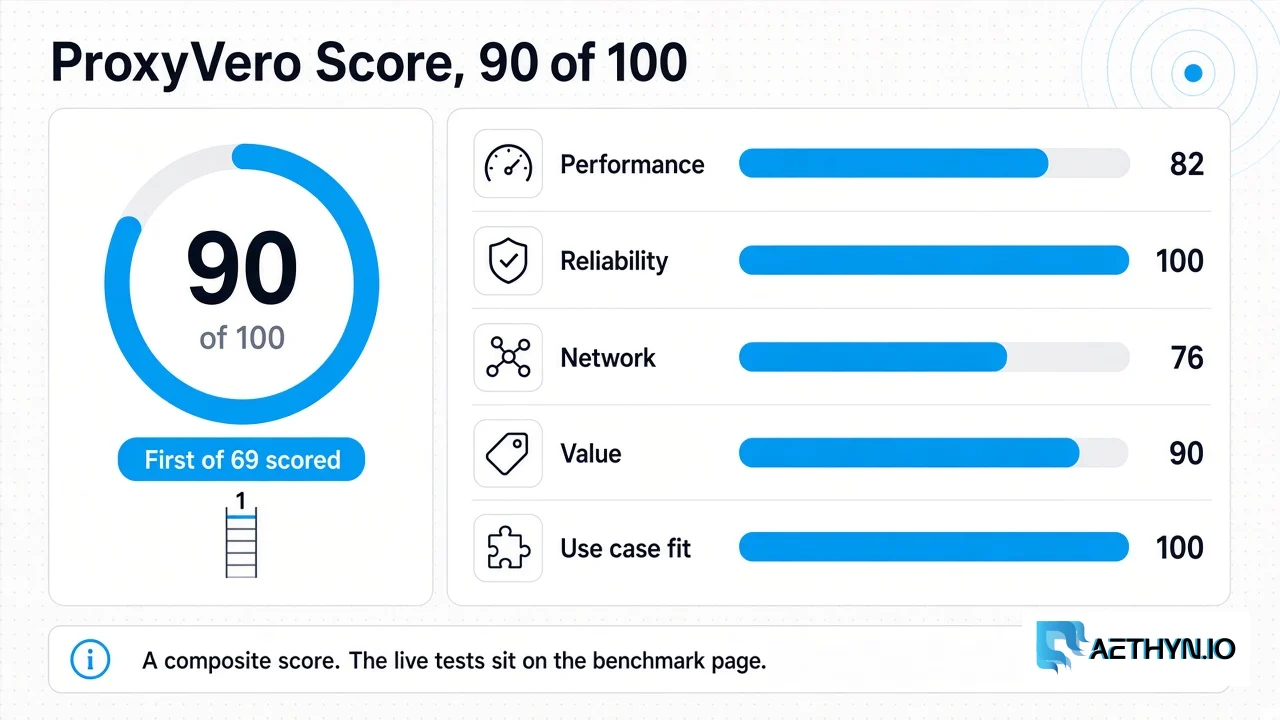
Aethyn ProxyVero Benchmark: Independent Residential Proxy Performance Test
ProxyVero recorded 100% success and a 0% block rate for Aethyn on Google, Instagram, TikTok, Nike, and Amazon. The 90/100 score is a dated snapshot, set next to the August cohort.
Premium or Elite residential proxies
Join developers scaling scraping and automation with Aethyn Premium and Elite pools from €2.00/GB.