
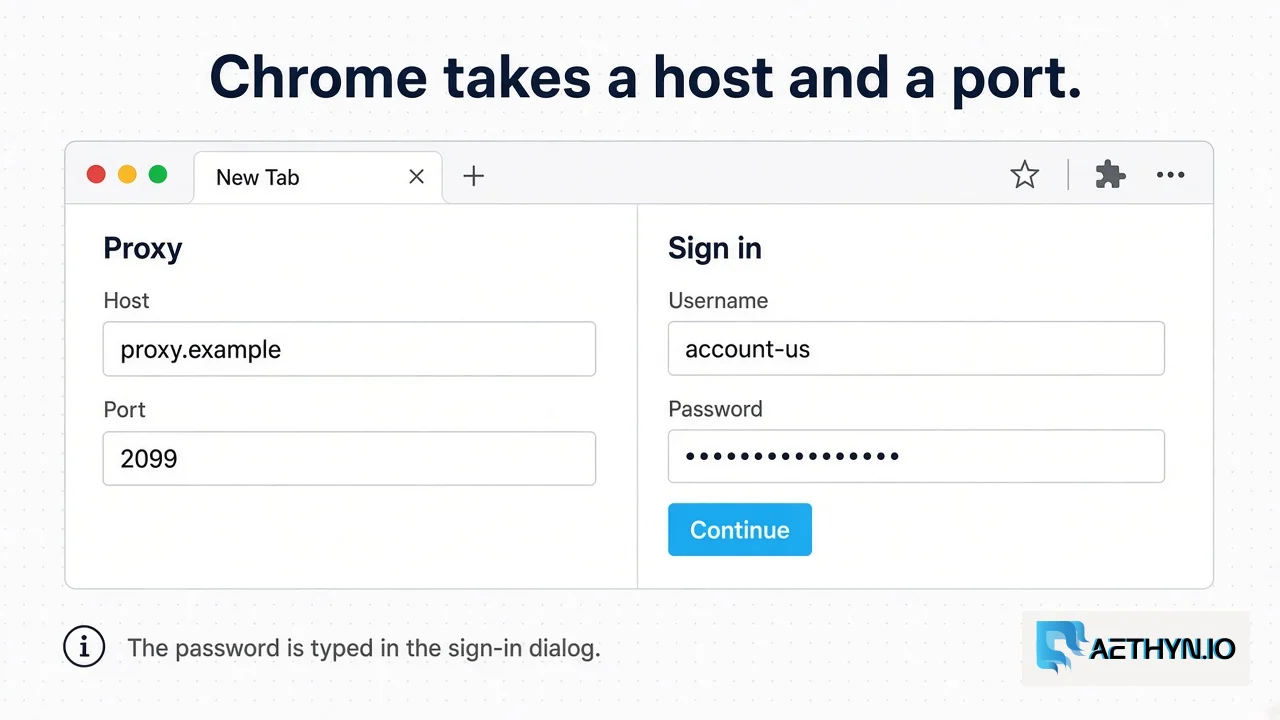
Chrome proxy settings are the host and port of an HTTP proxy. On desktop, Chrome does not keep its own proxy form. Settings, then System, opens the computer’s proxy screen. Windows asks for an address and a port. macOS can show username fields on the system proxy rows. Chromium’s proxy documentation says Chrome does not use a username and password stored in those system settings. Authentication goes through Chrome’s own prompt. The product login is still the pair in Authentication.
For one window, skip the system screen and start Chrome with --proxy-server. Quit Chrome first. A new window of an already running browser ignores the flag. --user-data-dir points at an empty folder so this window stays separate from the profile you use every day.
Code Snippet# Windows
"C:\Program Files\Google\Chrome\Application\chrome.exe" --proxy-server="http://proxy.aethyn.io:2099" --user-data-dir="%TEMP%\aethyn-chrome"

# macOS
"/Applications/Google Chrome.app/Contents/MacOS/Google Chrome" --proxy-server="http://proxy.aethyn.io:2099" --user-data-dir="/tmp/aethyn-chrome"
The flag is http://proxy.aethyn.io:2099 for Premium, or port 5499 for Elite. Do not put the username or the password in that flag. A login pasted into --proxy-server is not sent as the gateway password.
What you type when Chrome asks
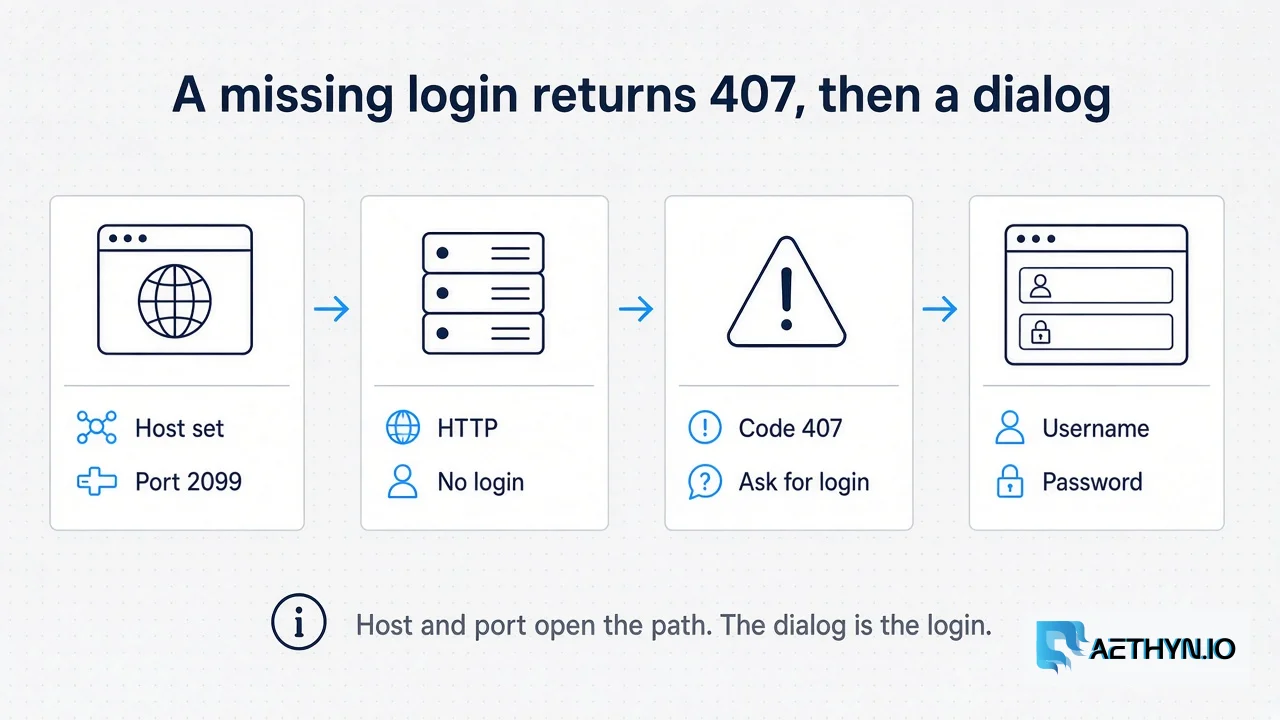
The first request has no Proxy-Authorization header. The HTTP gateway answers 407 with the body Proxy-Authorization required and Proxy-Authenticate: Basic realm="proxy". That challenge is what makes Chrome show a sign-in dialog. The username for a US Premium exit held for this browser is:
aethyn-XXXXX-country-us-session-chrome1-lifetime-30
aethyn-XXXXX is the base from the dashboard. country-us is the country. session-chrome1 holds one household exit. lifetime-30 is 30 minutes, the default. The range is 1 to 1440. Omit the session id only if you want each request to be allowed a new exit. A normal page load is many requests, and a new exit on each of them drops cookies that belonged to the previous address.
The password is the dashboard secret, typed as stored. Do not percent-encode it in the dialog. If the dialog is accepted and a later response body is Authentication failed, the username or password did not match. That body has no second prompt baked into it. The two 407 bodies are the 407 guide. A spent bandwidth quota is 403, after the login has already succeeded.
Ports, and when not to use Chrome
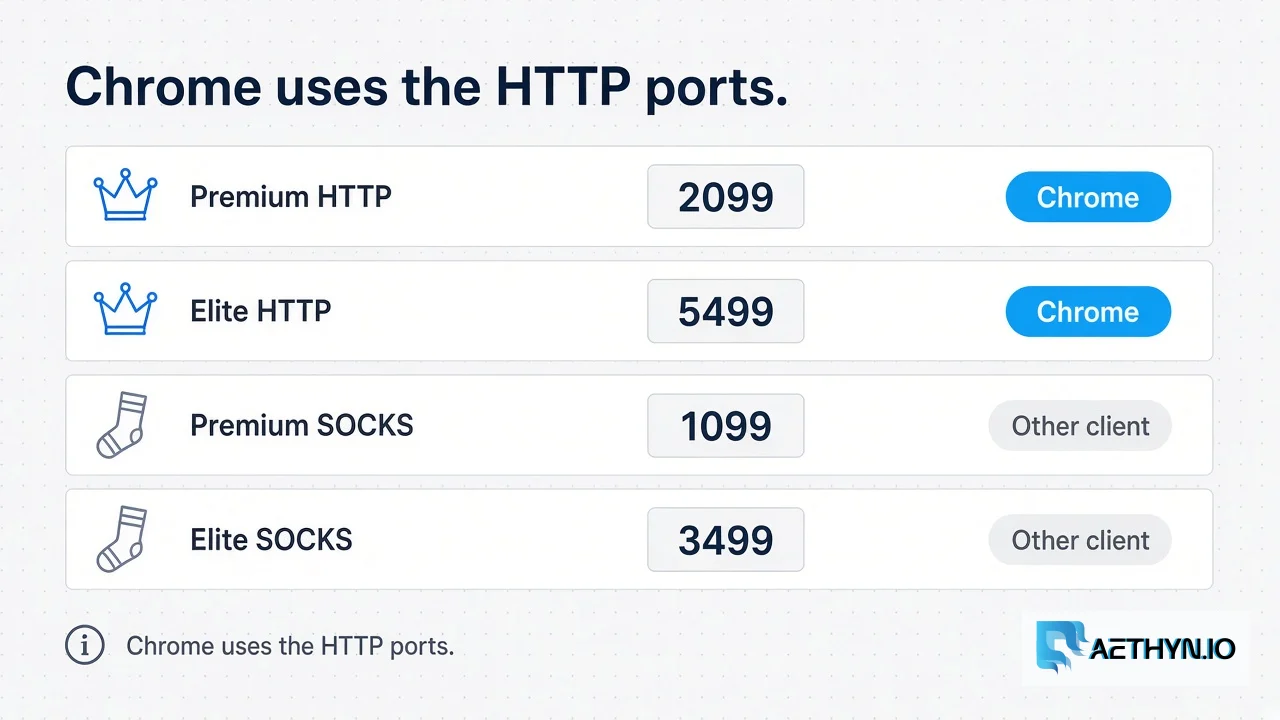
| Product | Chrome uses | Port |
|---|---|---|
| Premium HTTP | Yes | 2099 |
| Elite HTTP | Yes | 5499 |
| Premium SOCKS5 | No | 1099 |
| Elite SOCKS5 | No | 3499 |
Chromium does not authenticate to SOCKS5, so those ports will not take this dialog. SOCKS5 is for clients that speak it, which is the SOCKS5 and HTTP comparison. Premium routes by country. A city key belongs on Elite, port 5499. Elite does not guarantee the site will accept the exit.
Chrome already sends its own User-Agent. You do not paste one into the proxy dialog. What that header is, and what it does not change, is the User-Agent note. For a script, skip the dialog. Playwright takes username and password as fields, documented in Playwright and residential proxies. Targeting keys are listed in Targeting.
Chrome proxy questions
Where are Chrome proxy settings?
Why does Chrome ask for a username after I set the proxy?
Can I put the password in --proxy-server?
Which port should Chrome use?
Guides, integrations & docs
Continue reading
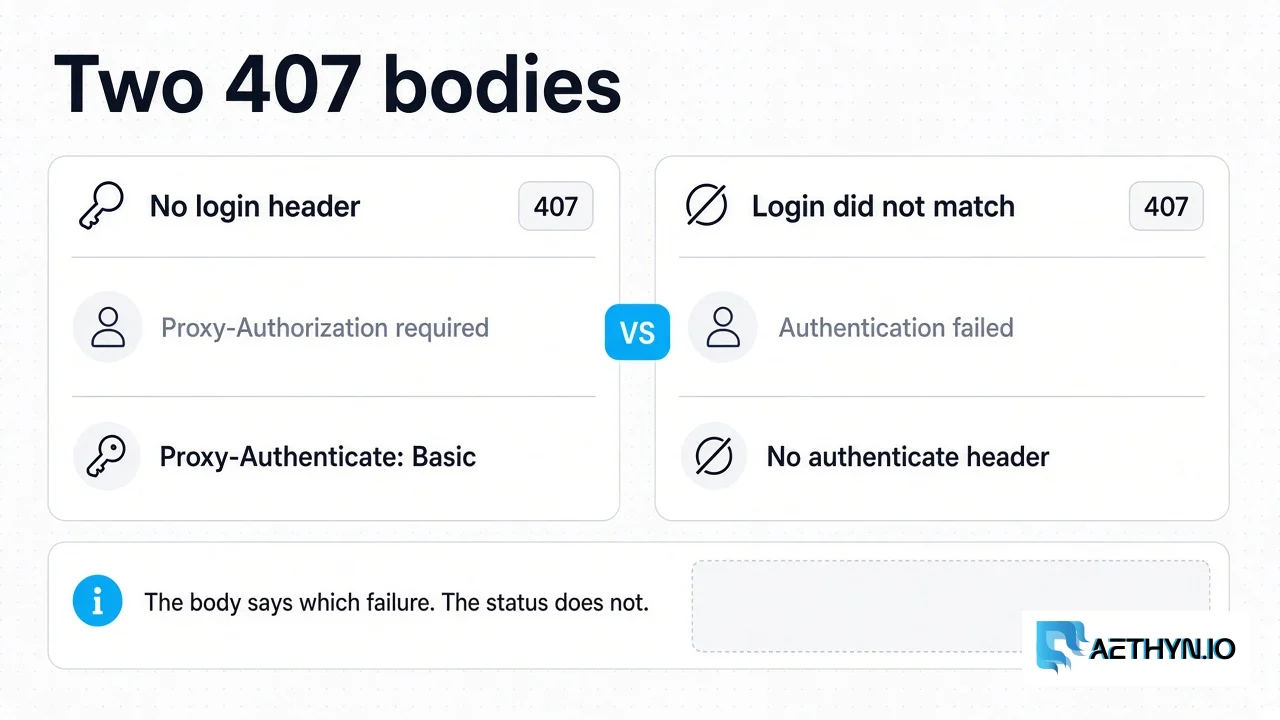
HTTP 407 Proxy Authentication Required: What the Gateway Returns
Aethyn returns 407 for a missing login or a failed login. A spent bandwidth quota is 403, and the gateway does not check an IP allowlist.
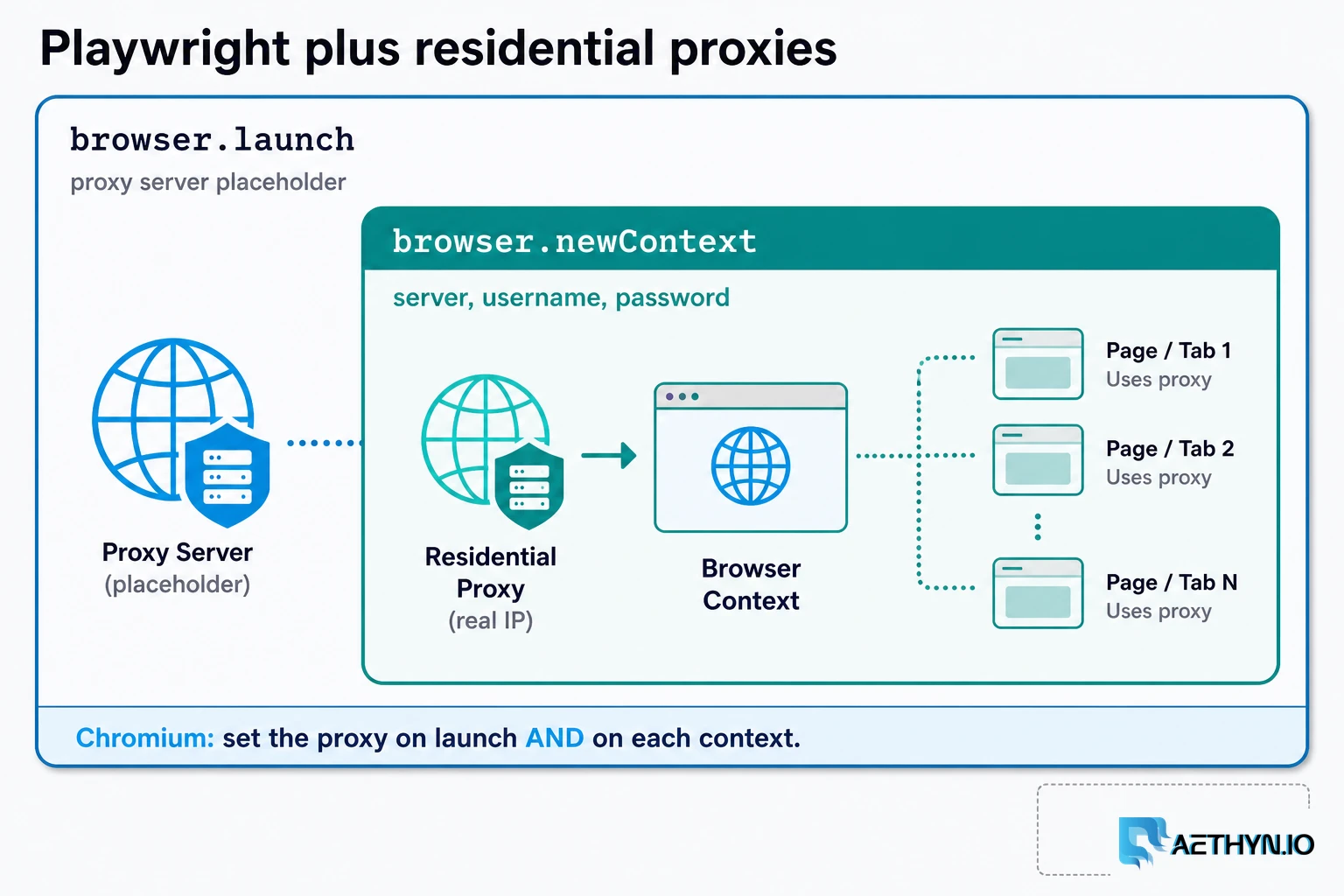
How to Use Residential Proxies with Playwright (2026)
A Playwright residential proxy is a browser context whose traffic exits through an ISP-assigned household IP. Credentials go in fields, rotation is a new context, and locale must match the exit.
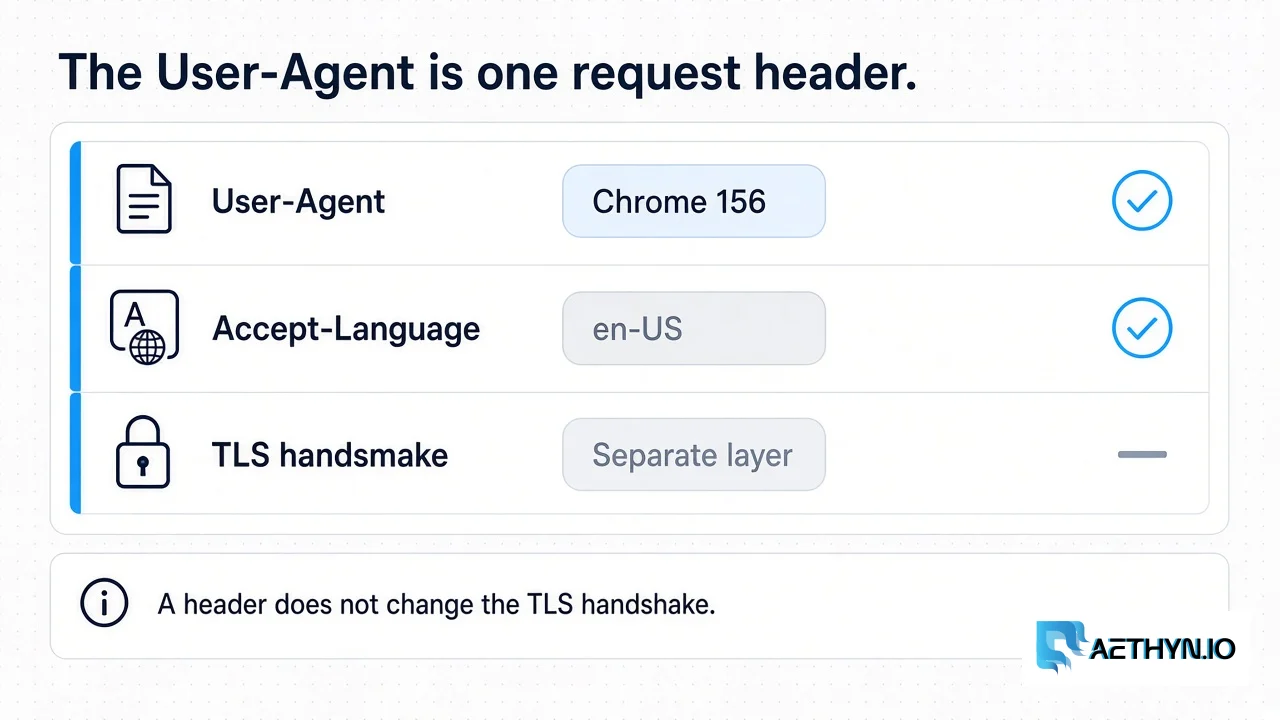
What a User-Agent Is for Web Scraping (2026)
The User-Agent is one request header. It names a browser. It does not change the TLS handshake, and a list of agents is not a success rate.
Use the HTTP port, then sign in
Premium is 2099. Elite is 5499. Type the dashboard password when Chrome asks. Free trial, no card.