

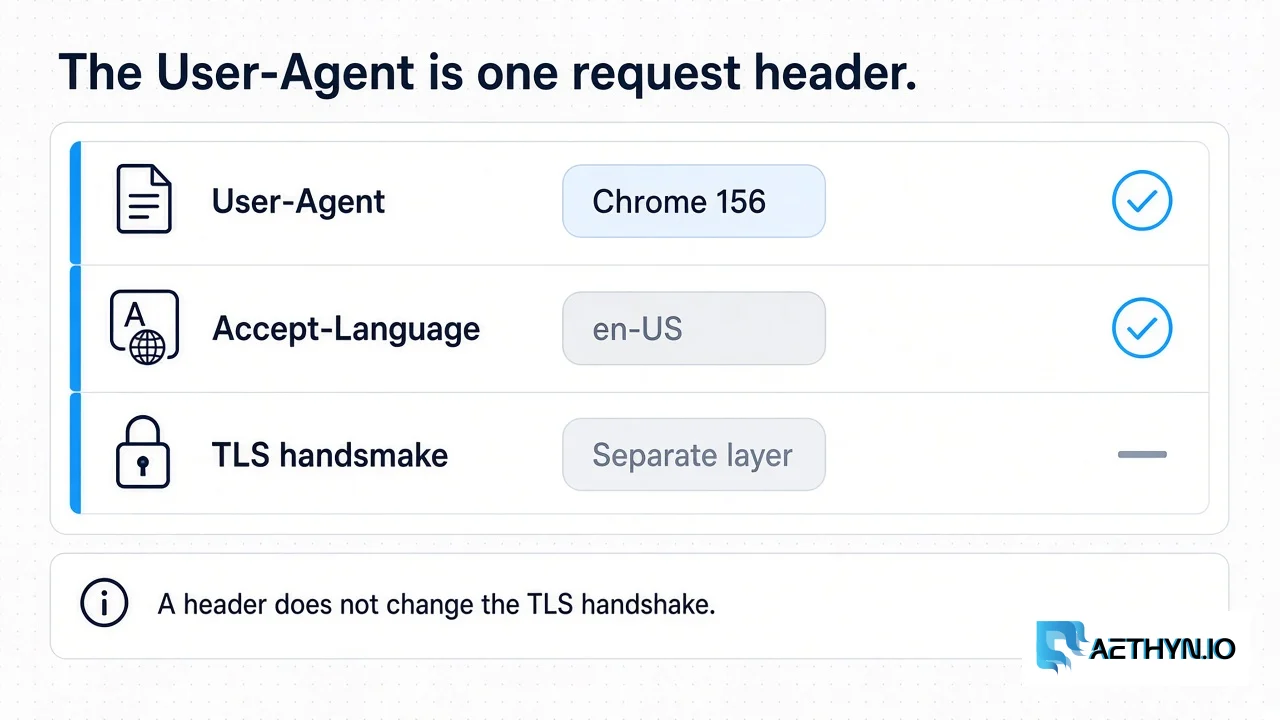
A User-Agent is the HTTP header that names the client. The value is one string: a browser family, a version, and an operating system. A site reads it to pick a layout, a language hint, or a simpler response for an old client. Web scraping uses the same header a browser would send, so the response is the document people get, not a stripped page reserved for unknown clients. The short glossary line is User-Agent.
The header is not the browser. Python requests sends its own default, which names the library. That default is honest and, on some sites, enough to get a different document than Chrome gets. Setting the header replaces that label. It does not turn the HTTP client into Chrome, and it does not change the TLS handshake. The handshake is a separate layer, covered in TLS fingerprinting for scrapers. A residential exit is a third layer: the address the site sees. Header, handshake, and address are three settings.
One string for the whole run
Copy a current desktop Chrome string and keep it stable. Chrome 156 was the stable desktop channel on 20 October 2026 (156.0.8078.48 on Windows and macOS). This is an example, not a score:
Mozilla/5.0 (Windows NT 10.0; Win64; x64) AppleWebKit/537.36 (KHTML, like Gecko) Chrome/156.0.8078.48 Safari/537.36
Send that exact value on every request in the run. Pair it with one Accept-Language. If the username asks for country-de and the header still says en-US, the page can come back in a language you did not intend to parse. Match the language to the country you asked for, then leave both alone. Rotating the User-Agent per request does not imitate a person. A person keeps one browser open.
There is no ranked list of agents on this page. A string does not have a success rate. When Chrome ships the next stable version, replace the example with the string from a browser you control, or from the current stable release notes. An outdated major version is a stale label. A fresh label still leaves the TLS handshake and the exit address untouched.
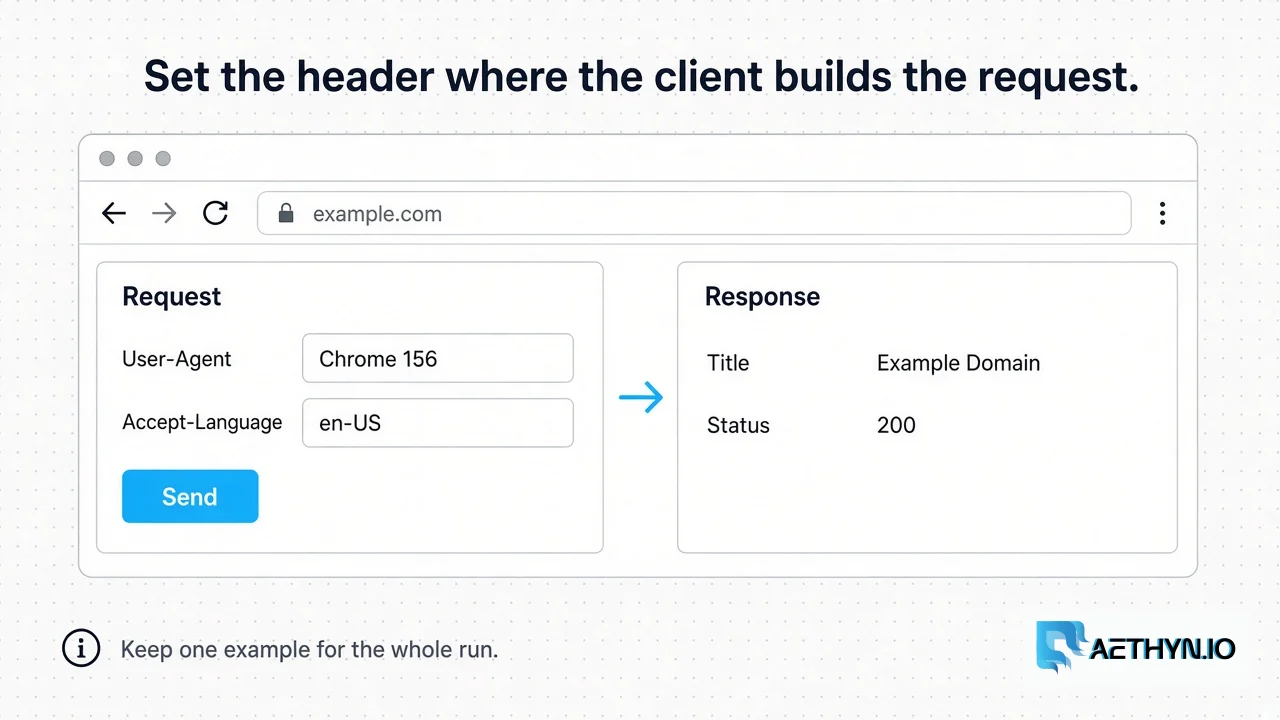
Where to set it
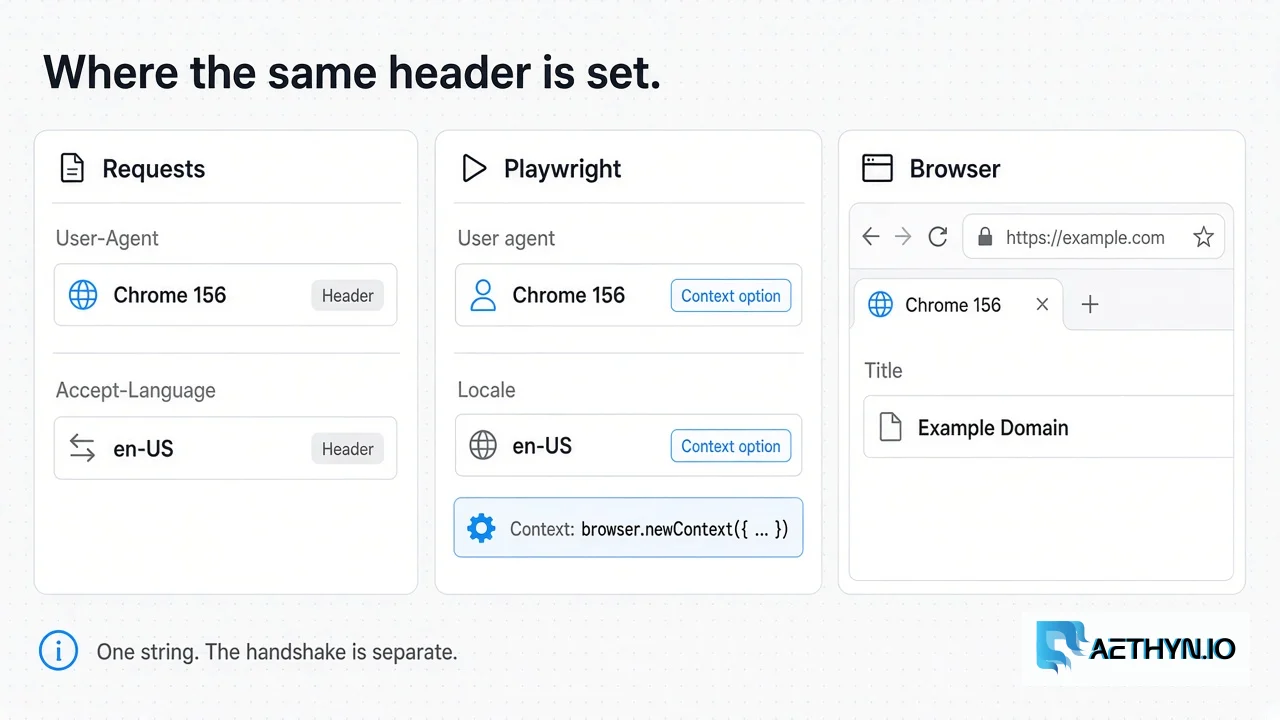
In Requests, pass the string in headers. The library will not invent a Chrome handshake because the header says Chrome. It will send the header you gave it.
Code Snippetimport requests

headers = {
    "User-Agent": "Mozilla/5.0 (Windows NT 10.0; Win64; x64) AppleWebKit/537.36 (KHTML, like Gecko) Chrome/156.0.8078.48 Safari/537.36",
    "Accept-Language": "en-US,en;q=0.9",
}
r = requests.get("https://example.com", headers=headers, timeout=30)
print(r.status_code, r.headers.get("content-type"))
In Playwright, set user_agent on the browser context so every navigation in that context shares it. Put the proxy login in username and password, not inside the server string. The full browser setup is Playwright and residential proxies. A manual Chrome window is a different path: the browser already has a User-Agent, and the proxy host is Chrome’s proxy setting.
Code Snippetcontext = browser.new_context(
    user_agent="Mozilla/5.0 (Windows NT 10.0; Win64; x64) AppleWebKit/537.36 (KHTML, like Gecko) Chrome/156.0.8078.48 Safari/537.36",
    locale="en-US",
    proxy={
        "server": "http://proxy.aethyn.io:2099",
        "username": "aethyn-XXXXX-country-us",
        "password": "PASSWORD",
    },
)
Check the body you received, not the header you sent. A 200 with a challenge page is still a challenge page. The header did its job if the document is the public page you meant to read. What to do with that document is what web scraping is.
User-Agent questions
What is a User-Agent in web scraping?
Does a User-Agent change my TLS fingerprint?
Should I rotate User-Agent on every request?
Which User-Agent should I copy?
Guides, integrations & docs
Continue reading
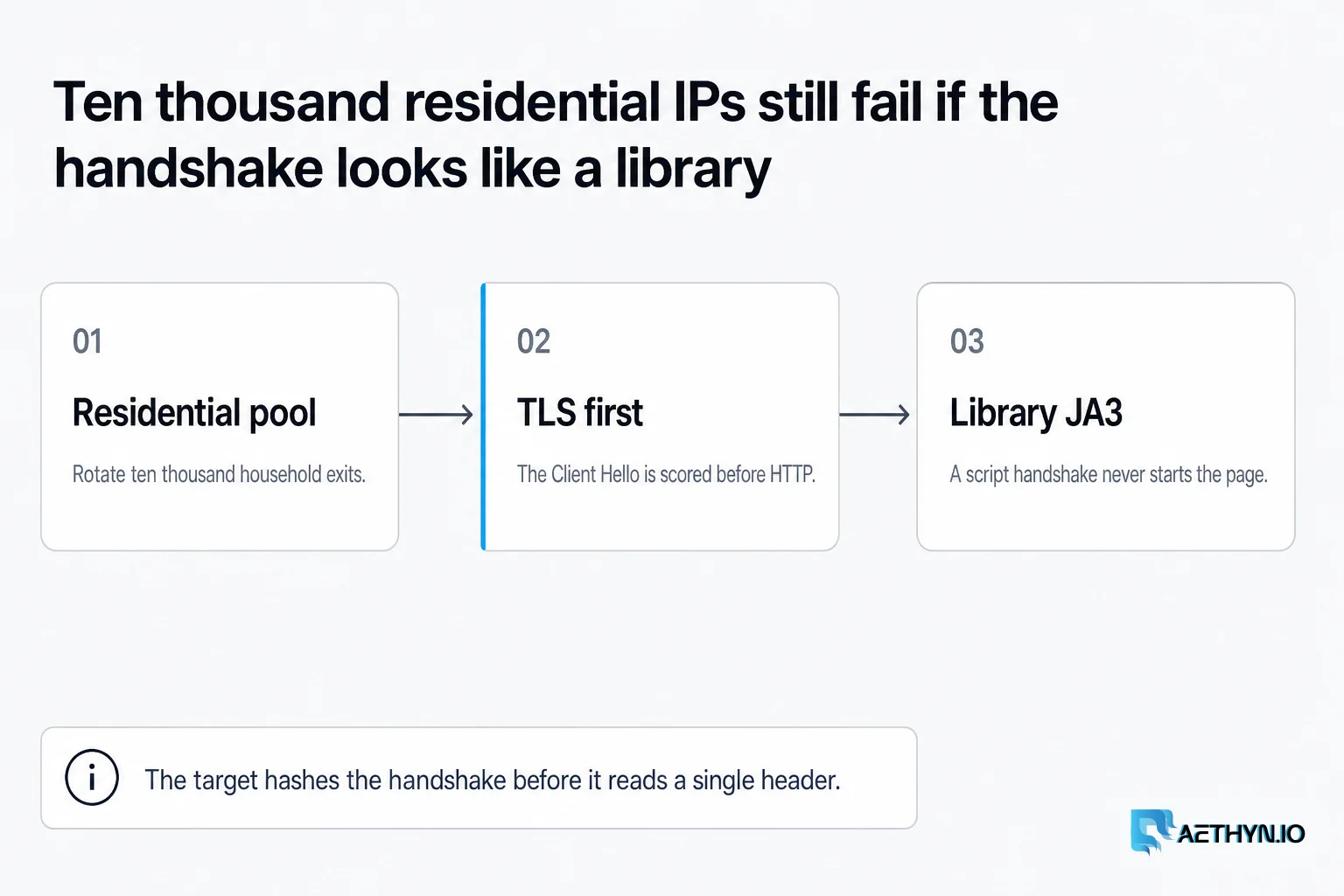
TLS Fingerprinting (JA3/JA4) Explained for Web Scrapers (2026)
Anti-bot systems fingerprint your TLS handshake — not just your IP. Learn what JA3 and JA4 measure and how to pass checks with browsers and Elite residential proxies.
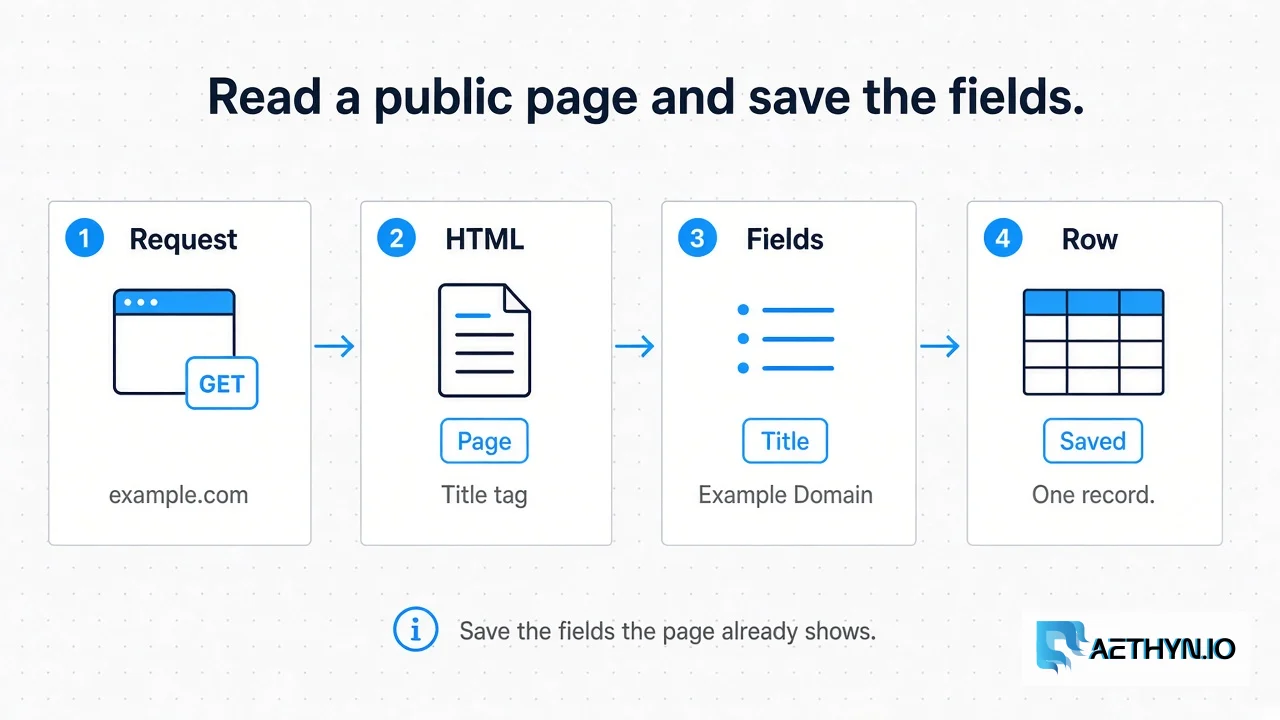
What Is Web Scraping? (2026)
Web scraping is reading a public page and saving the fields you need. The request, the parser, and a residential exit are three separate steps.
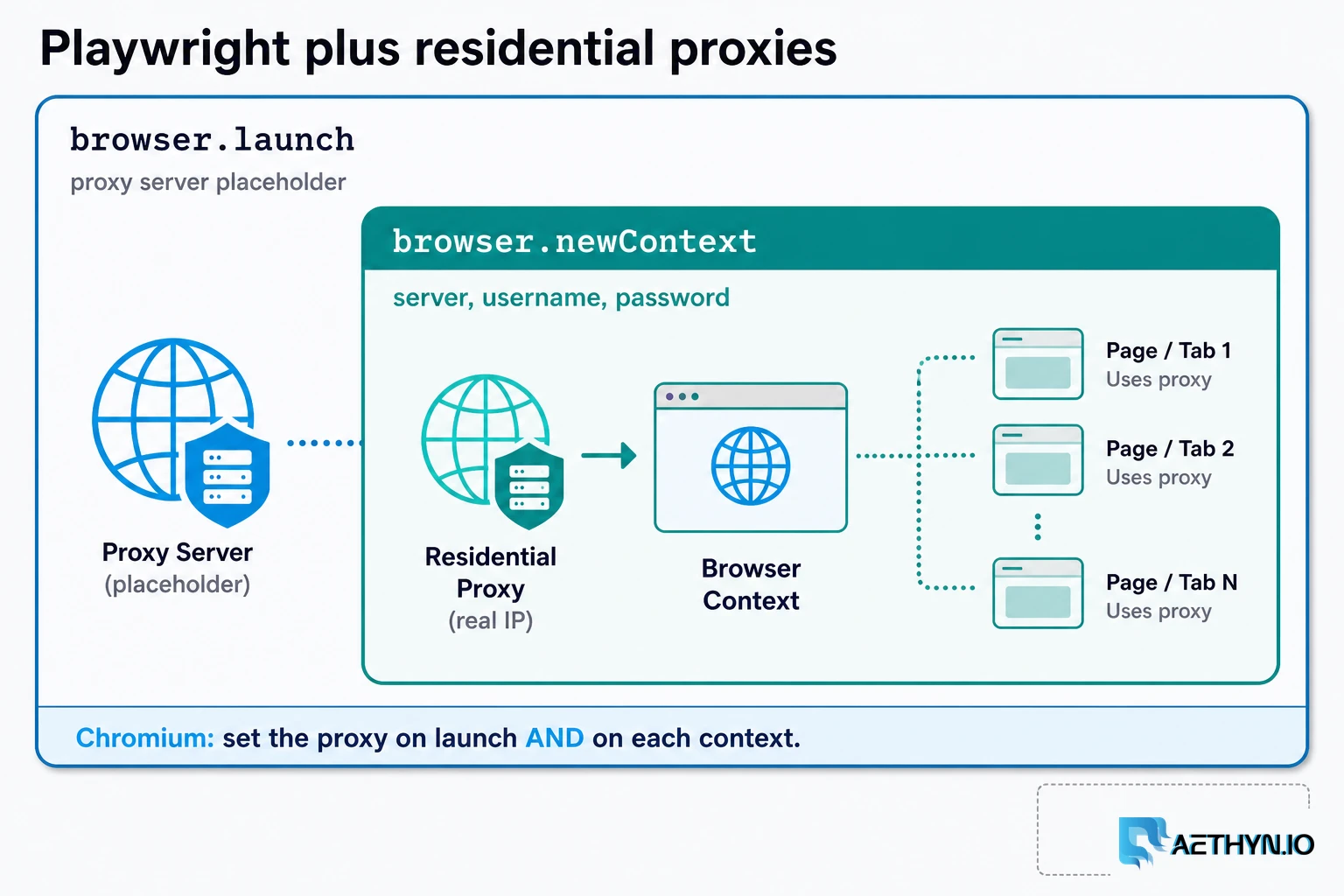
How to Use Residential Proxies with Playwright (2026)
A Playwright residential proxy is a browser context whose traffic exits through an ISP-assigned household IP. Credentials go in fields, rotation is a new context, and locale must match the exit.
Send the header from a household exit
Premium HTTP is port 2099 with a country on the username. The header and the exit are separate settings. Free trial, no card.