

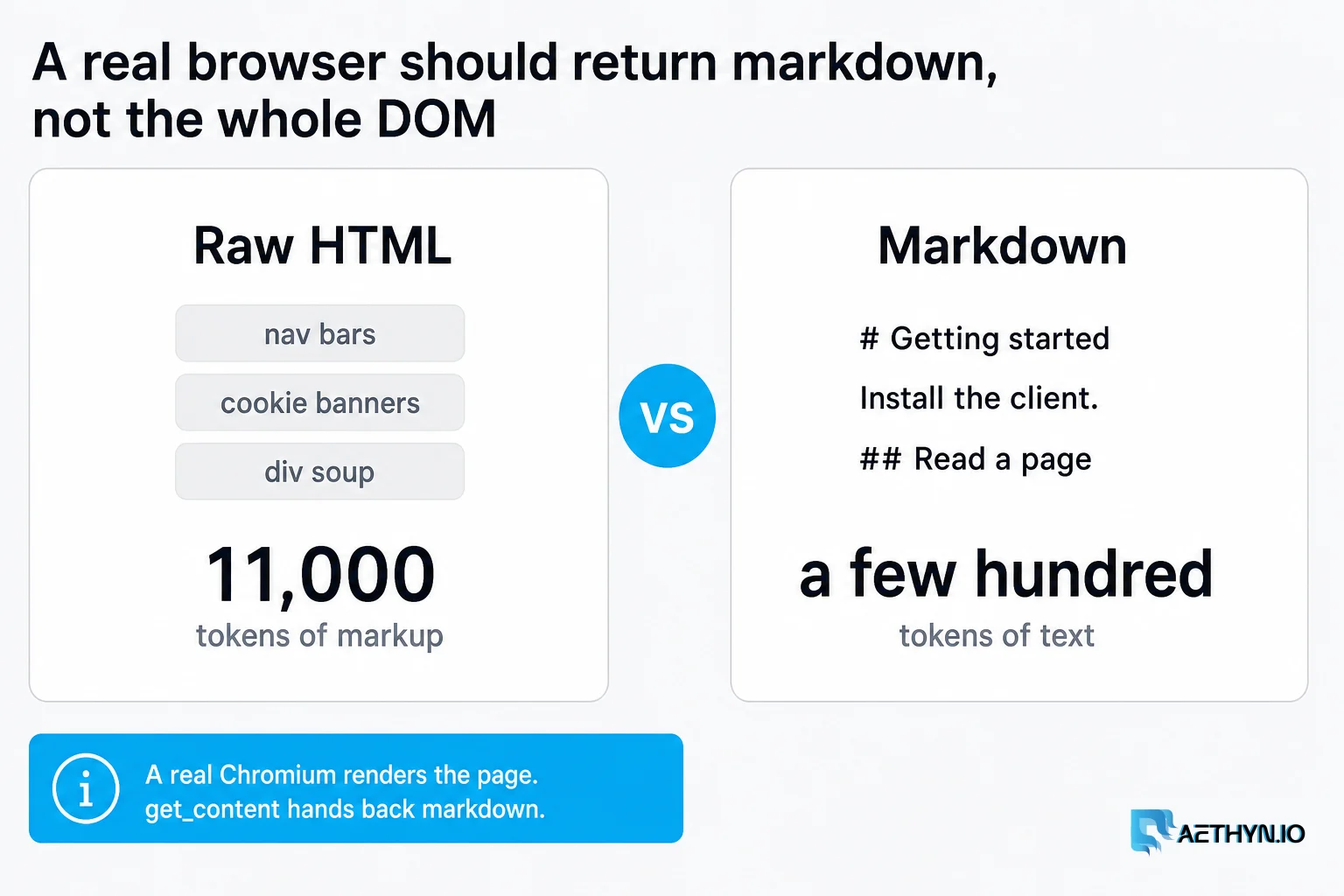
Ask your coding agent to read a doc page and one of three things happens. On a modern JavaScript site it fetches an empty shell — the content renders client-side, so fetch sees nothing. If you wire up a full browser tool, it dumps raw HTML back into the model: 11,000 tokens of nav bars, cookie banners, and <div> soup for two paragraphs of actual content. Or it takes a screenshot, and now you're paying image tokens on every step and your context window is gone in three page loads.
None of that is the model's fault. It's a tooling gap. An agent needs a browser that (a) actually renders the page, and (b) hands back something small and clean instead of the whole DOM. That's what we built aethyn-browser-mcp to be.
What it is
It's an MCP server that gives any MCP-compatible agent — Claude Code, Claude Desktop, Cursor, Codex — a real local Chromium it can drive, with every request routed through a residential IP. It's MIT-licensed, open source, and installs with one command. No standing daemon: your client spawns it over stdio and kills it when the session ends.
npx -y aethyn-browser-mcp
Install it in your agent
Drop this into your MCP client config (claude_desktop_config.json, ~/.cursor/mcp.json, or the equivalent for Claude Code / Codex — they all take the same stdio shape):
{
  "mcpServers": {
    "aethyn-browser": {
      "command": "npx",
      "args": ["-y", "aethyn-browser-mcp"],
      "env": {
        "AETHYN_USERNAME": "aethyn-XXXXX",
        "AETHYN_PASSWORD": "your-password"
      }
    }
  }
}
Chromium downloads itself on first run (~170 MB). That's the whole setup.
The tools your agent gets
aethyn_launch_browser— start a Chromium routed through a residential exit in a country you choose (city/state on Elite). Returns asession_idthe other calls use.aethyn_navigate— go to a URL; returns HTTP status, final URL, and title.aethyn_get_content— the important one: the current page cleaned for reading, as markdown by default (or text/html). This is what you feed the model.aethyn_snapshot— a structured accessibility tree (roles, names, and[ref=…]handles) instead of a screenshot. The agent clicks and types byref.aethyn_click/aethyn_type— interact by ref or selector.aethyn_new_identity— rotate to a fresh residential IP and clear cookies. Use it after a soft-block.aethyn_check_exit_ip— confirm the exit country/city actually landed before you trust the page.aethyn_list_countries/aethyn_close— discover geos at runtime; free the session.
The full tool reference and worked examples live in the docs.
What it looks like in practice
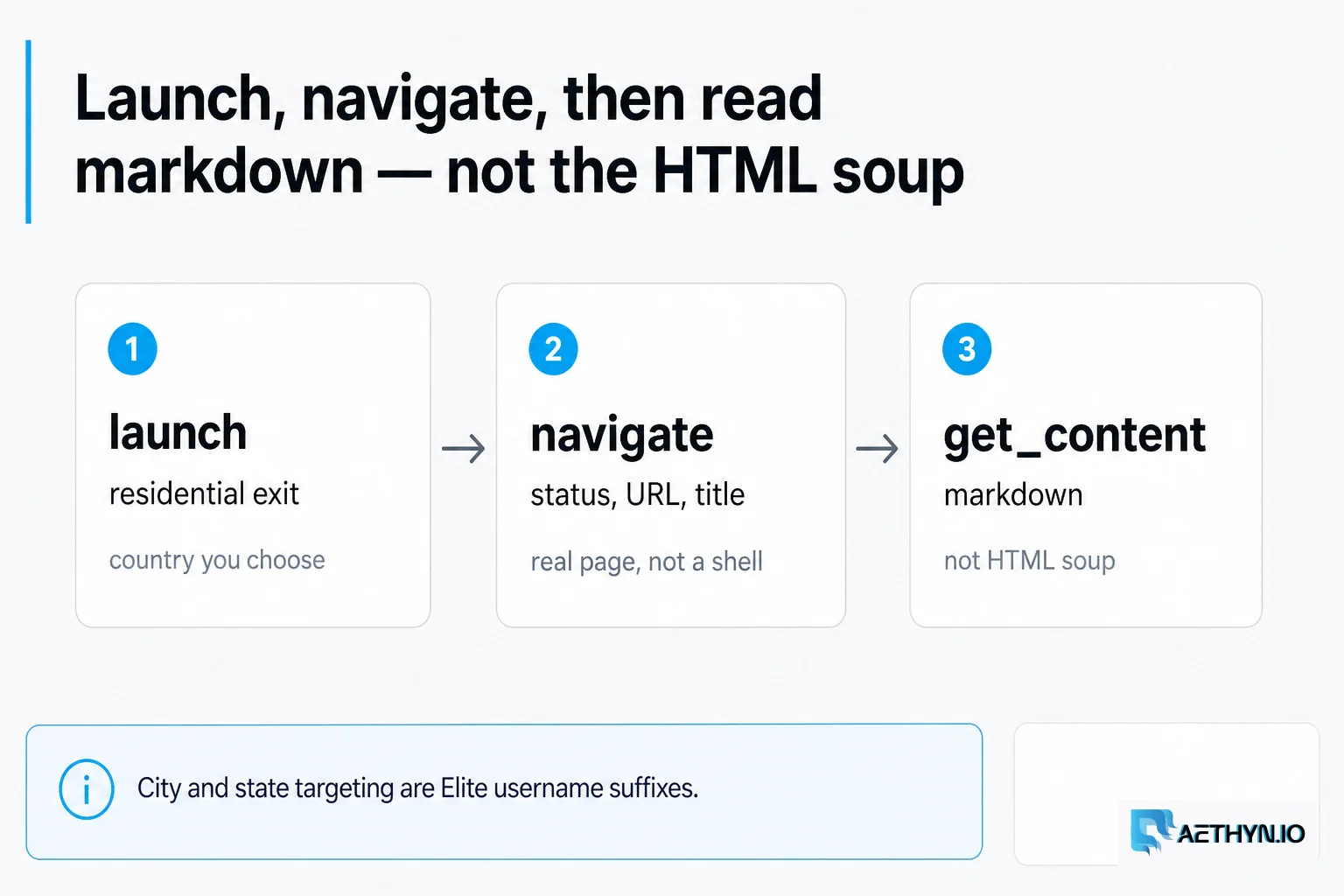
Reading a JavaScript-rendered doc page becomes three calls, and the model only ever sees clean markdown:
aethyn_launch_browser({ country: "us" })→session_idaethyn_navigate({ session_id, url: "https://some-react-docs.dev/api" })aethyn_get_content({ session_id })→ a few hundred tokens of markdown, not 11k of DOM
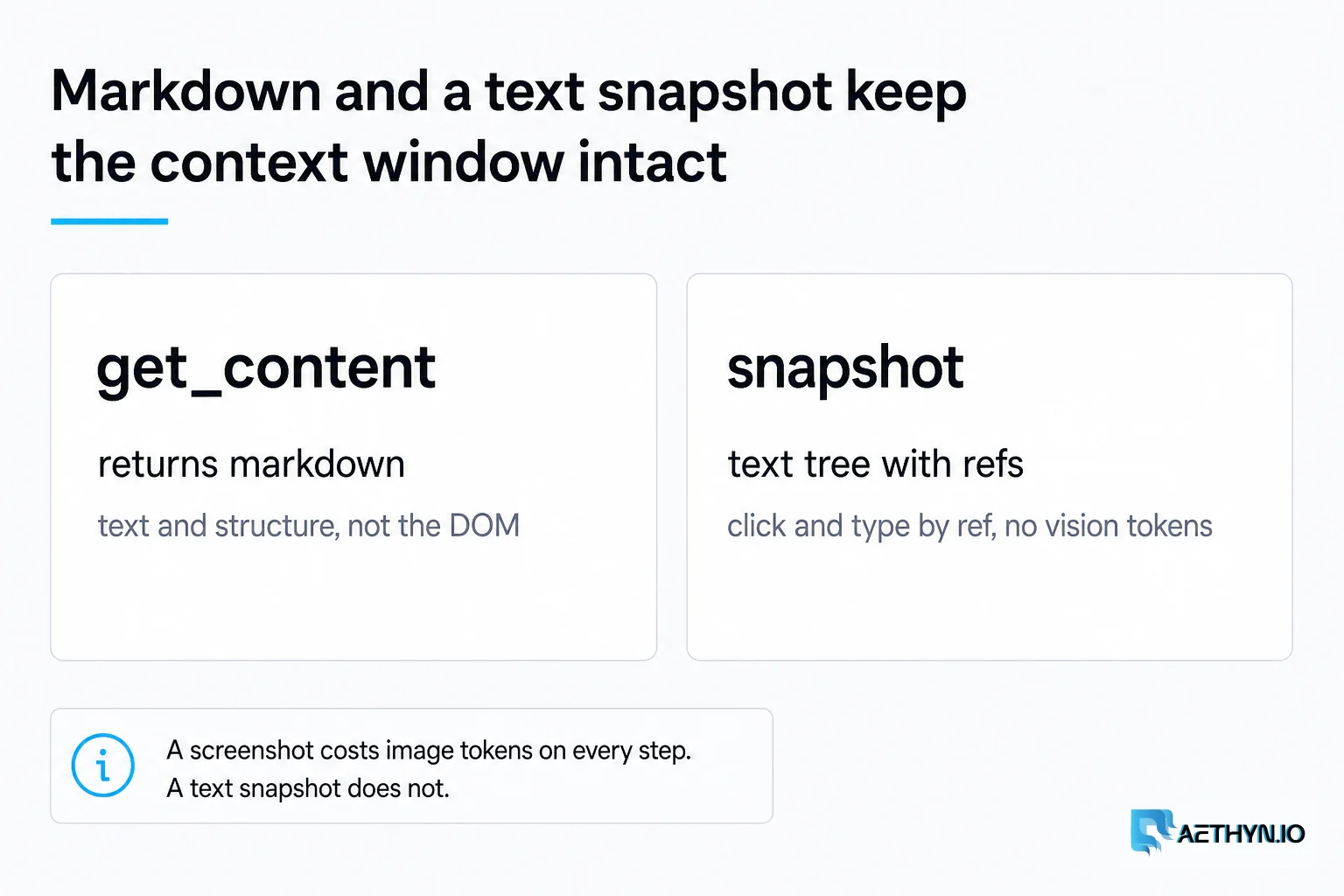
Filling a form or clicking through a flow is just as lean — aethyn_snapshot gives the agent a compact list of elements with ref handles, and it acts on those. No screenshots, no pixel-hunting, no vision tokens.
Why the context stays small
Two design choices do the work. get_content returns markdown, which strips the page down to the text and structure the model actually needs — a fraction of the raw HTML's size. And snapshot returns a text accessibility tree with refs instead of an image, so interaction never costs you vision tokens.
We're not going to quote a magic percentage at you — the exact savings depend on the page. But the comparison is easy to run yourself: point a raw-HTML browser tool at a content-heavy React page, count the tokens, then do the same with get_content in markdown. The gap is not subtle. (If you want, that little benchmark makes a good README PR — we'll take it.)
Why route through residential IPs at all
Because the moment you read docs or collect data at any real volume, you hit rate limits and geo-walls. A datacenter IP gets throttled or blocked fast; a residential exit looks like an ordinary visitor. And when a target does start to push back, aethyn_new_identity swaps you to a fresh IP mid-task and you keep going. It also means the agent can choose where it reads from — a US exit for one task, a German one for the next — and verify the exit landed there before trusting the page.
Here's the honest catch: because it routes through residential IPs, the server needs proxy credentials to run — either an Aethyn key or your own provider. If you only ever read wide-open public docs, that's more than you strictly need. But Aethyn's trial is no credit card, no time limit, so it costs nothing to see if it fits, and since the server is MIT-licensed you're never locked into our billing — bring your own proxies if you'd rather.
One ground rule, baked into the tools themselves: public data only, and respect robots.txt, rate limits, and each site's terms.
Try it
npx -y aethyn-browser-mcp
Add the config above, restart your agent, and ask it to read a page that normally comes back empty. You'll get clean markdown and a real exit IP.
→ Repo on GitHub (stars and issues welcome) · Full docs & examples · Free trial, no card
Common questions about this article
Why does a raw-HTML browser tool blow up an agent's context window?
How is this different from screenshot or vision-based browsing?
Do I have to use Aethyn's proxies?
Which agents can use it?
Does it need a running server or daemon?
Guides, integrations & docs
Continue reading
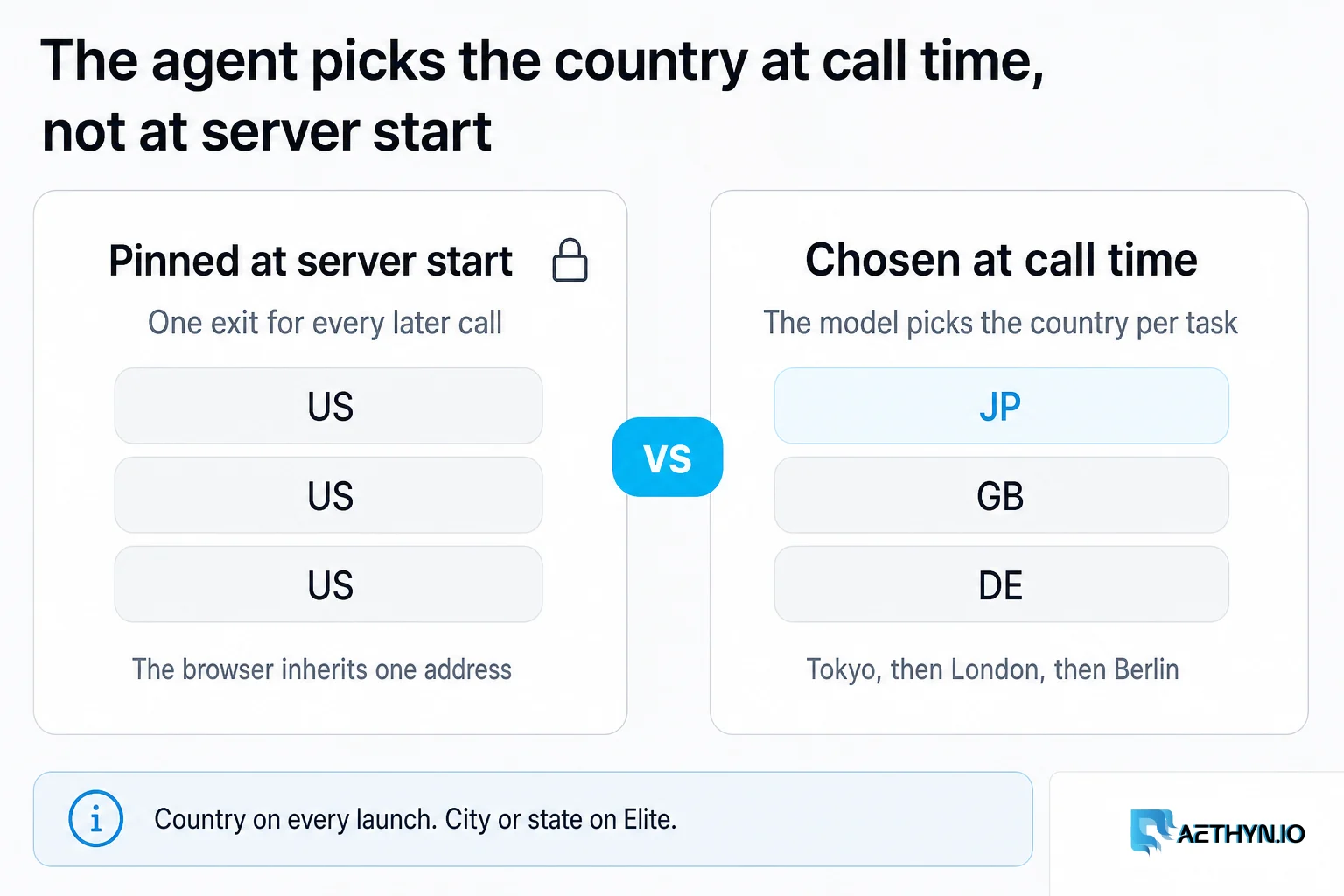
The Browser MCP Where the Agent Picks the Country
Most browser MCPs pin one exit at server startup or hide geo behind hosted infrastructure. Aethyn Browser MCP lets the AI agent choose the exit country and hold one sticky identity per task, at call time, then verify the exit actually landed before it trusts the page.
Scrape Any Site in 20 Lines with Residential Proxies (Node.js & Python)
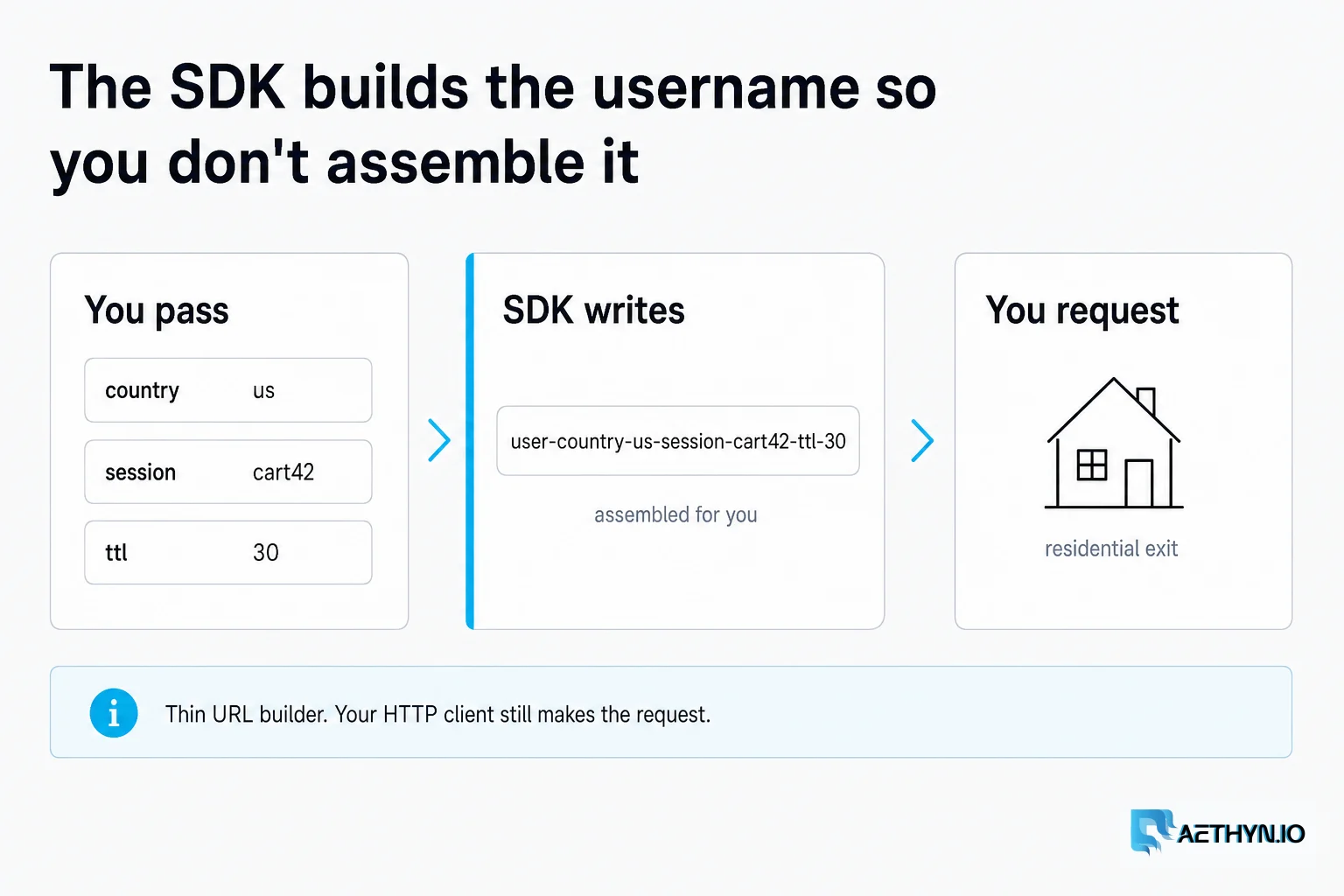
A no-fluff quickstart for the Aethyn SDK: install, authenticate, target a country, hold a sticky session, and drive Playwright — with real, copy-paste code for Node and Python.
Proxies and AI in 2026: Where They Actually Intersect
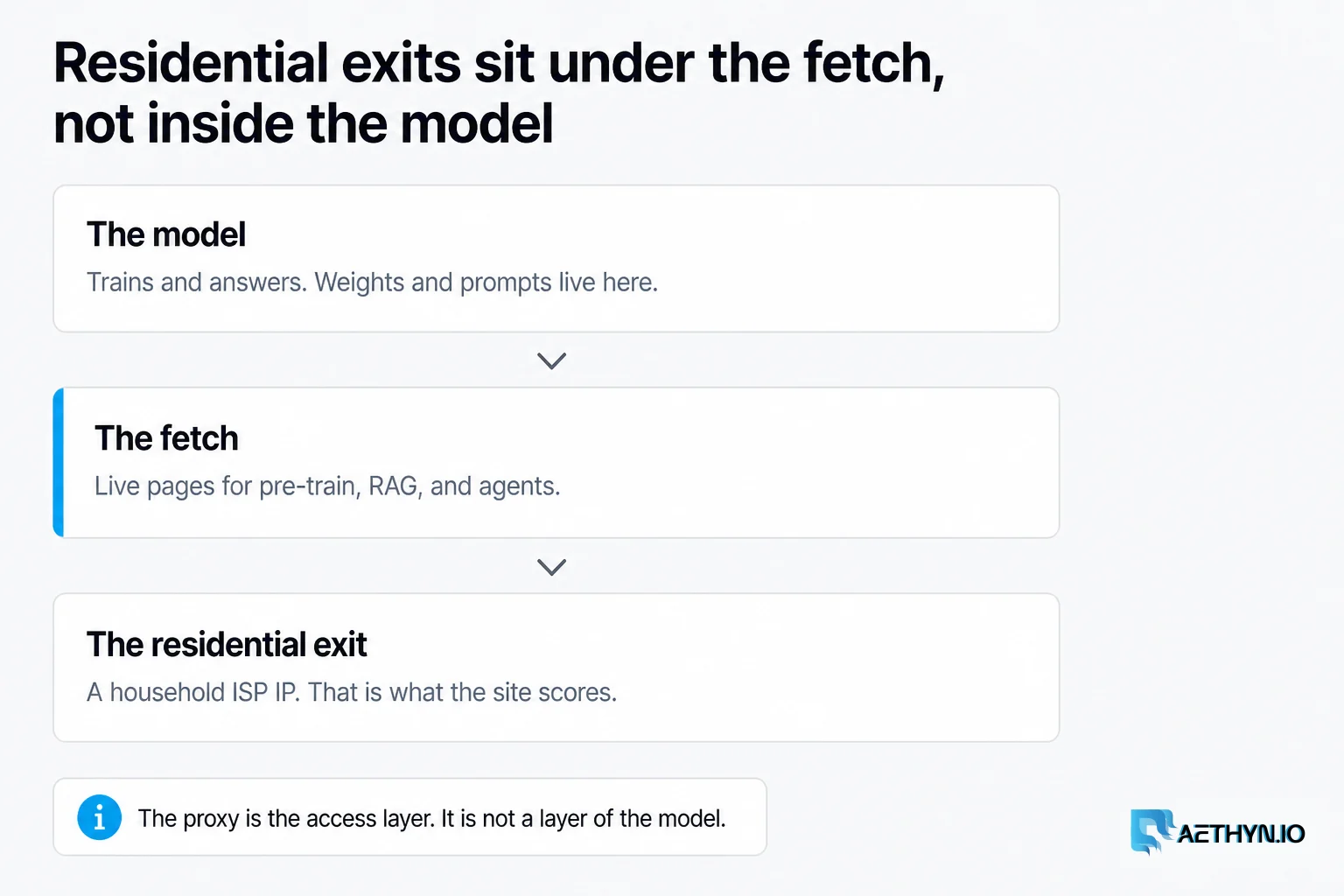
AI runs on web data, the web now defends itself with machine learning, and AI agents are becoming real traffic. A concrete, hype-free look at where residential proxies fit in the AI stack — and where they don't.
Give your agent a browser that returns clean markdown
One npx command, a residential exit your agent can choose per task, and page content the model can actually read. MIT-licensed, free trial, bring your own proxy if you prefer.