

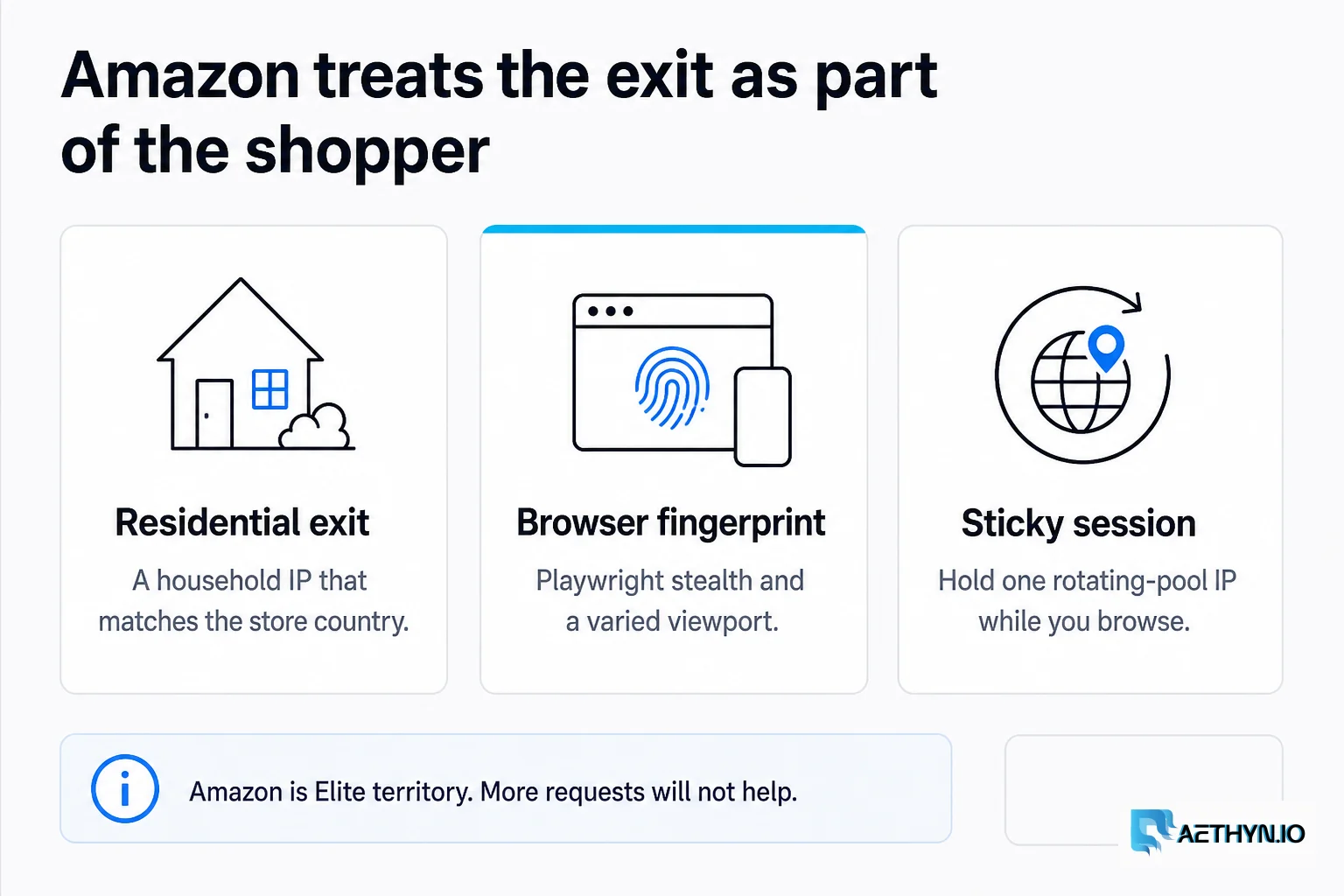
Amazon is the "Final Boss" of web scraping. Their security systems are designed to detect even the most sophisticated bots. If you're trying to scrape product data, pricing, or reviews at scale, you've likely seen the "Dogs of Amazon" page more times than you'd like.
Here is how to win the battle in 2026.
1. The Proxy Factor
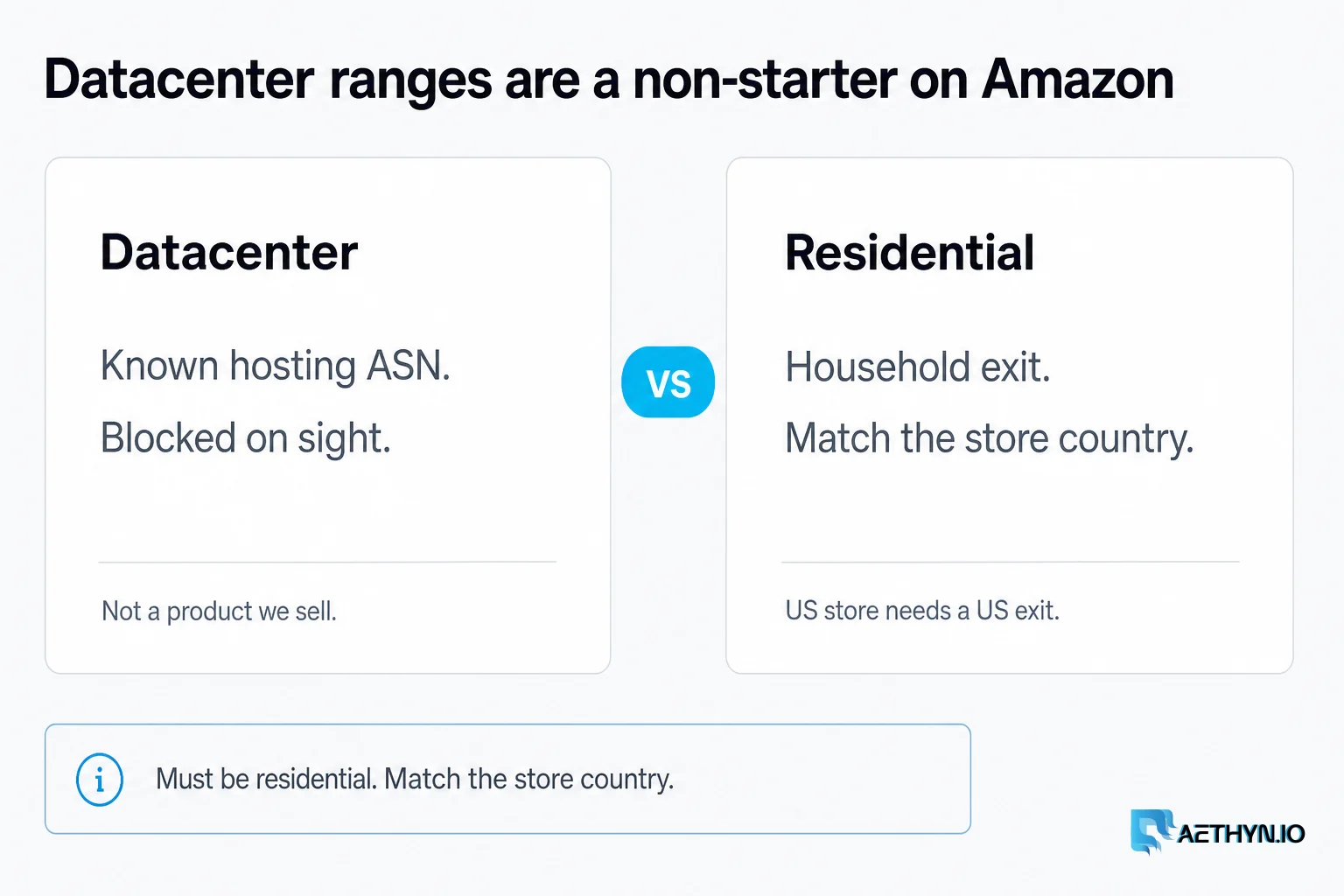
Datacenter proxies are a non-starter for Amazon. They will be blocked instantly. You must use residential proxies — we do not sell a datacenter SKU. Amazon looks for IP consistency. If you're scraping from the US store, use US-based residential IPs. Amazon is Elite territory: Premium is country and volume; Elite is the harder anti-bot pool (plus city and ISP when you need them).
2. Browser Fingerprinting
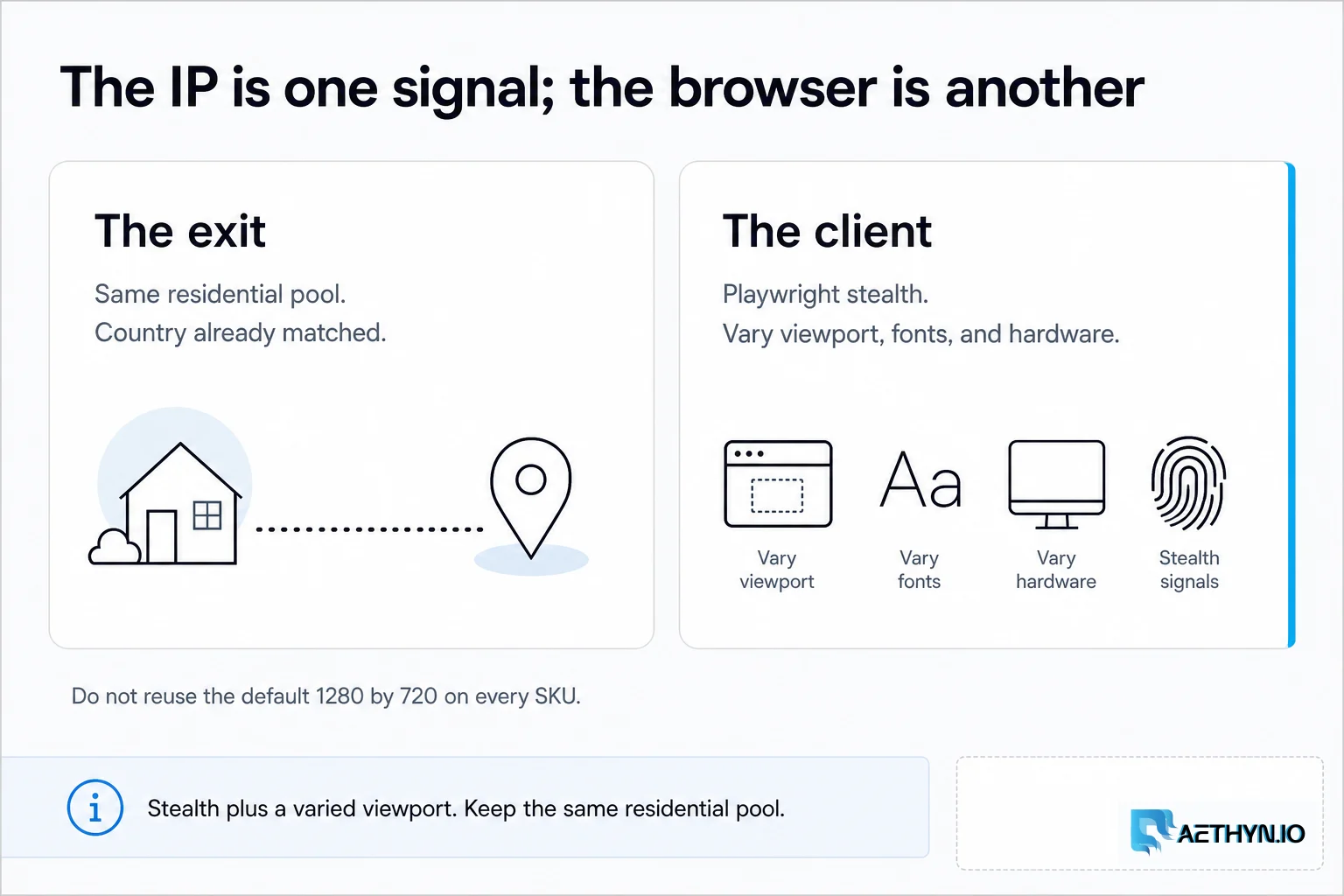
Amazon doesn't just look at your IP; they look at your hardware, your fonts, your screen resolution, and even your mouse movements.
- Use Playwright Stealth: A plugin that overrides specific browser properties to look like a real user.
- Vary Screen Sizes: Don't use the default 1280x720 for every request.
3. Handle CAPTCHAs Like a Pro
Amazon will eventually serve a CAPTCHA, no matter how good your proxies are.
- The "Warm Up" Strategy: Browse a few generic pages before hitting the product search to build trust.
- Auto-Solvers: A CAPTCHA solver is a last resort, not the plan.
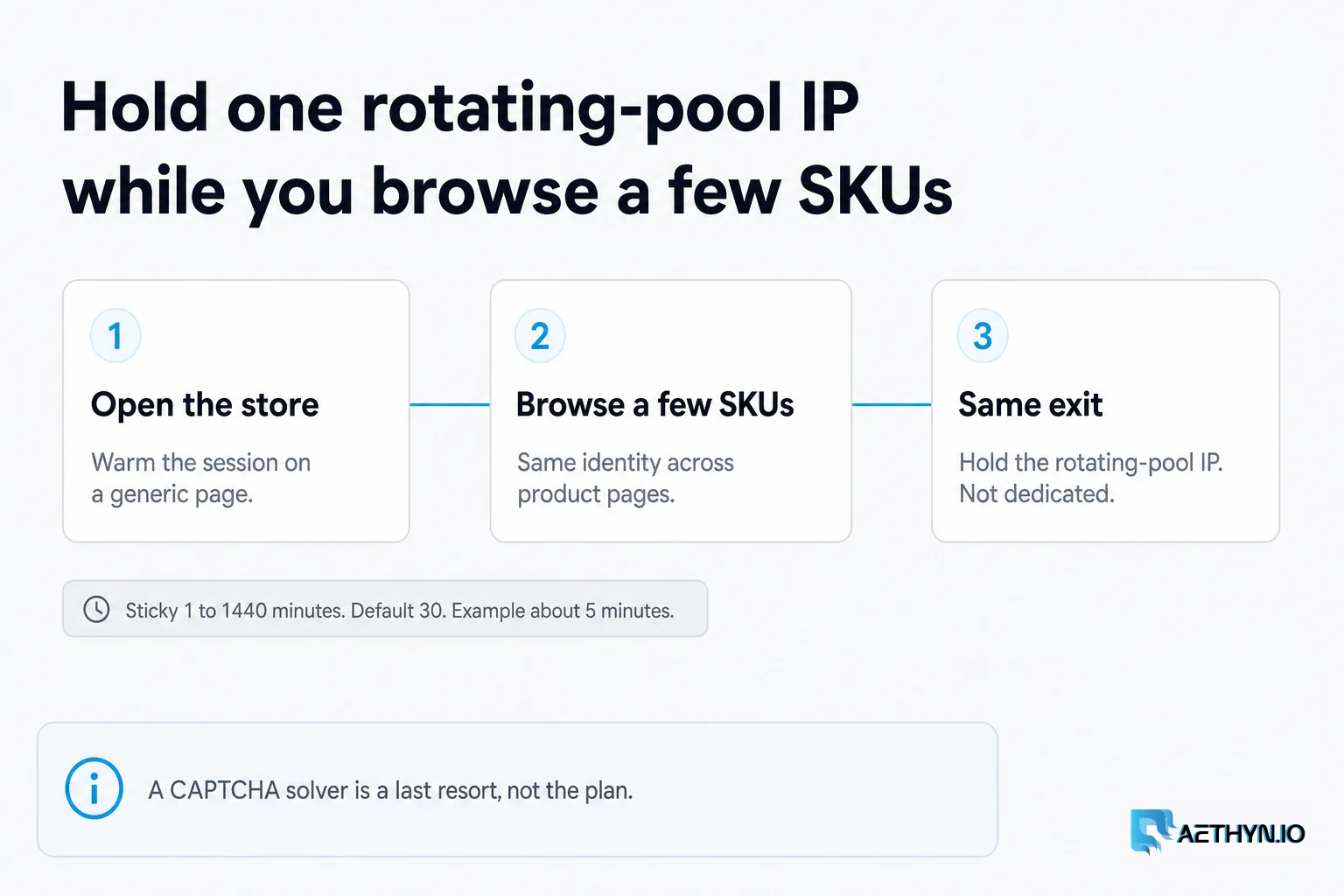
[!TIP] Amazon Tip: Use a sticky session so you hold one rotating-pool IP while you browse a few SKUs. Lifetime is 1–1440 minutes (default 30); about 5 minutes is enough for a short product browse. This is not a dedicated or static IP.
4. Header Management
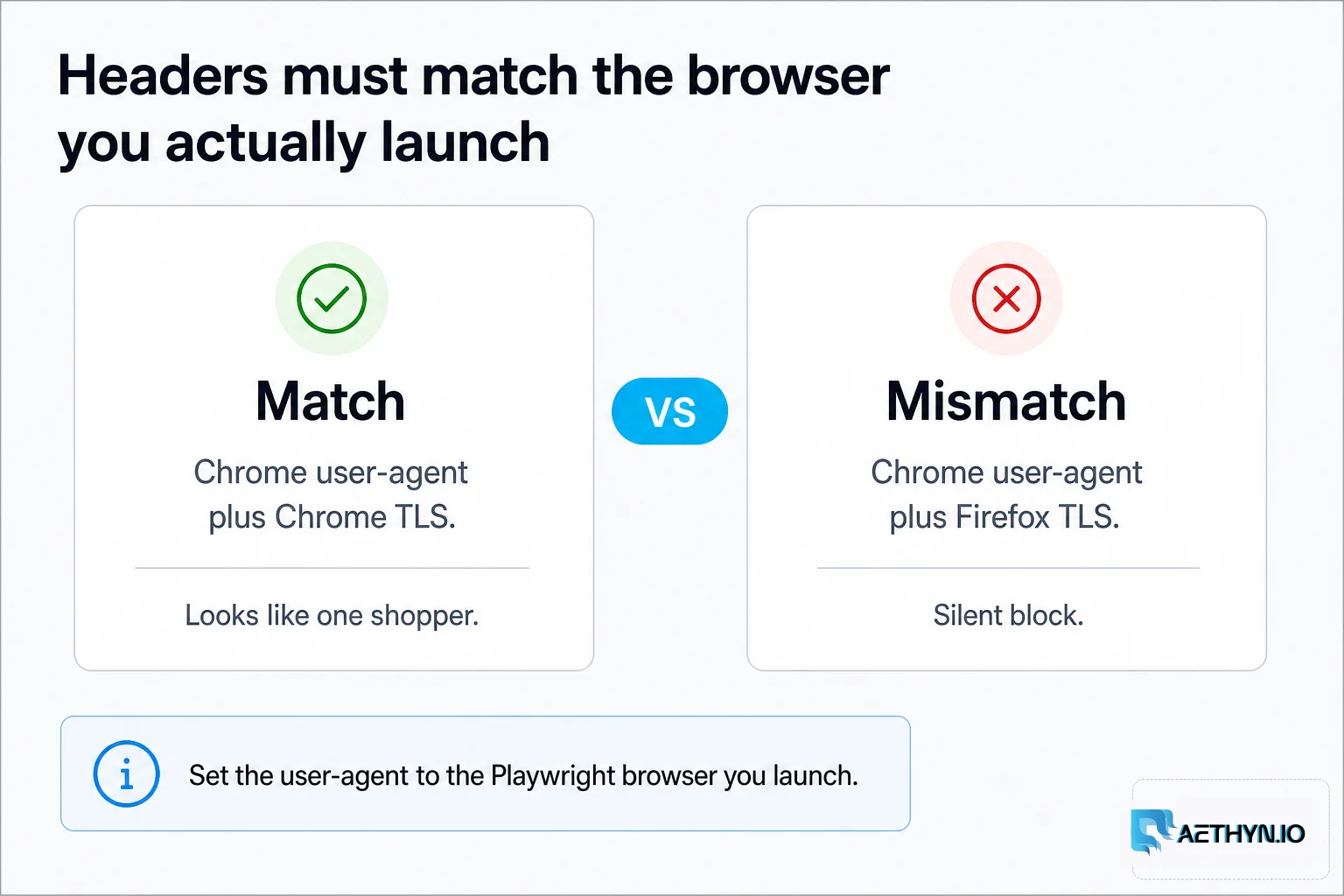
Ensure your User-Agent matches the browser you actually launch. If your headers say you're on Chrome but your TLS fingerprint says Firefox, you'll be blocked.
Guides, integrations & docs
Continue reading
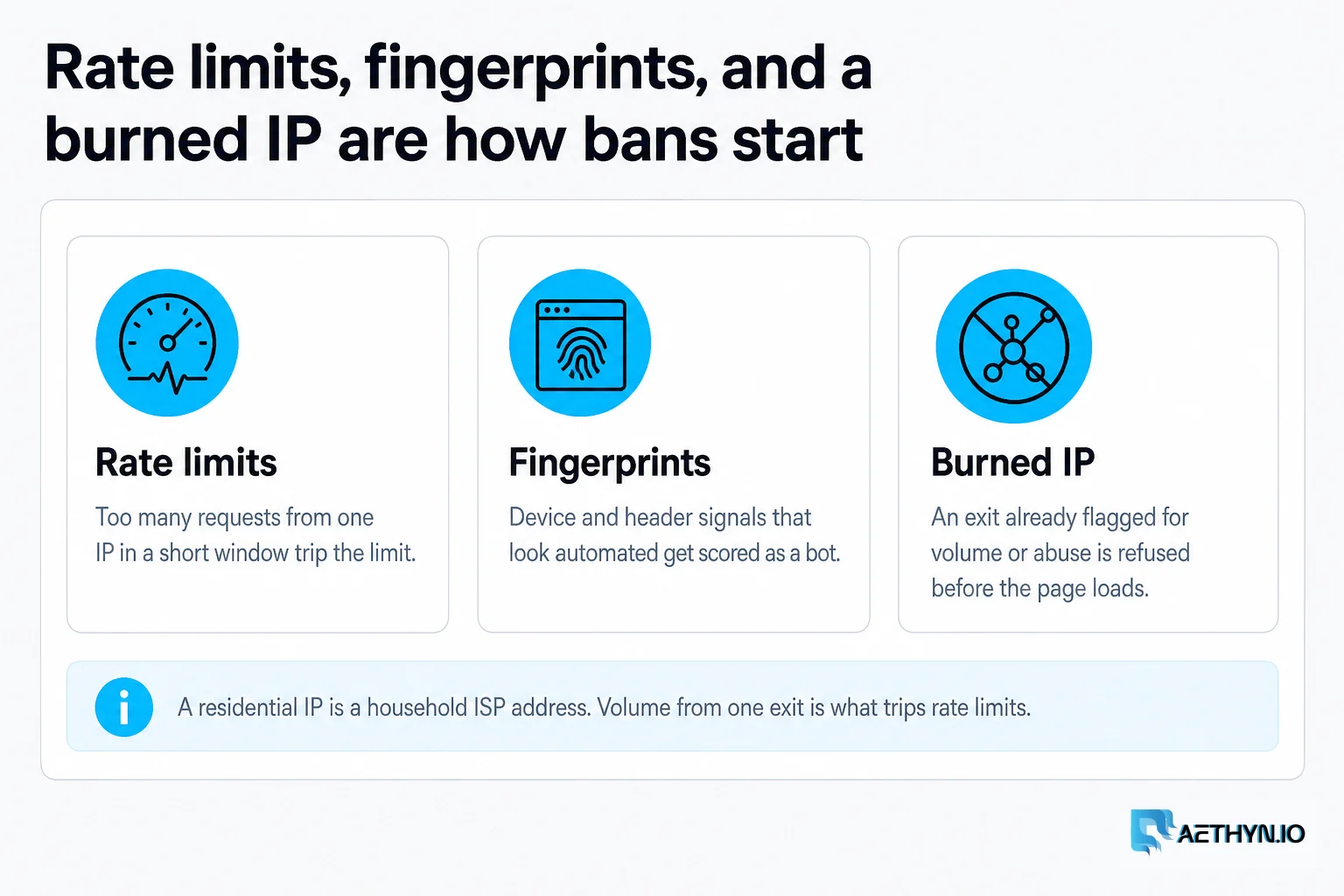
How to Avoid IP Bans Using Rotating Residential Proxies
IP bans are the enemy of automation. Learn the science of rotation and how to mimic human behavior to stay invisible on any website.
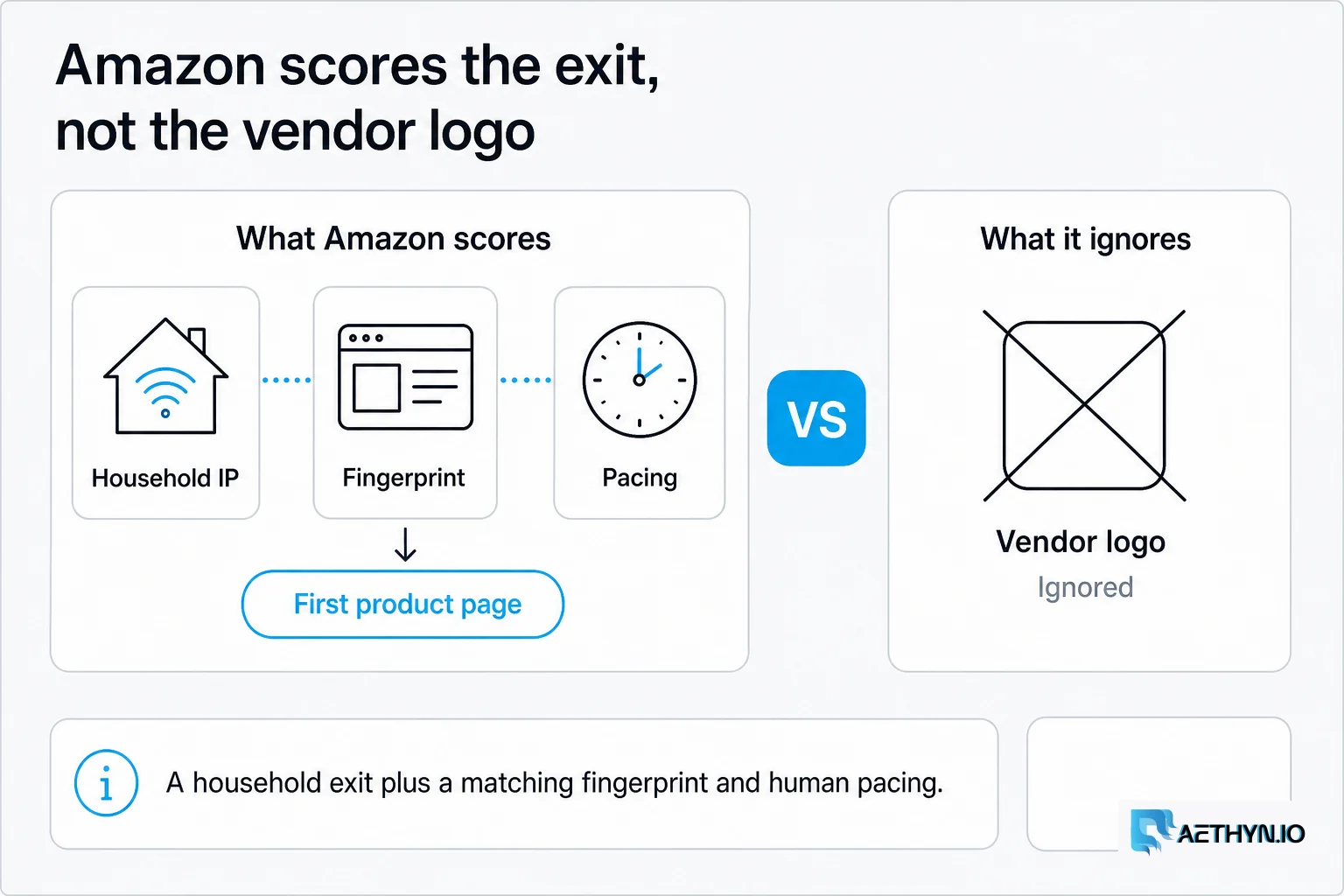
Best Rotating Proxies for Amazon Scraping in 2026
Amazon blocks datacenter and open proxies instantly. We compared 10 rotating residential providers for ASIN monitoring, Buy Box tracking, and geo-accurate pricing in 2026.
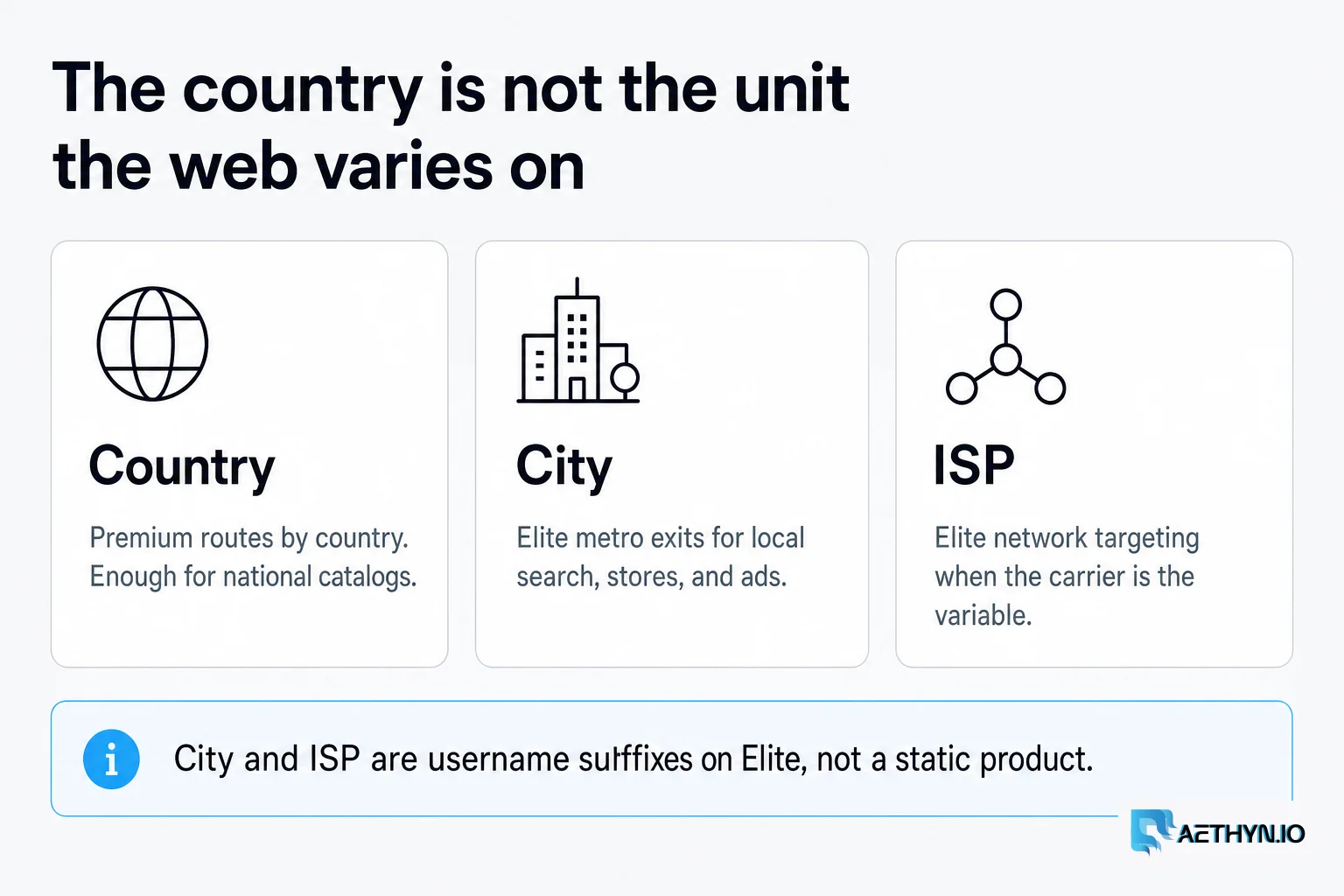
Country-Level Targeting Isn't Enough: City and ISP Proxies Explained
Country targeting fails silently. The page renders, the price parses, the row lands in your warehouse — describing a market nobody sells into. Here's when you need city or ISP granularity, when you don't, and how to prove the exit landed where you asked.
Premium or Elite residential proxies
Join developers scaling scraping and automation with Aethyn Premium and Elite pools from €2.00/GB.