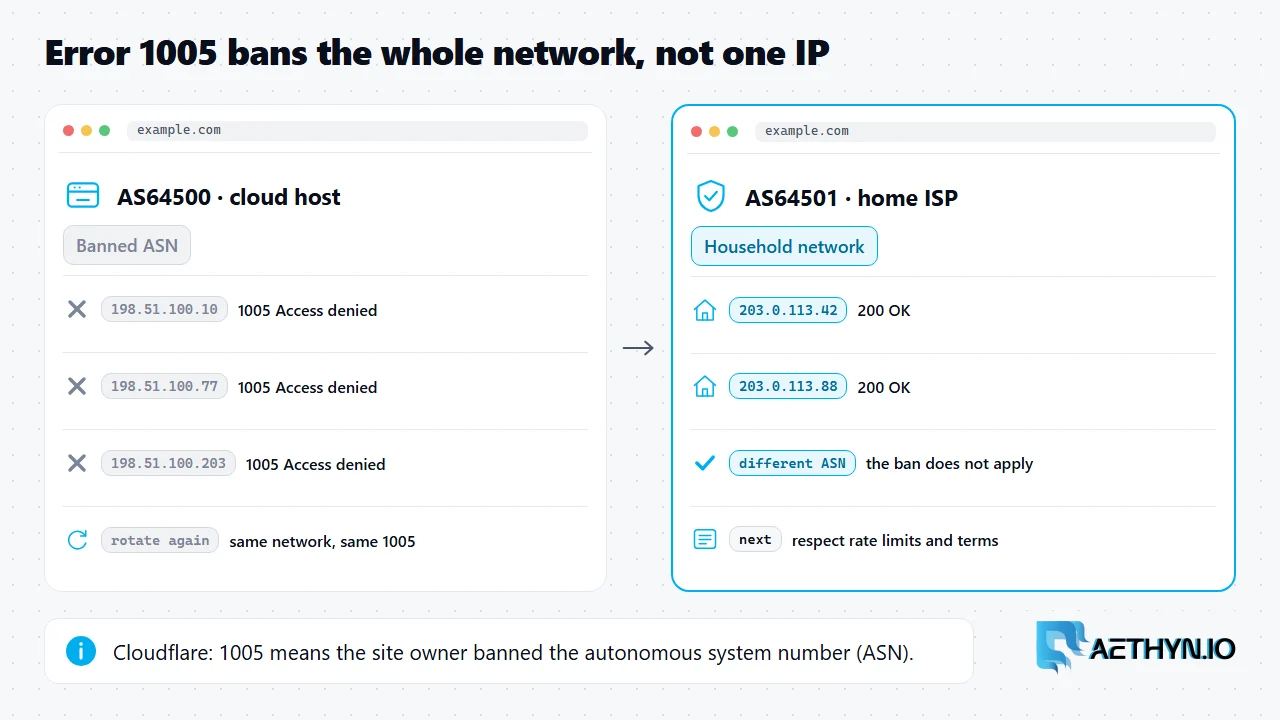
Short answer: Cloudflare error 1005 means the owner of the website has banned the network your IP address belongs to. Cloudflare's own title for it is "Access denied: Autonomous System Number (ASN) banned," and it is served with HTTP status 403. An autonomous system number identifies a whole network: a cloud provider, a hosting company or a home internet provider. Because the block is on the network rather than on one address, getting a new IP from the same provider returns the same error. That is why a scraper running on a cloud server, or on datacenter proxies from a single provider, can see 1005 on every request no matter how often it rotates. The fix is to send the request from a different network. For automated collection that usually means a residential exit, an IP that a home ISP assigned to a household. Its ASN belongs to that ISP, not to a hosting company.
1005 next to the other Cloudflare blocks
Read the error number before changing anything. Cloudflare uses several 1xxx codes, and each one blocks on something different.
| Code | Cloudflare's title | What is blocked | First change |
|---|---|---|---|
| 1005 | Access denied: ASN banned | The network your IP belongs to | Exit from a different network |
| 1010 | Banned based on your browser's signature | The client: user agent and browser checks | Fix the client, not the IP. See error 1010 |
| 1015 | You are being rate limited | Request rate | Slow down. See error 1015 |
| 1020 | Access denied | A firewall rule match | See error 1020 |
Why a new IP on the same network does not help
An ASN ban works at network level. When the site owner blocks an autonomous system, every address announced by that network is refused, whether it is the server your code runs on, a fresh cloud instance in another region, or a datacenter proxy from the same provider. Rotating proxies only help when each new exit sits on a different network. Datacenter proxy pools often share a handful of hosting ASNs, so rotation can cycle through hundreds of addresses that all carry the same banned network. A residential proxy changes the variable that matters. The exit is a household connection, so the site sees the home ISP's ASN, the same network its real visitors use. Site owners rarely ban those networks, because doing so would block their own customers. That makes a residential exit the direct fix for 1005, as long as the data you are collecting is allowed by the site's terms.
Check what you are getting
The script below requests a page through a Premium residential exit and reads the response. Cloudflare's block page splits "Error" and the code number into separate HTML tags, and non-browser clients often get a plain error code: 1005 body instead, so the helper strips tags before matching.
Code Snippetimport re

import requests

proxy = "http://aethyn-XXXXX-country-us:PASSWORD@proxy.aethyn.io:2099"
proxies = {"http": proxy, "https": proxy}


def cloudflare_code(resp):
    """Return the Cloudflare 1xxx code on a block page, or None."""
    if resp.status_code != 403 or "cloudflare" not in resp.headers.get("Server", "").lower():
        return None
    text = re.sub(r"<[^>]+>", " ", resp.text)  # block pages split "Error" and the code
    match = re.search(r"error\s*(?:code:?\s*)?(10\d\d)", text, re.I)
    return match.group(1) if match else None


r = requests.get("https://example.com/", proxies=proxies, timeout=30)
code = cloudflare_code(r)
if code == "1005":
    print("ASN banned: the network you exit from is blocked")
elif code == "1010":
    print("Browser signature banned: fix the client, not the IP")
elif code:
    print(f"Cloudflare error {code}")
else:
    print(r.status_code, "no Cloudflare 1xxx block")
The code on this page was run on November 22, 2026 against a local stand-in proxy that checks the login (Chromium 149, requests 2.34, Selenium 4.53, Puppeteer 25.18), not against live targets or the Aethyn gateway. Replace aethyn-XXXXX and PASSWORD with your own credentials.
If you own the site
If your visitors report 1005, Cloudflare's guidance for owners is to ask for a screenshot of the error, search Security, then Events, for the Ray ID or client IP it shows, assess why the request was blocked, and make sure the ASN is allowed under IP Access Rules. Convert the timestamp on the error page from UTC before searching.
Where Aethyn fits
Aethyn sells residential proxies only. Premium routes requests through household ISP networks by country. Elite adds city and ISP targeting for stricter targets. Neither tier changes how often you request a page, so respect the site's rate limits and terms after the network block is gone.
Cloudflare error 1005 questions
What does Cloudflare error 1005 mean?
Will rotating to a new IP fix error 1005?
Can I fix Cloudflare 1005 as a visitor?
How do I fix error 1005 on my own Cloudflare site?
Guides, integrations & docs
Continue reading
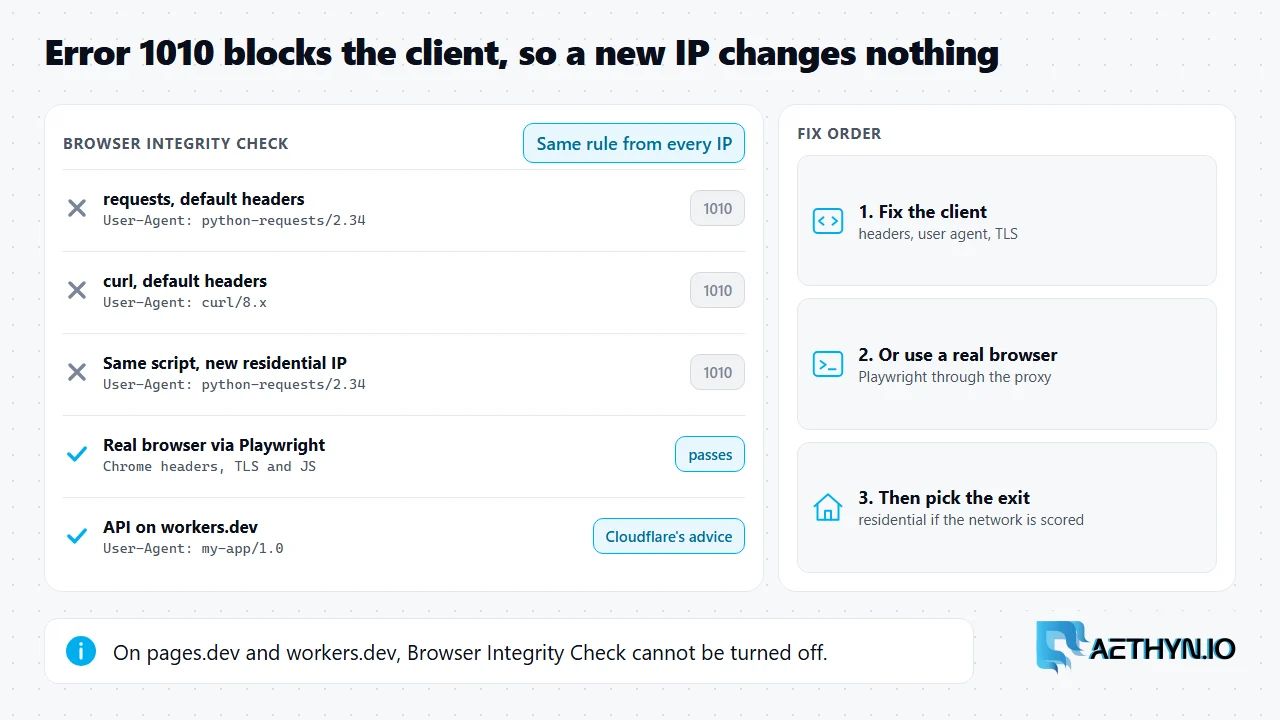
Cloudflare Error 1010: Browser Signature Banned, and Why a New IP Won't Fix It
Cloudflare error 1010 means the site blocked your client's browser signature, often through Browser Integrity Check. The block is on the client, so changing proxies alone does not clear it.
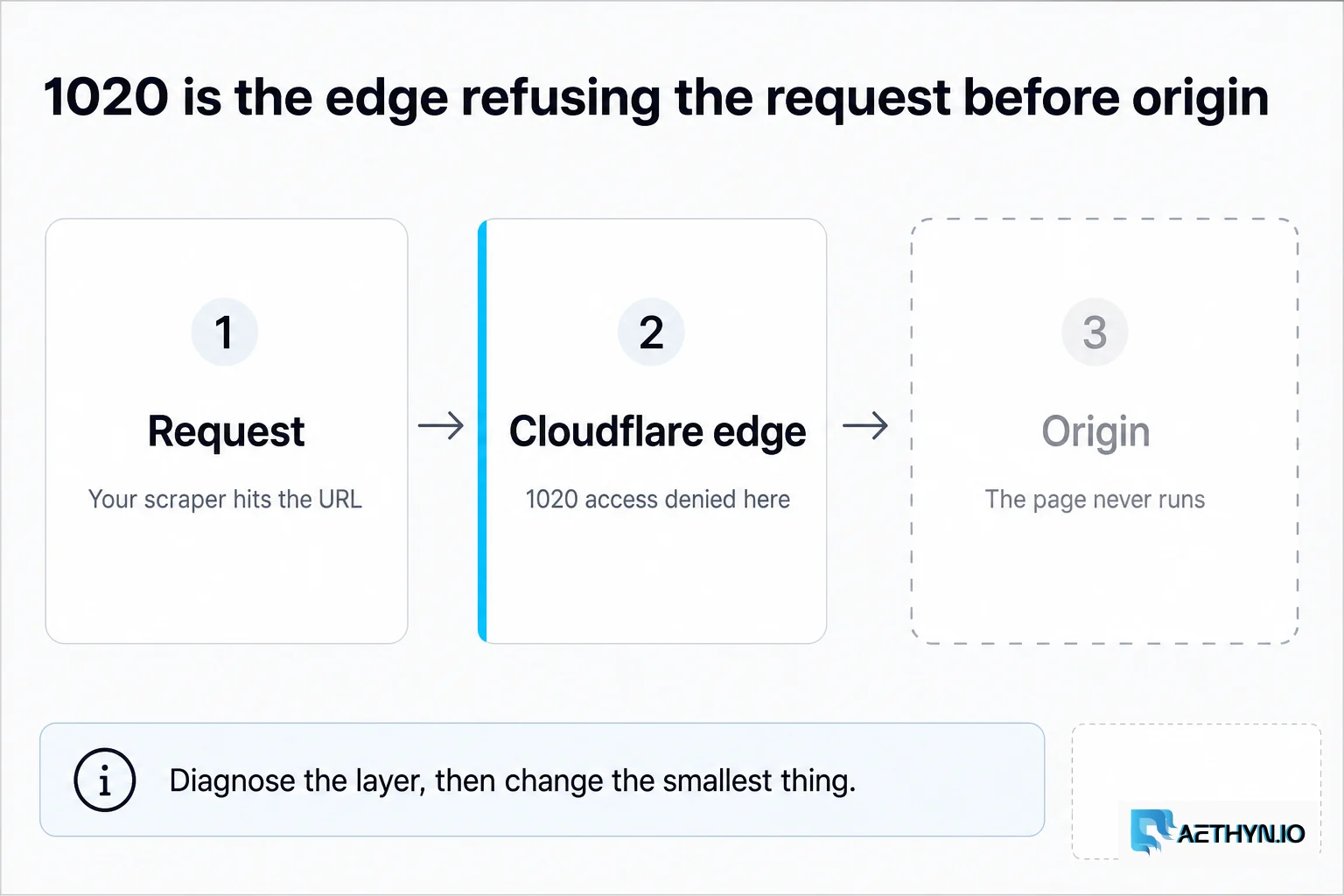
How to Fix Cloudflare Error 1020 When Scraping (2026 Guide)
Cloudflare error 1020 means access denied — usually IP reputation, TLS fingerprint, or behavior scoring. Here is a practical fix order for scrapers in 2026.
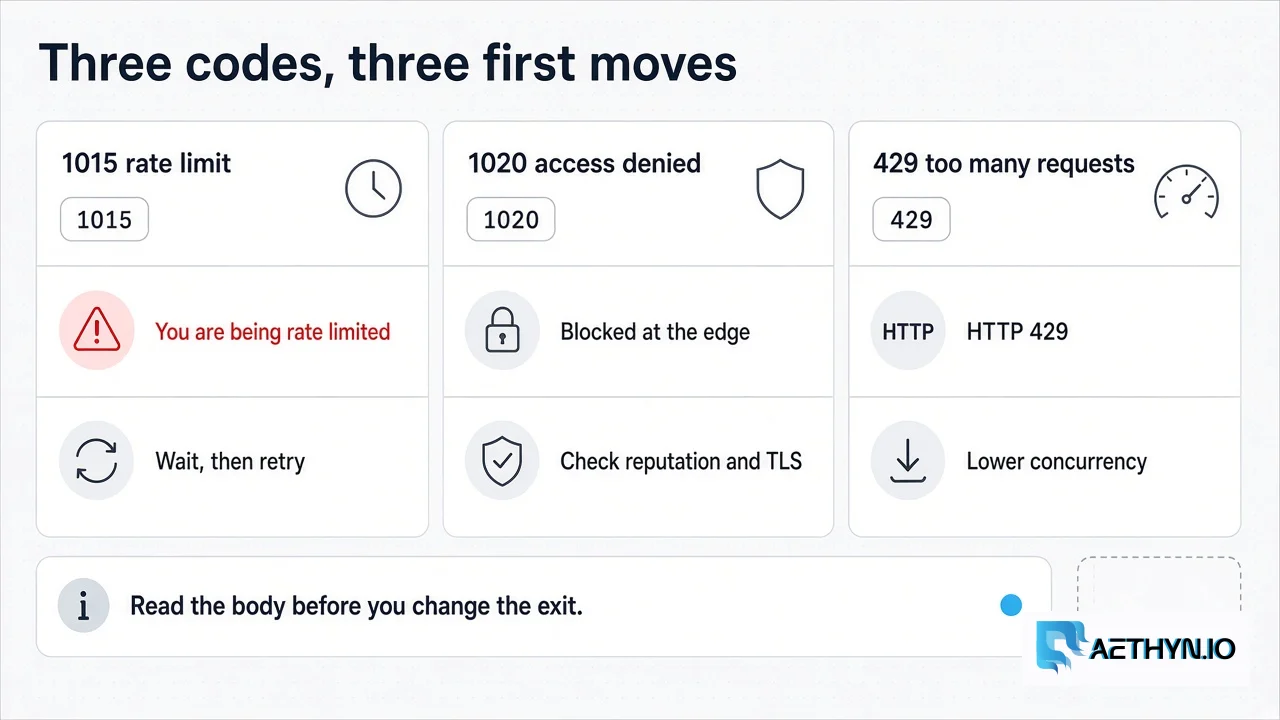
How to Fix Cloudflare Error 1015 When Scraping (2026)
Cloudflare error 1015 means the site owner’s rate limit blocked the client. A new IP does not always clear it. Pace the requests and back off.
Exit from a household network
Premium routes through household ISP networks by country, from €2.00/GB. Elite adds city and ISP targeting, from €4.50/GB.