

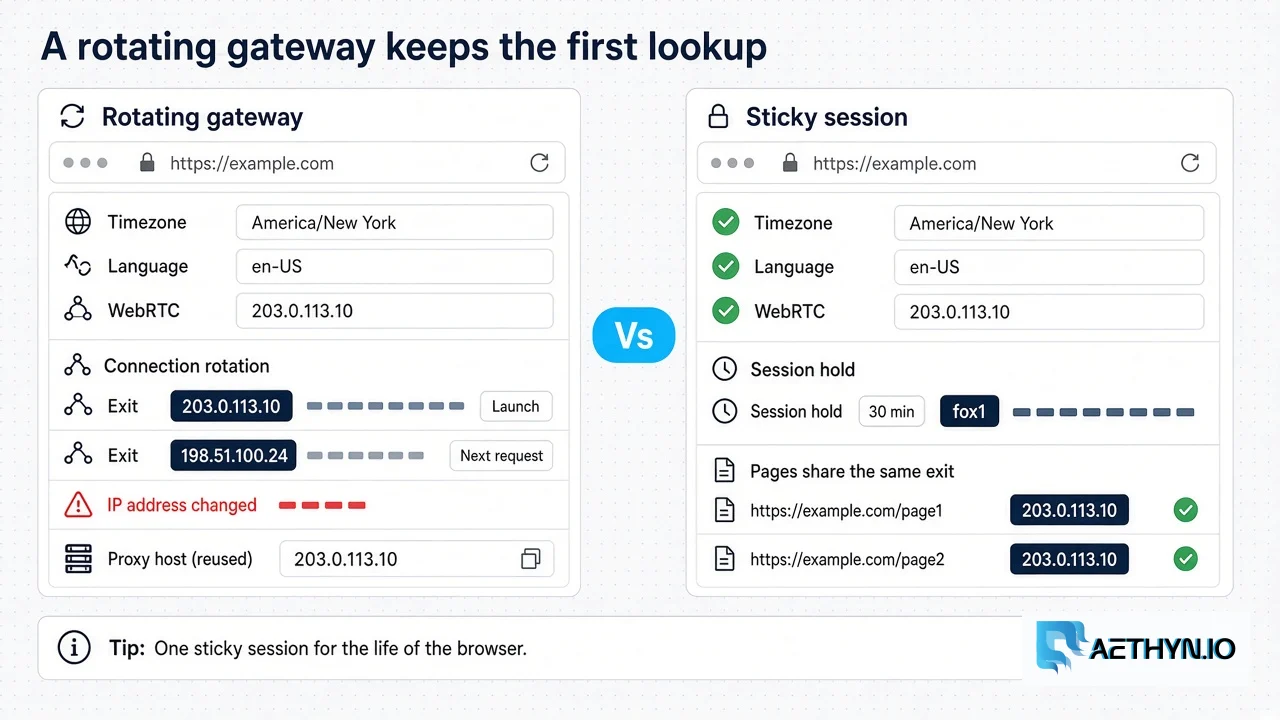
A Camoufox proxy is the Playwright-style proxy dict you pass when the browser launches, plus geoip=True. Camoufox’s geoip page says the flag, or an explicit target IP, uses that IP’s longitude, latitude, timezone, country, and locale, spoofs the WebRTC address, and picks a browser language from the distribution of speakers in the region. Those values are configured at launch. The page does not describe updating them while the browser is already running, and it does not document a fallback if the lookup fails. Checked against that page on 10 October 2026.
The dict has three keys: server, username, and password. The login does not belong inside the server URL. Keeping the hostname at proxy.aethyn.io does not keep the household IP. The session id on the username is what holds the exit that geoip just read. The handshake itself is covered in TLS fingerprinting for scrapers. Launch versus context on stock Playwright is the Playwright residential guide.
Quick setup
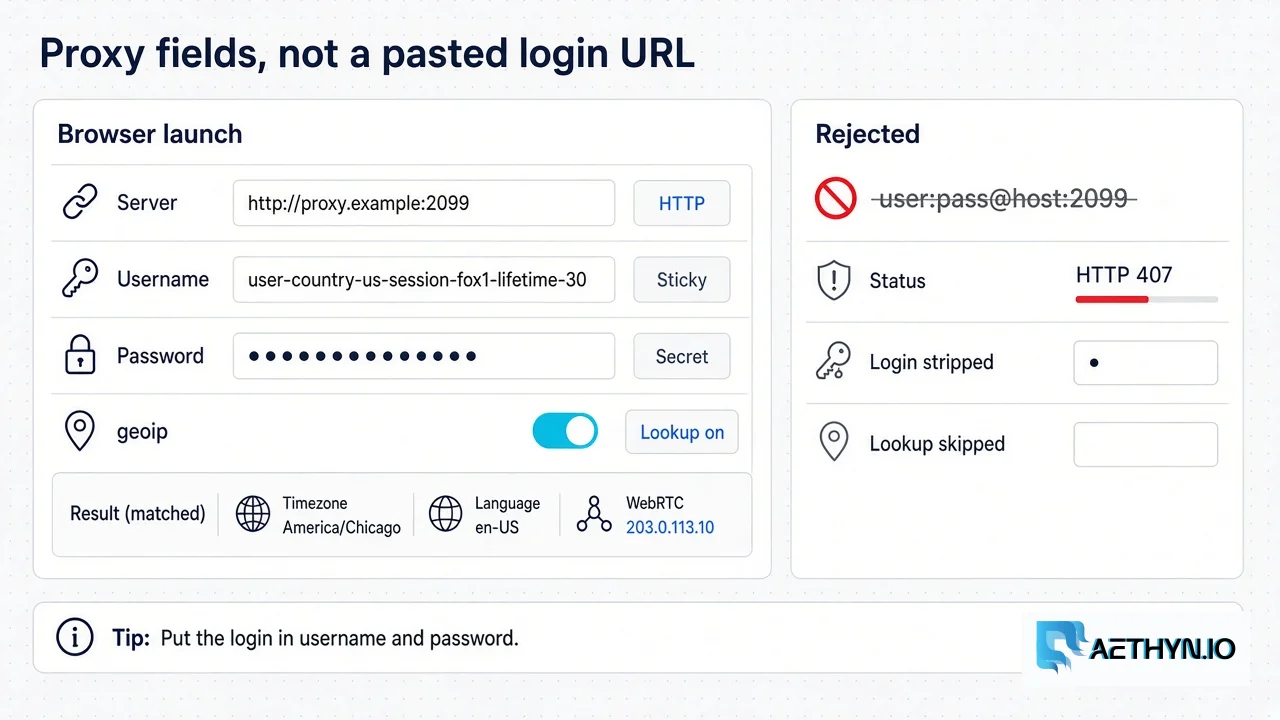
Install the extra that downloads the lookup database, then launch with an HTTP proxy. Premium is proxy.aethyn.io:2099. Elite is port 5499 when the username needs a supported city or ISP. Replace aethyn-XXXXX and PASSWORD from the dashboard.
Code Snippetpip install -U "camoufox[geoip]"
Code Snippetfrom camoufox.sync_api import Camoufox

with Camoufox(
    geoip=True,
    proxy={
        "server": "http://proxy.aethyn.io:2099",
        "username": "aethyn-XXXXX-country-us-session-fox1-lifetime-30",
        "password": "PASSWORD",
    },
) as browser:
    page = browser.new_page()
    page.goto("https://api.ipify.org")
    print(page.content())
Camoufox documents this shape with an http:// server. Keep that. Authenticated SOCKS5 is a known Chromium Playwright limit. Camoufox is a Firefox build, and this page does not claim that build accepts or rejects SOCKS5 authentication. The ports, if you need them later, are on the protocol list.
Verify the exit
Read the IP page before the real target. The country in that response should be the country on the username. If it is not, close the browser and launch again with a different session id. Do not continue into the target on a lookup that already disagrees with the job.
One browser, one sticky session
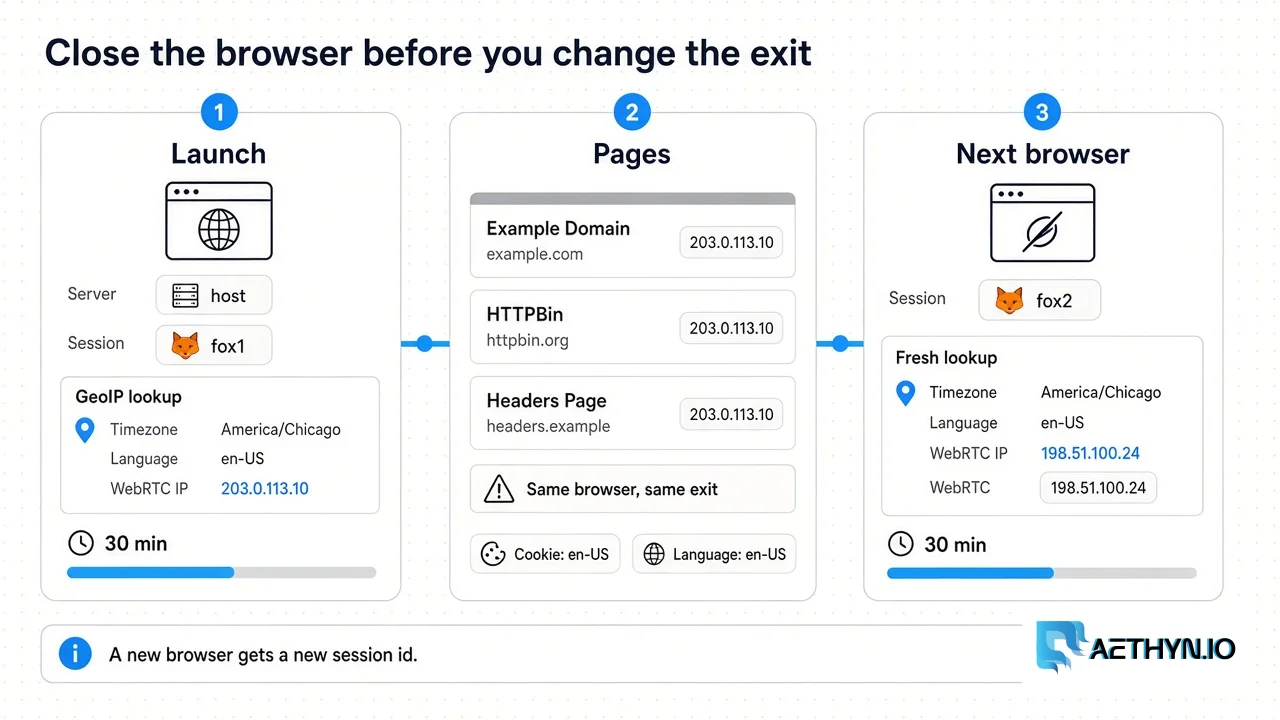
A new browser launch is a new browser identity. The proxy exit depends on the session token in the username. Use a new session id when you need a separate exit, and keep the previous id’s lifetime in mind: reusing a session id inside its sticky window can return the same exit IP. That reuse is the right retry for the same job and the wrong identity for a second one. Omitting -session- asks the gateway for a fresh exit on the next connection. That is the rotation to keep out of a browser that has already taken its geoip snapshot.
Open the browser, let geoip run, then do the pages that belong to that identity inside the with block. Pagination, a consent click, and a second URL on the same site stay there so cookies and the looked-up WebRTC address stay on one household. When the identity is finished, leave the block. That closes the browser. The next identity is another Camoufox(...) call with -session-fox1 changed to -session-fox2.
On Aethyn the hold is 1–1440 minutes, and the default is 30 if you omit -lifetime-N. Encode it on the username and make it at least as long as the browser stays open. Sticky residential proxies are a hold on a rotating-pool IP, not a dedicated static address. The targeting docs pin an exit only inside that window. When the lifetime expires, the next connection on that session id can draw a new household. The open browser still has the first timezone, language, and WebRTC address. Close it and start a new lookup. Do not assume the IP stays nailed up after the timer.
City and ISP tokens belong on Elite, and only when the targeting reference says the token is supported. Premium is country. On Elite, a city that does not match falls back to the country. Check targeting before you promise a metro in the scraper.
Timezone, language, and WebRTC
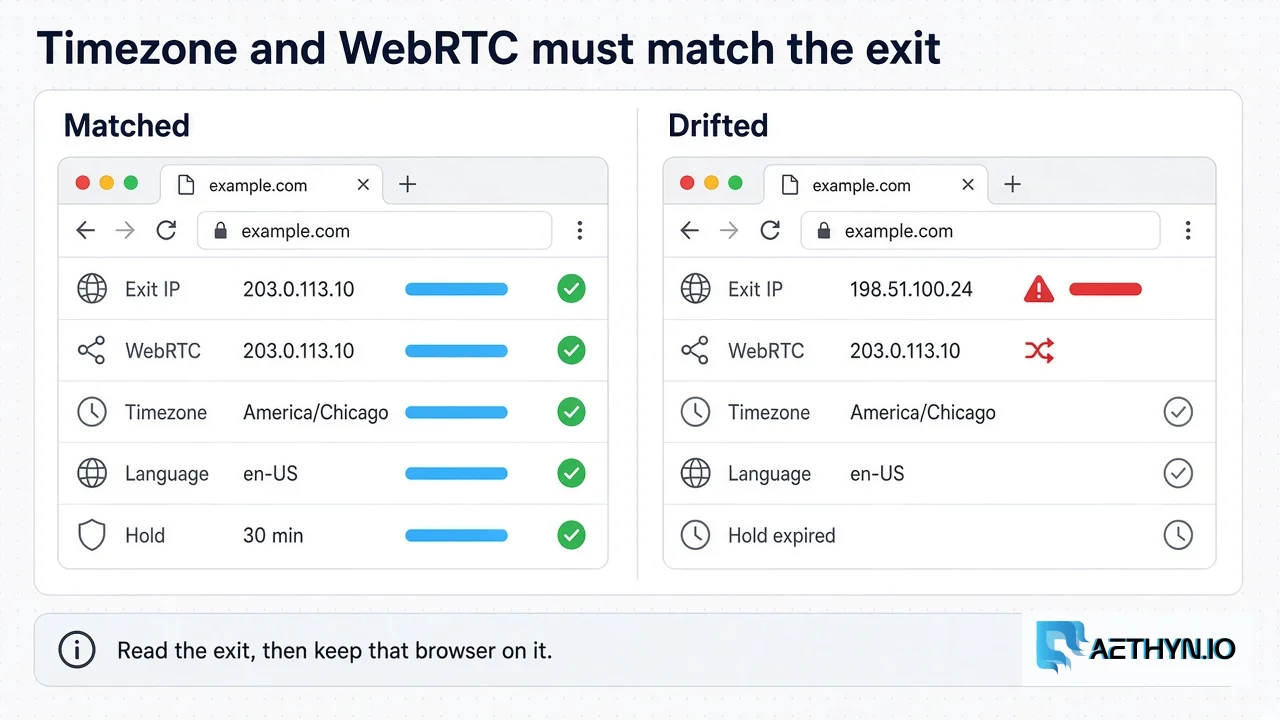
Some bot-management systems may compare network and browser signals, including IP geolocation, timezone, language, and WebRTC-related information. A mismatch can contribute to an inconsistent browser identity. Which signals are used, and how much they matter, varies by destination. A US exit with a browser still configured for another region is that kind of mismatch. It is a different signal from a datacenter ASN, and a mismatch on its own is not proof the destination will block the session.
geoip is supposed to derive the coordinates, timezone, locale, and WebRTC address from the IP it was shown, and to choose a language from speakers in that region rather than from one fixed locale. It can only do that for the IP it saw at launch. If you also pass a locale or timezone, it has to be the place the sticky exit actually is. Guessing America/New_York on a Chicago exit fights the lookup. Let geoip read the exit, then leave those fields alone for that browser.
The published geoip page does not document what Camoufox does when the lookup fails. If the launch does not produce an exit you can read, treat it as a failed start and launch again. Do not fill the gap with a guessed timezone.
This does not clear a managed challenge or a Turnstile widget. A residential exit changes the IP the site scores. It does not execute a challenge for you. If the document comes back 200 and the body is a block page, classify it. That failure mode is Playwright’s silent 403, and it happens on Camoufox for the same reason: the browser loaded a document, and the document was not the page.
What to check when it fails
| What you see | Likely cause | What to change |
|---|---|---|
| 407 | Login pasted into server | username and password keys only |
| Timezone and WebRTC disagree with the IP page | Exit changed after launch, or the sticky lifetime ended under an open browser | New browser, a session id you choose, and -lifetime- long enough for the job |
| Country is wrong before the target loads | Session id reused from another job, or no country on the username | A new session id and -country- |
| 200 and a challenge body | IP reputation or a real challenge | Classify the body. Try Elite if Premium is what the target is scoring. Elite is not a guarantee. Do not add a solver on this page |
Change one thing and read the exit again. Public pages only. This guide does not teach CAPTCHA solving.
Premium residential is the country pool. Elite is the pool with city and ISP targeting when the target scores the exit. Prices are on /pricing.
Camoufox proxy questions
How do I set a proxy in Camoufox?
Should Camoufox use a rotating residential proxy?
How long can the sticky session last?
Does Camoufox need Elite or Premium?
Guides, integrations & docs
Continue reading
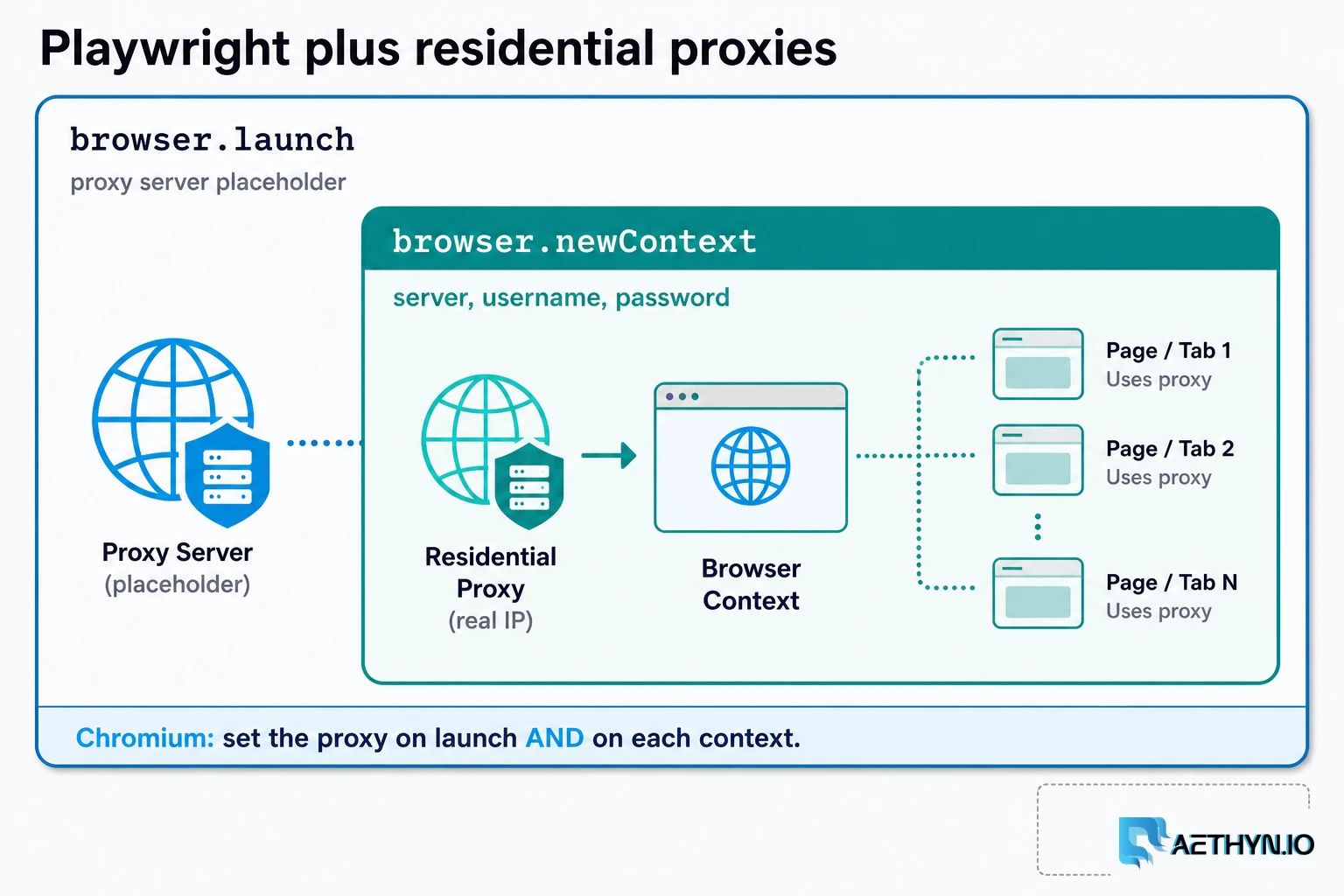
How to Use Residential Proxies with Playwright (2026)
A Playwright residential proxy is a browser context whose traffic exits through an ISP-assigned household IP. Credentials go in fields, rotation is a new context, and locale must match the exit.
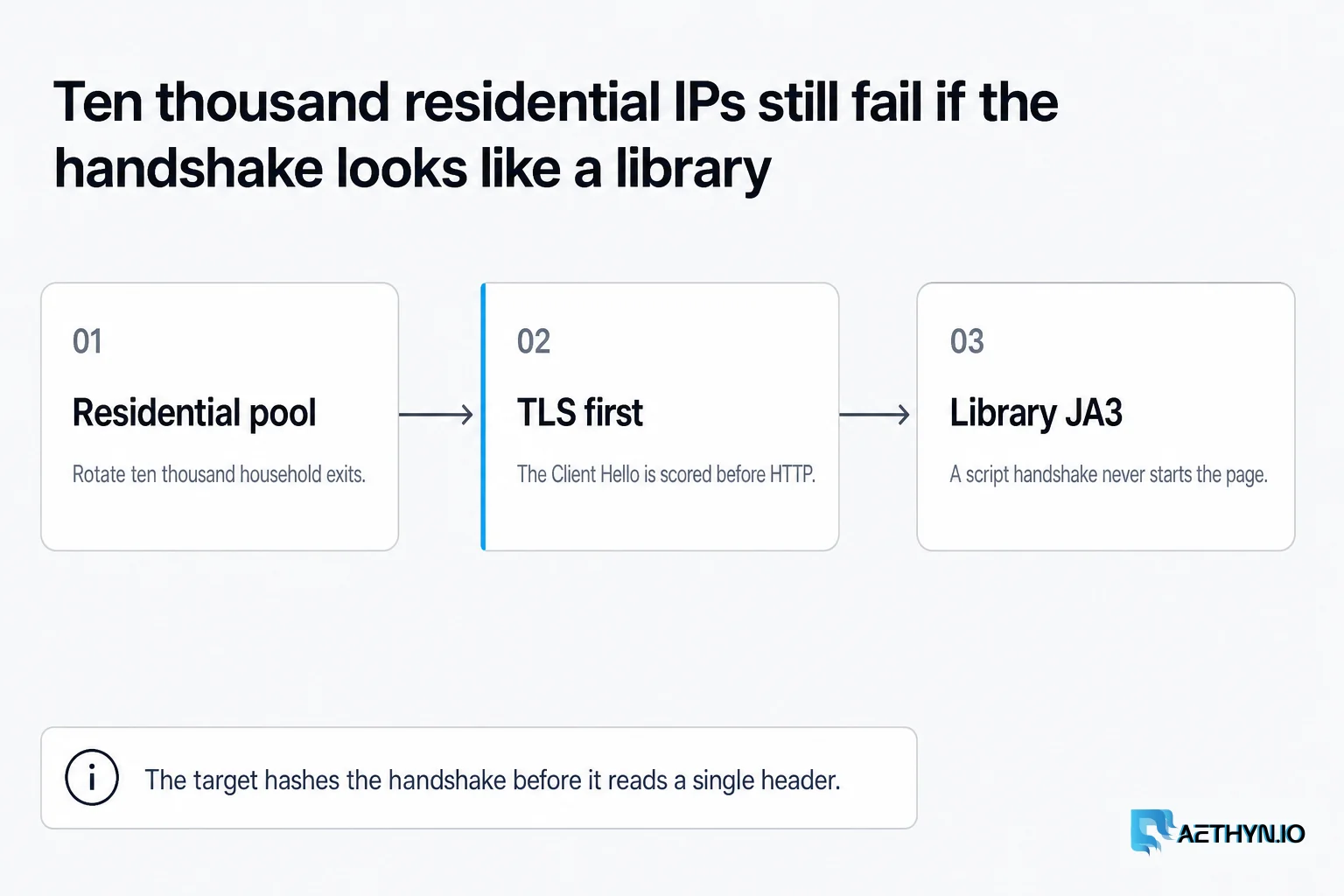
TLS Fingerprinting (JA3/JA4) Explained for Web Scrapers (2026)
Anti-bot systems fingerprint your TLS handshake — not just your IP. Learn what JA3 and JA4 measure and how to pass checks with browsers and Elite residential proxies.
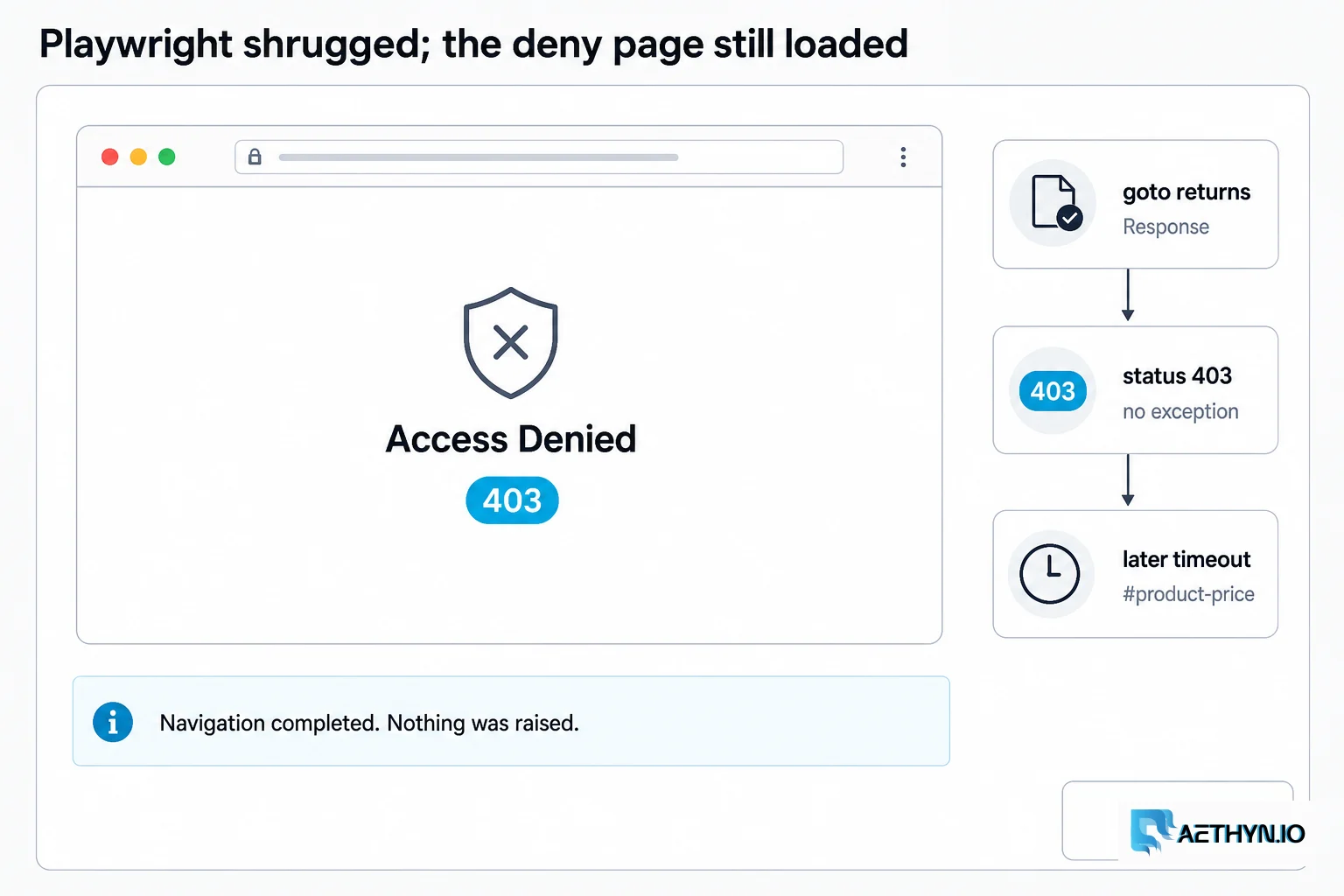
Playwright Silent 403: Your Scraper Was Blocked Quietly
Playwright page.goto returns status 403 and raises nothing; Selenium is quieter still. Build an explicit classify step so anti-bot pages stop looking like missing selectors.
Hold one household exit for the whole browser
Premium HTTP 2099 for country volume. Elite 5499 when the target scores the exit. Sticky 1–1440 minutes in the username. Free trial, no card.